
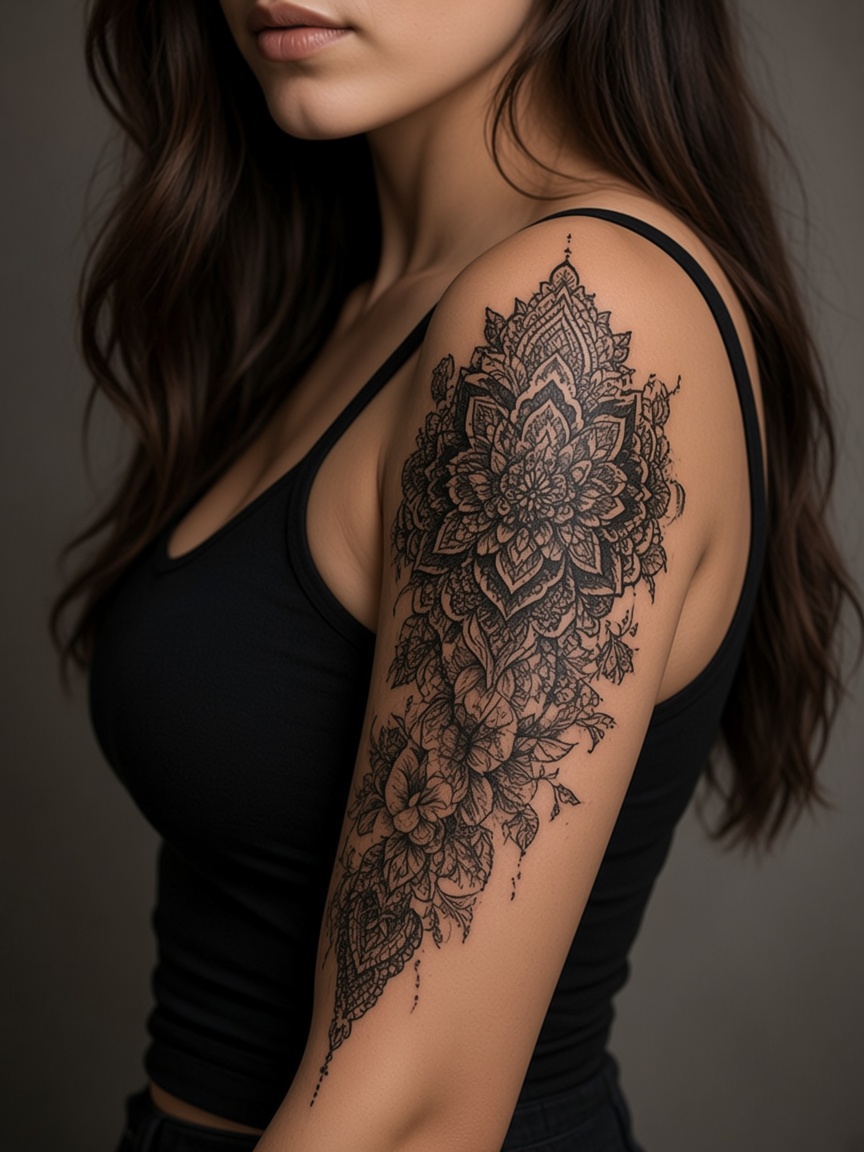
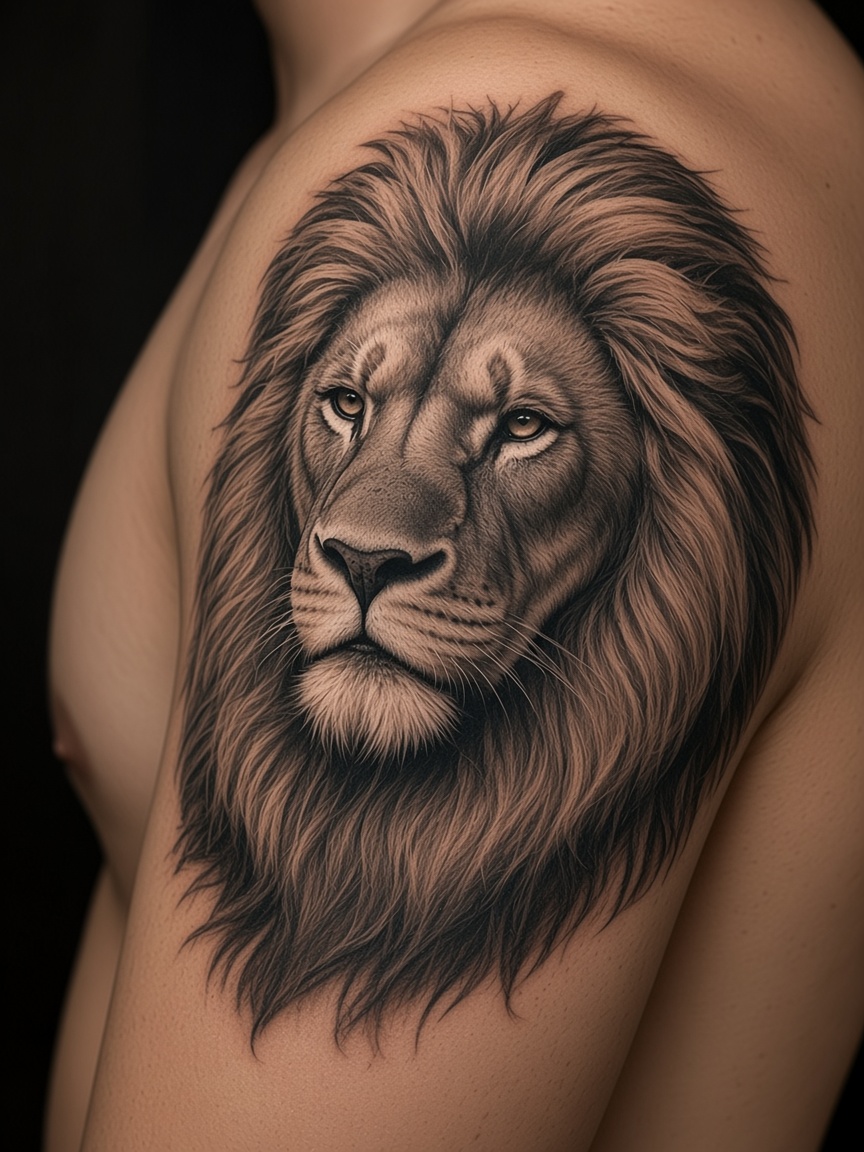
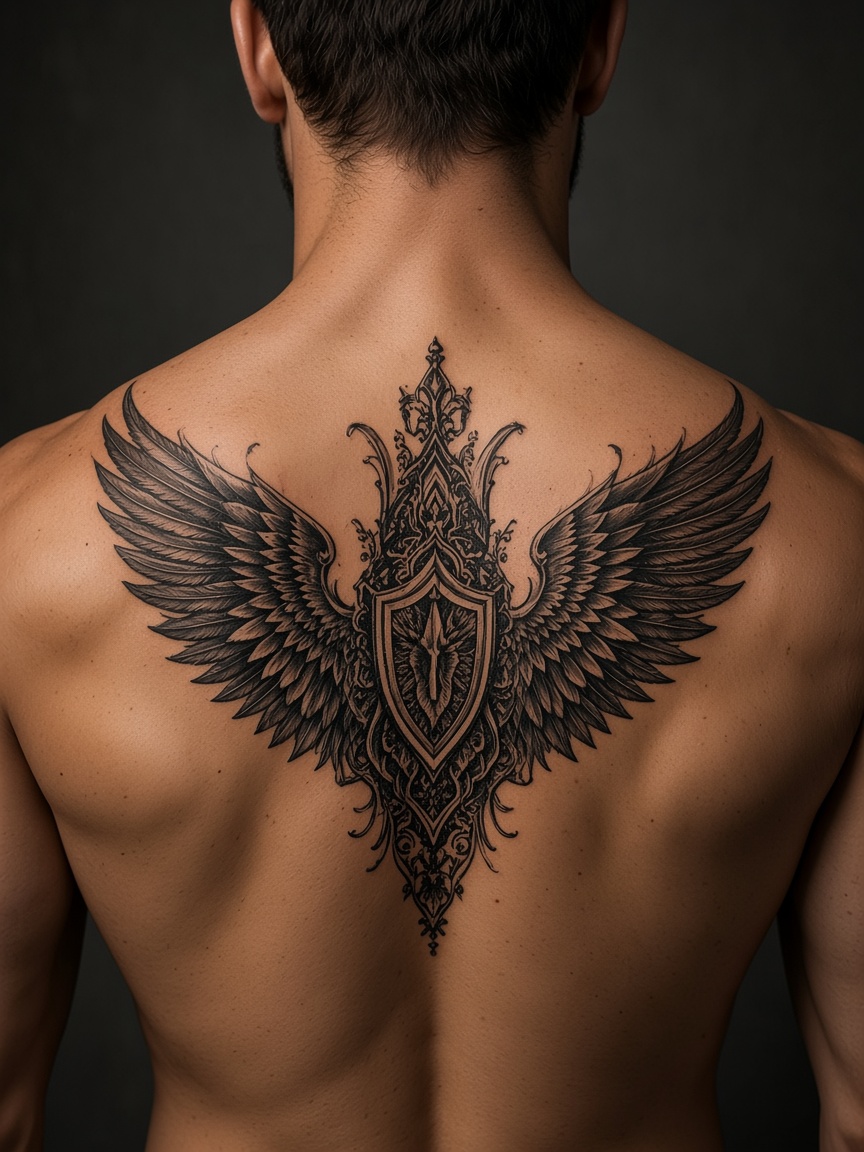
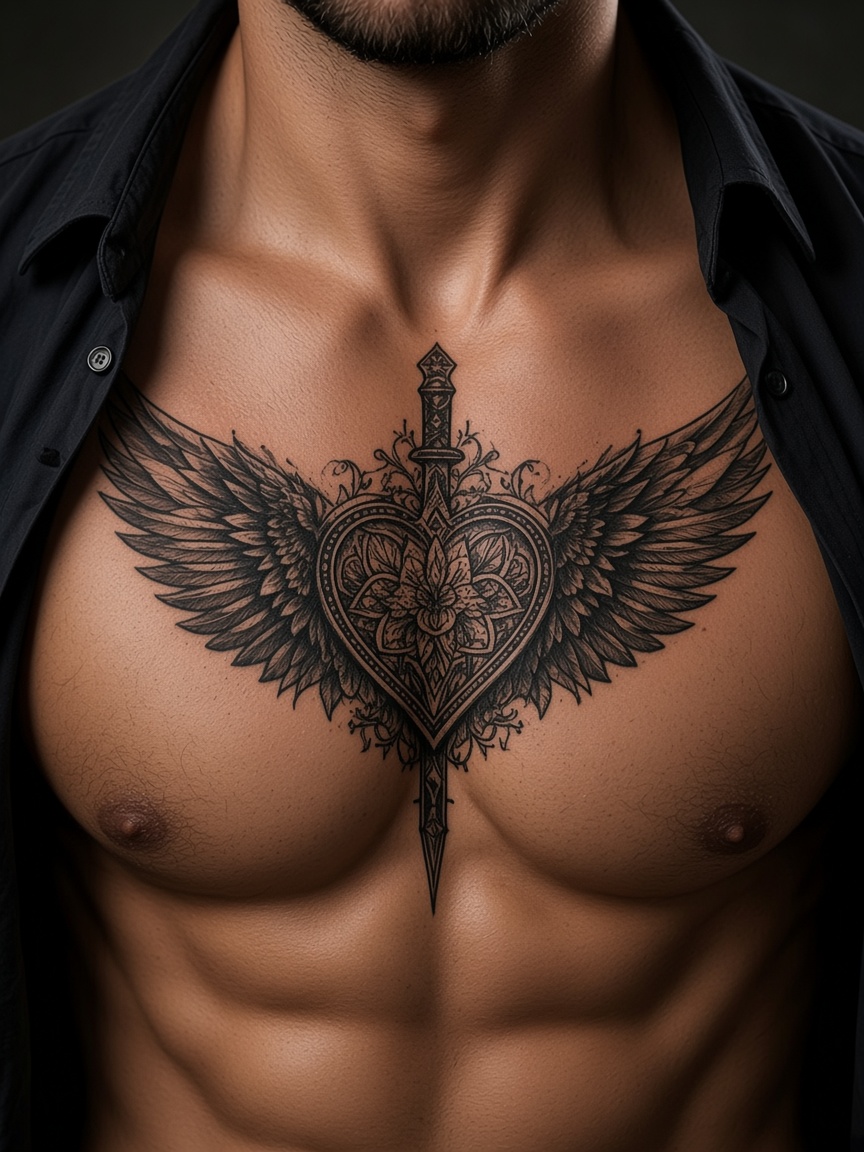
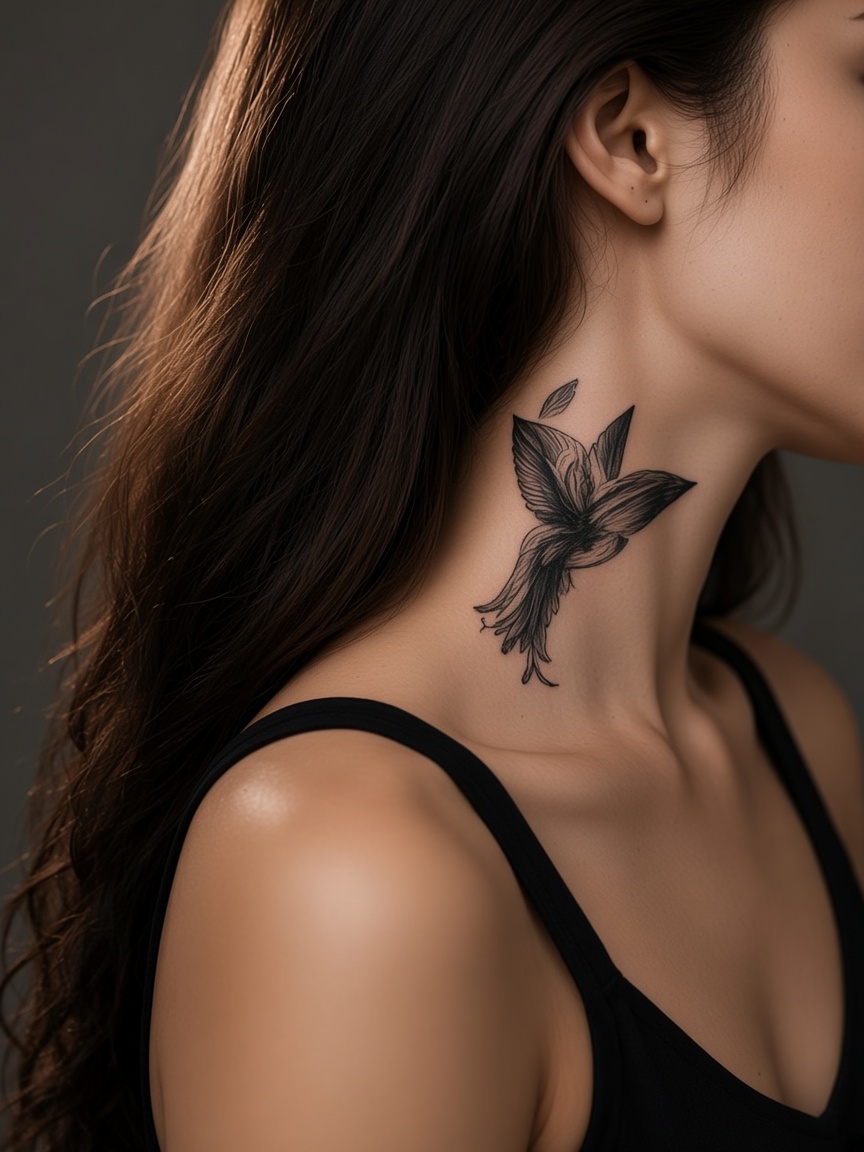
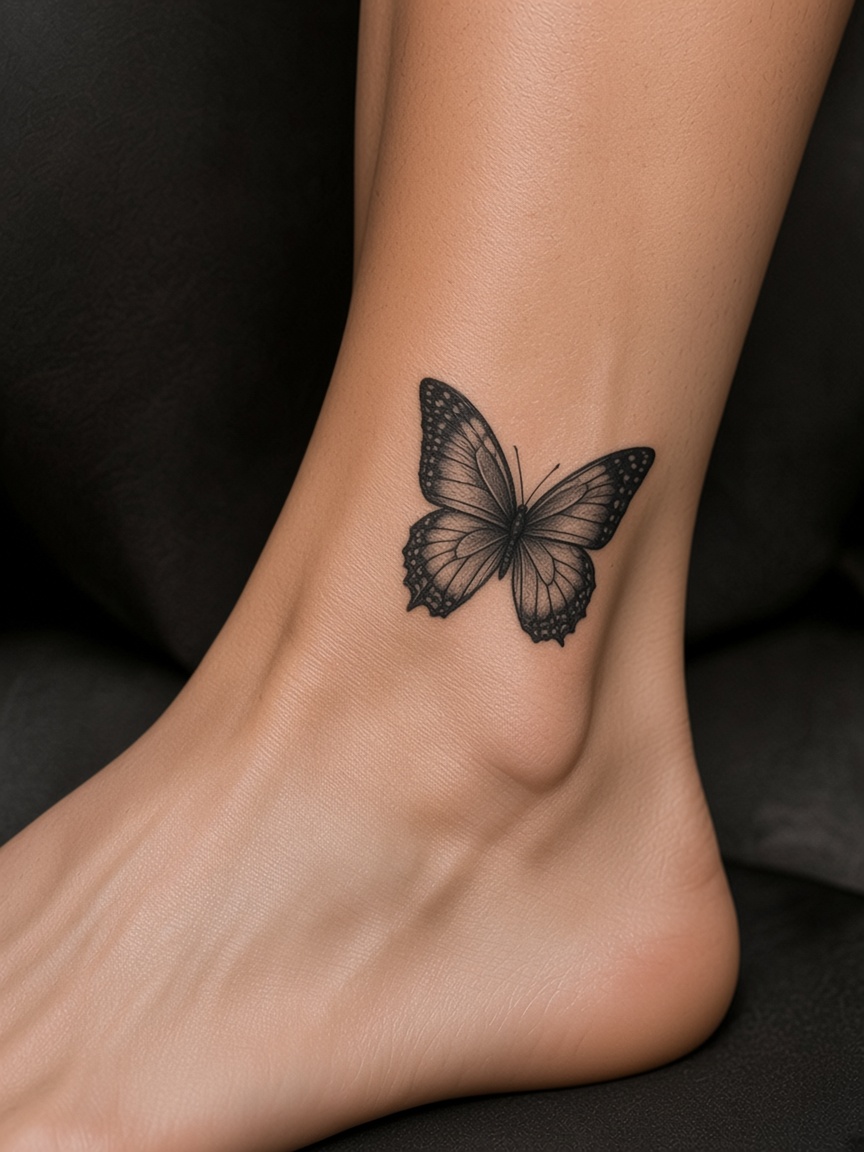
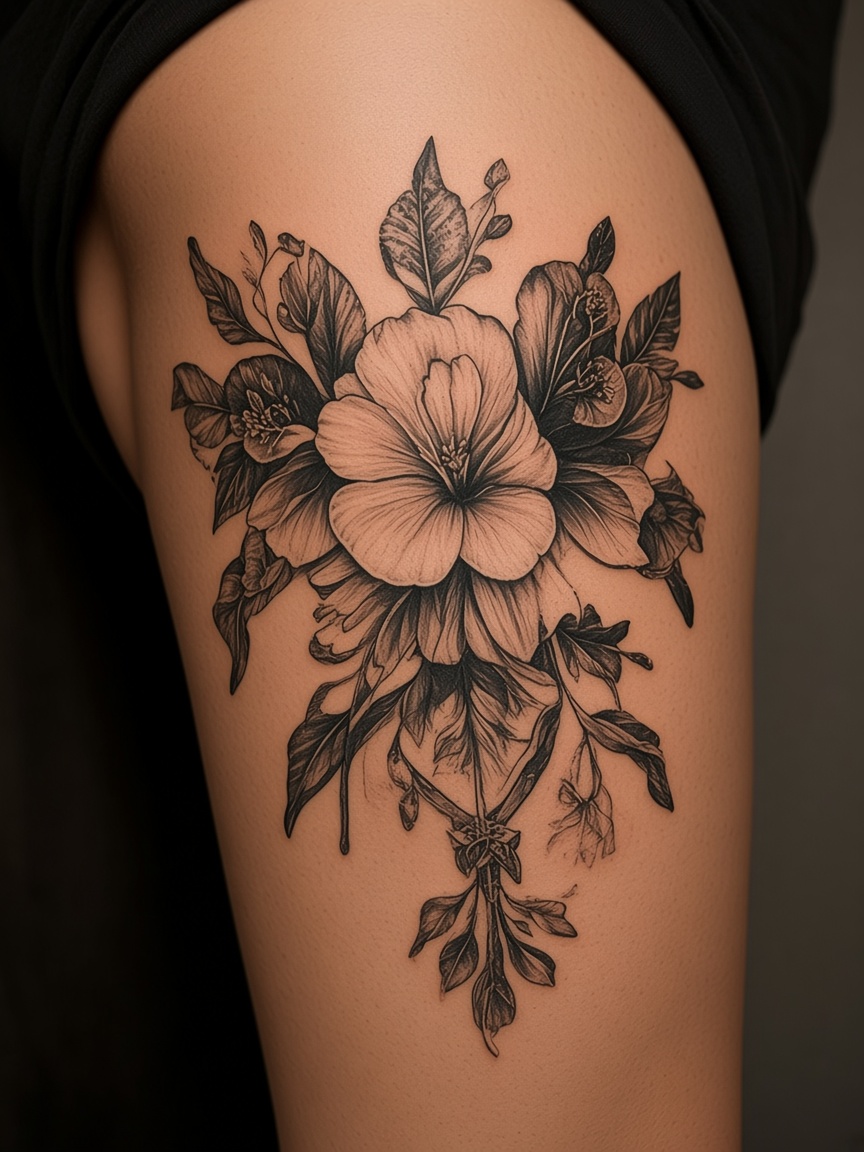
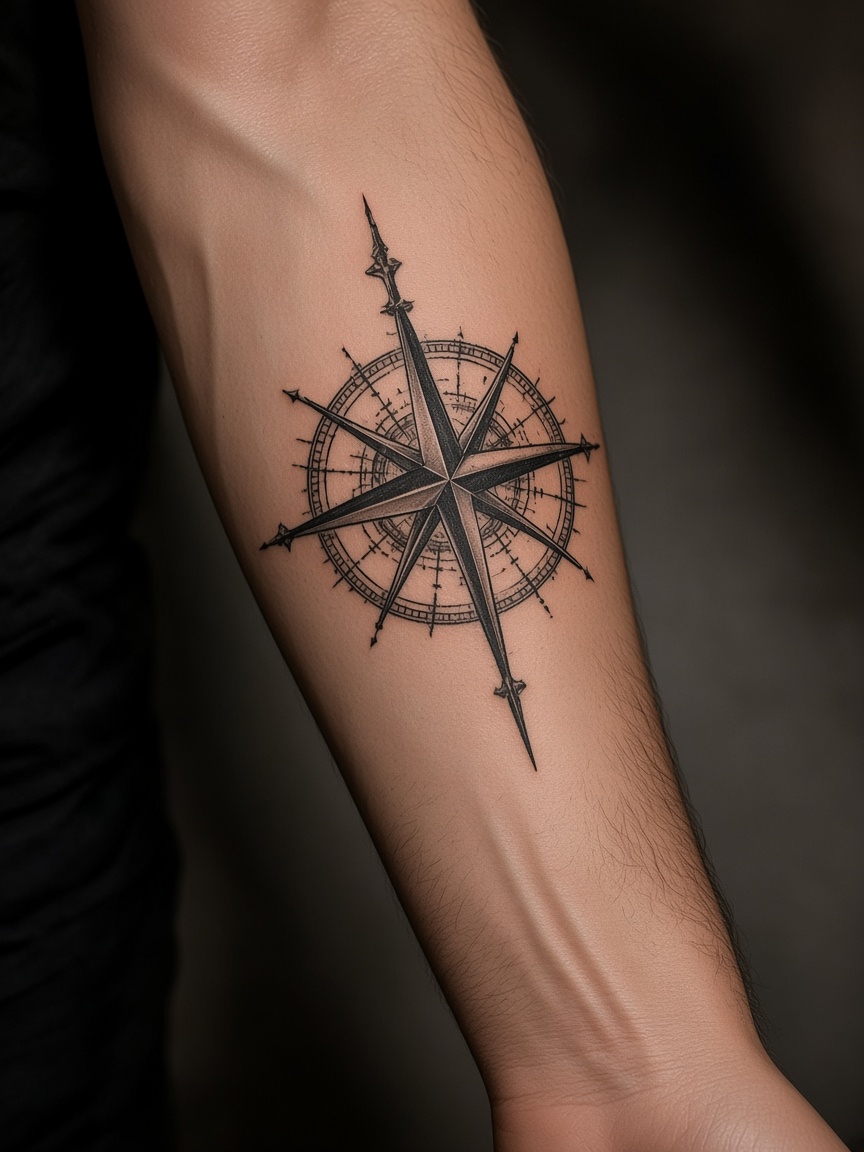
自分の写真を上げる
入れたい部位が分かる、明るい写真が向いています。
1Upload Your Photo
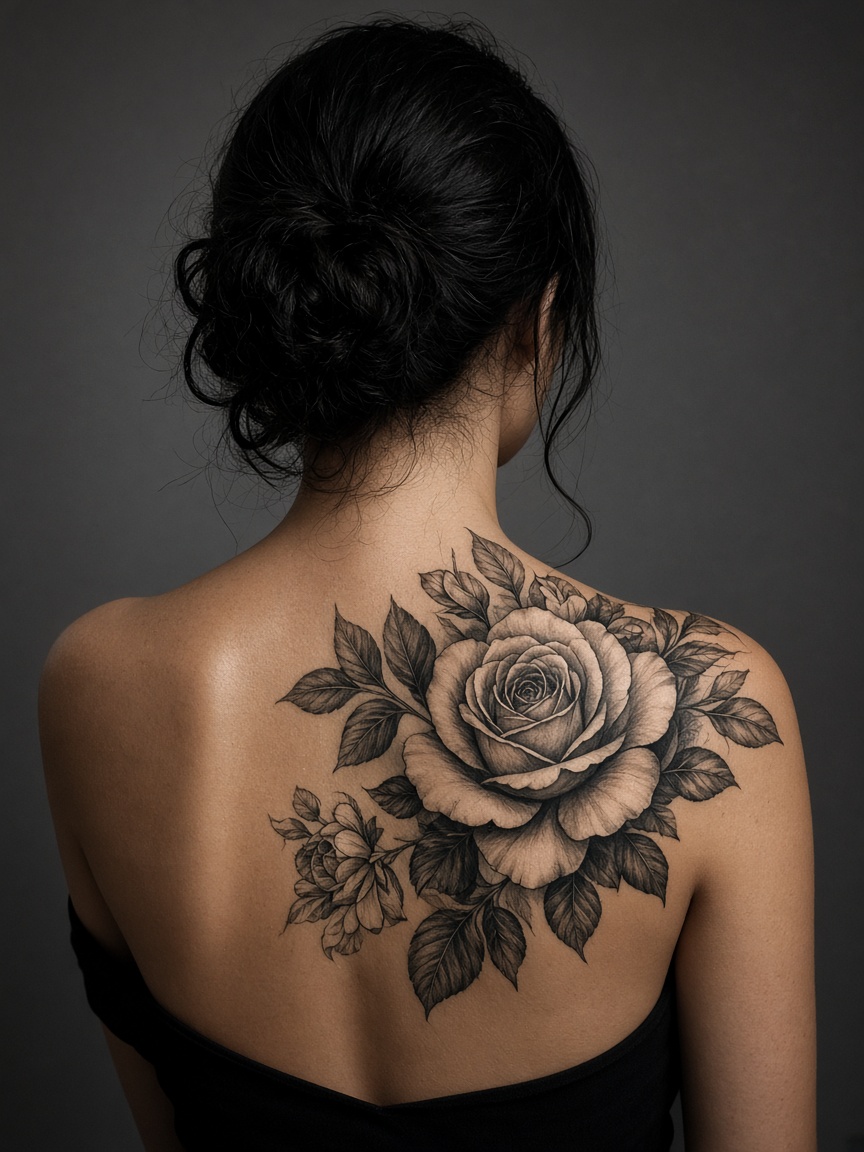
arm-photo.jpg
2Choose Tattoo Design
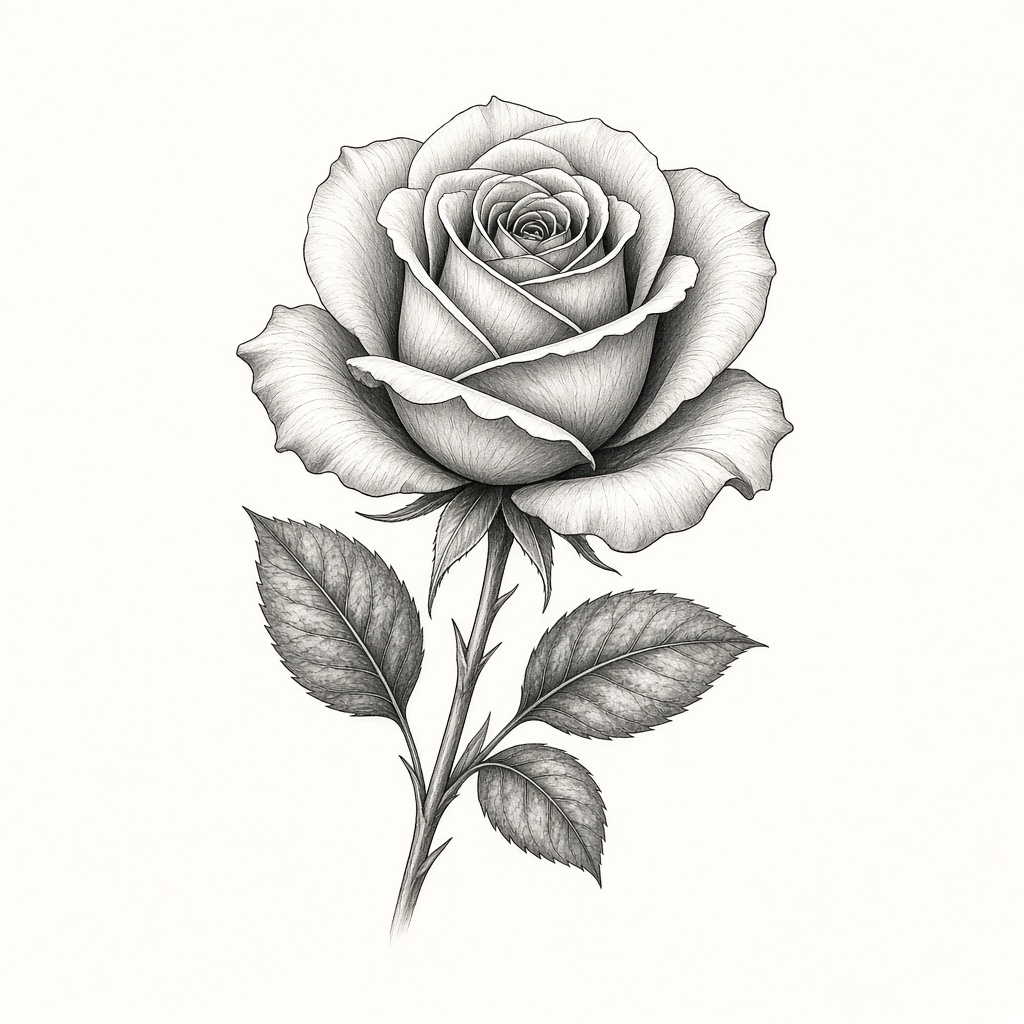
rose.png
to include library images saved to this account. Original stencils are available without signing in.
3Adjust Placement
Rose Sleeve v24Generate Preview
Overlay stays in this browser
Original
Try-On Result
Realistic overlay
See placement on your photo in this browser.
Private on this device
This try-on does not upload your photo.
Made for deciding
Try a design, then download a PNG to take to a shop.
TATTOO PLACEMENT
自分の写真にタトゥーデザインを重ねて、位置や大きさを確認。角度と透明度を調整して配置を比較し、相談用のプレビュー画像をダウンロードできます。
Try On a Tattoo Now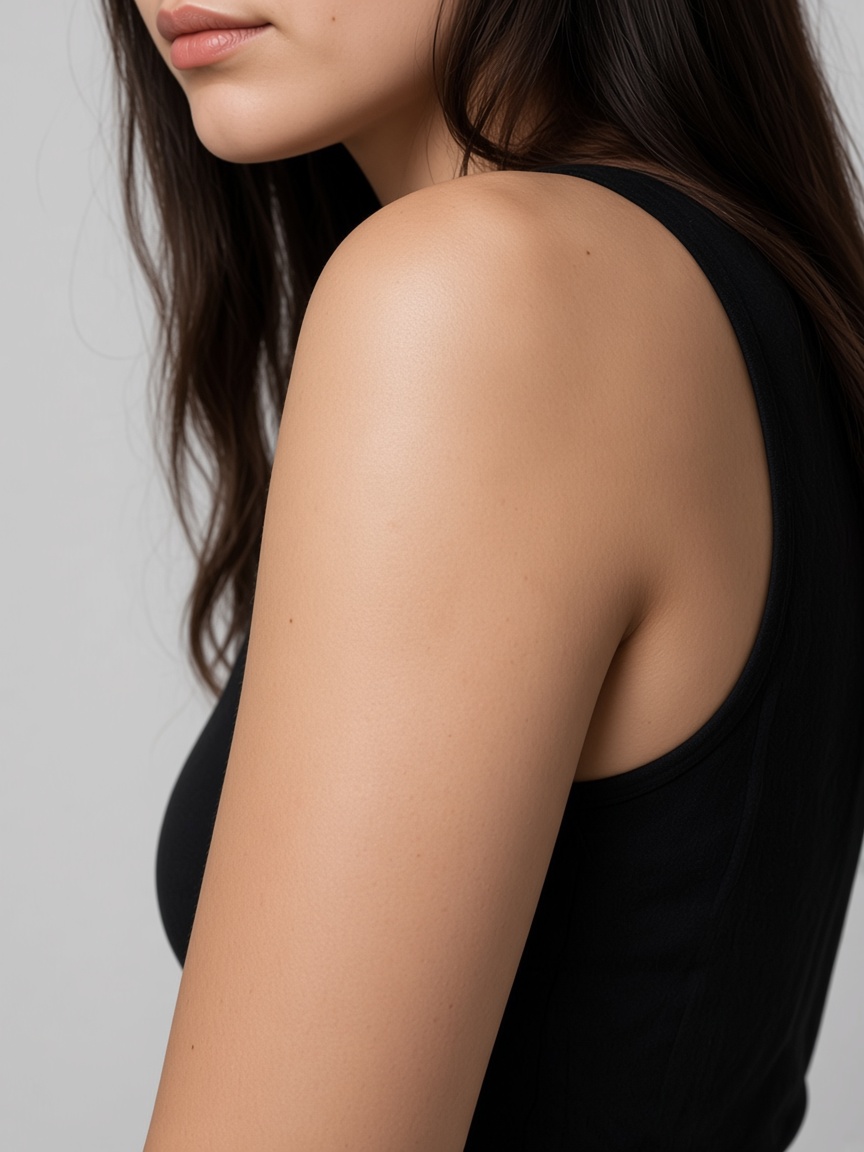
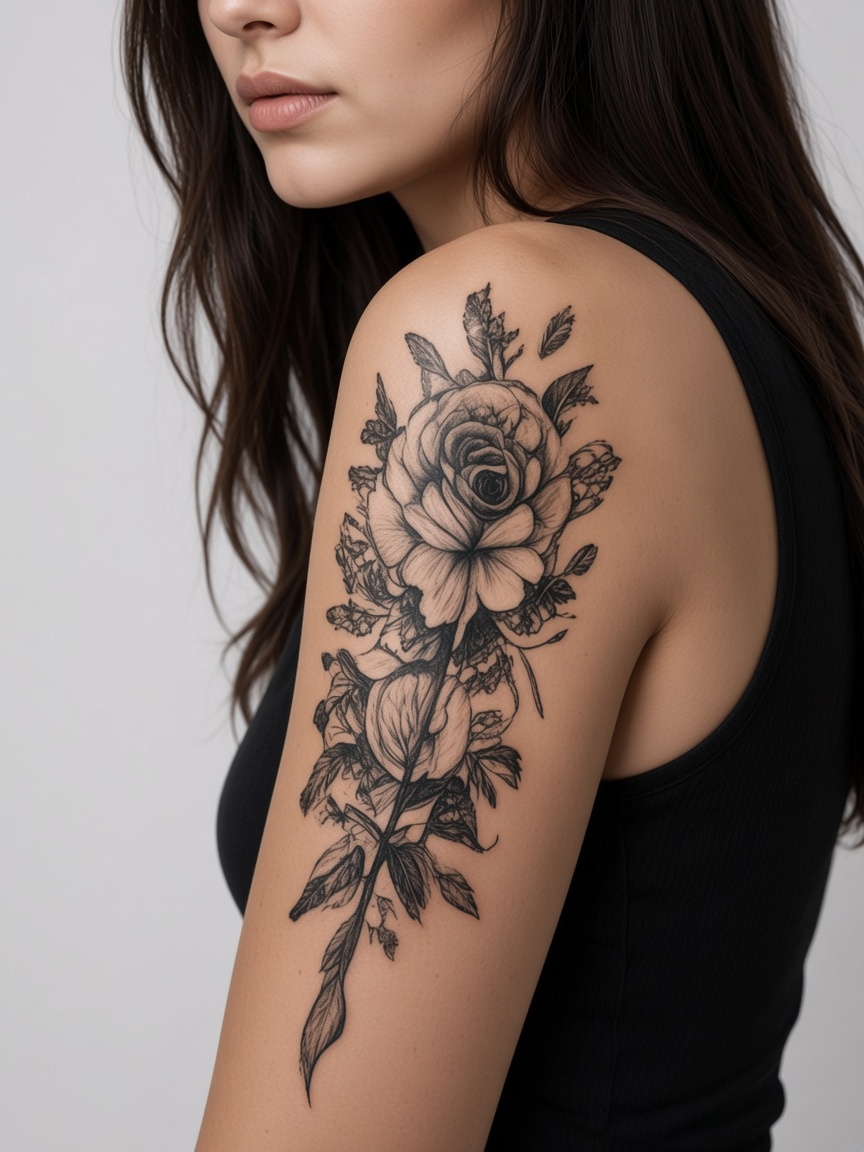
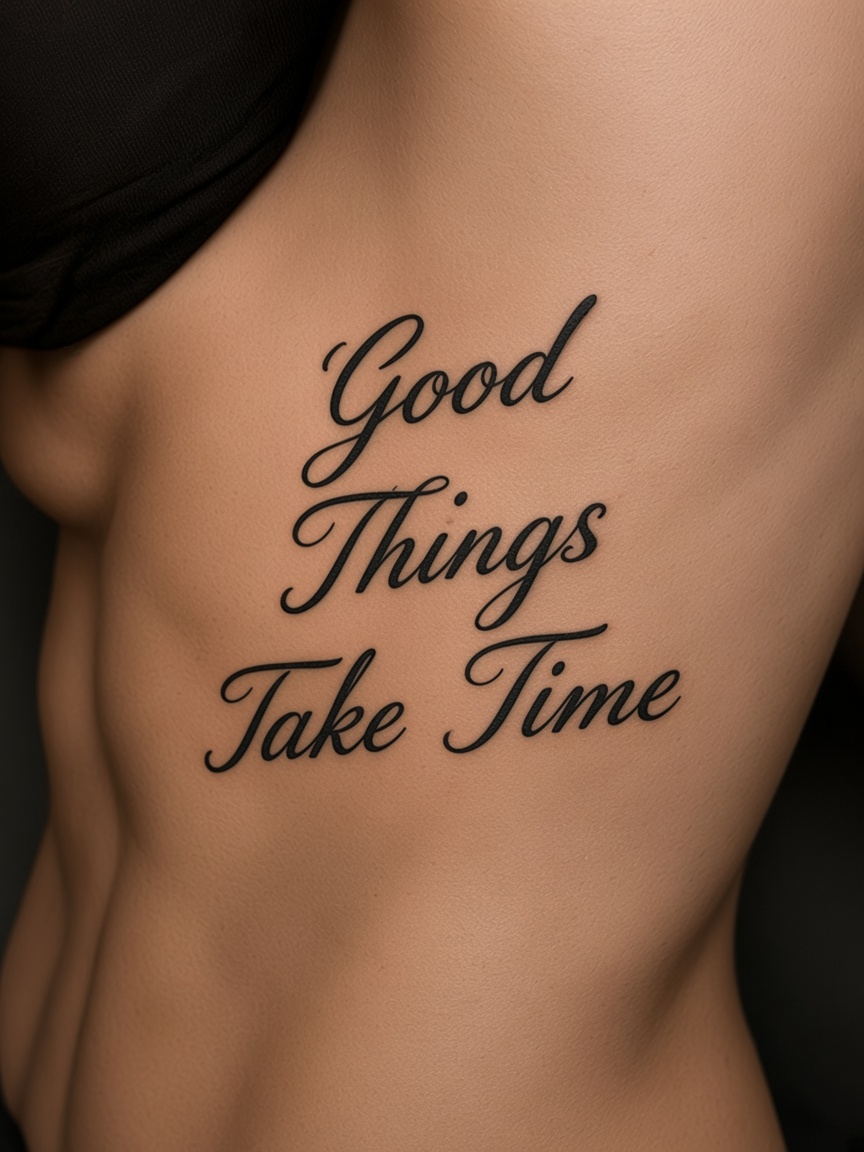
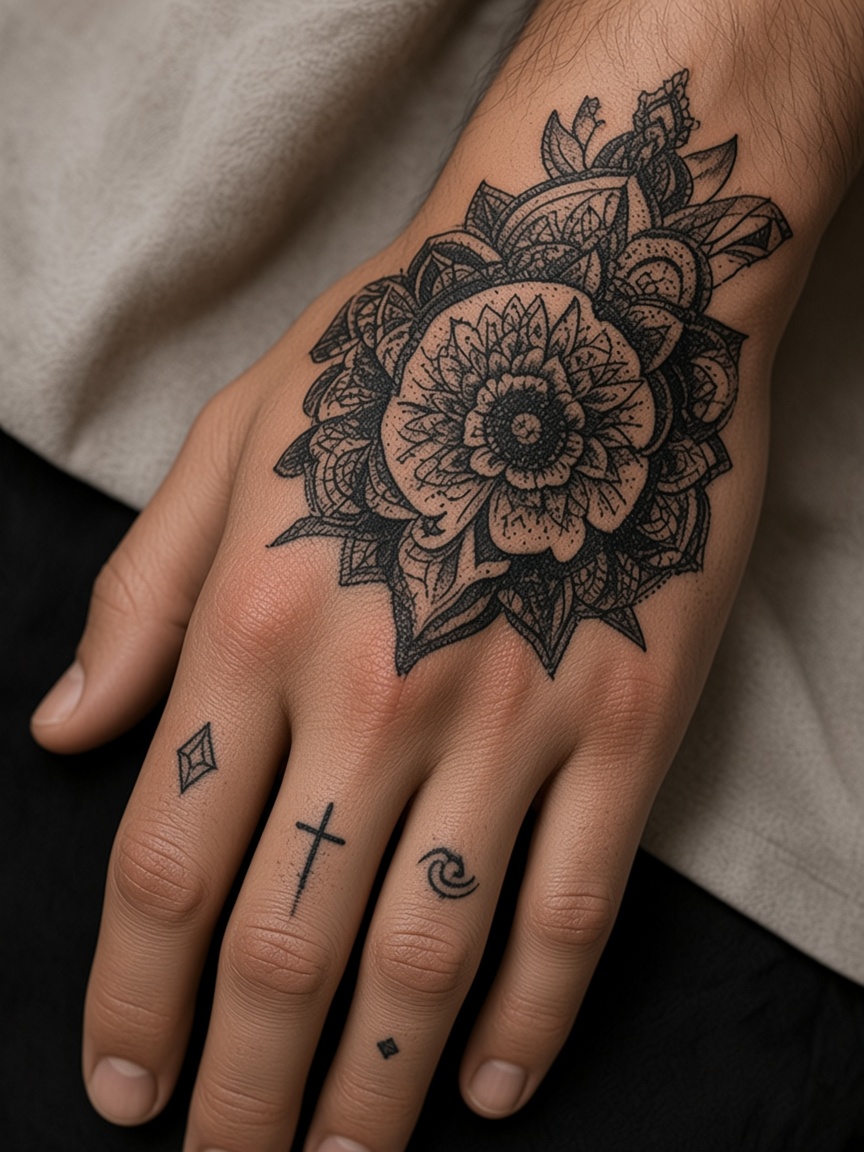
After (AI Try-On)
Try
Designs.
Find Your
Perfect Look
店に行く前に見る
置き場所を比べる
なじみ方の目安
ブラウザから保存
Try any style, any placement
Test templates on any destination cluster—whether you need alignment previews for arms, legs, back, chest, or neck. Drag the design on the photo in this browser. Cloud generation, if you use it, spends credits.
Upload Your Photo →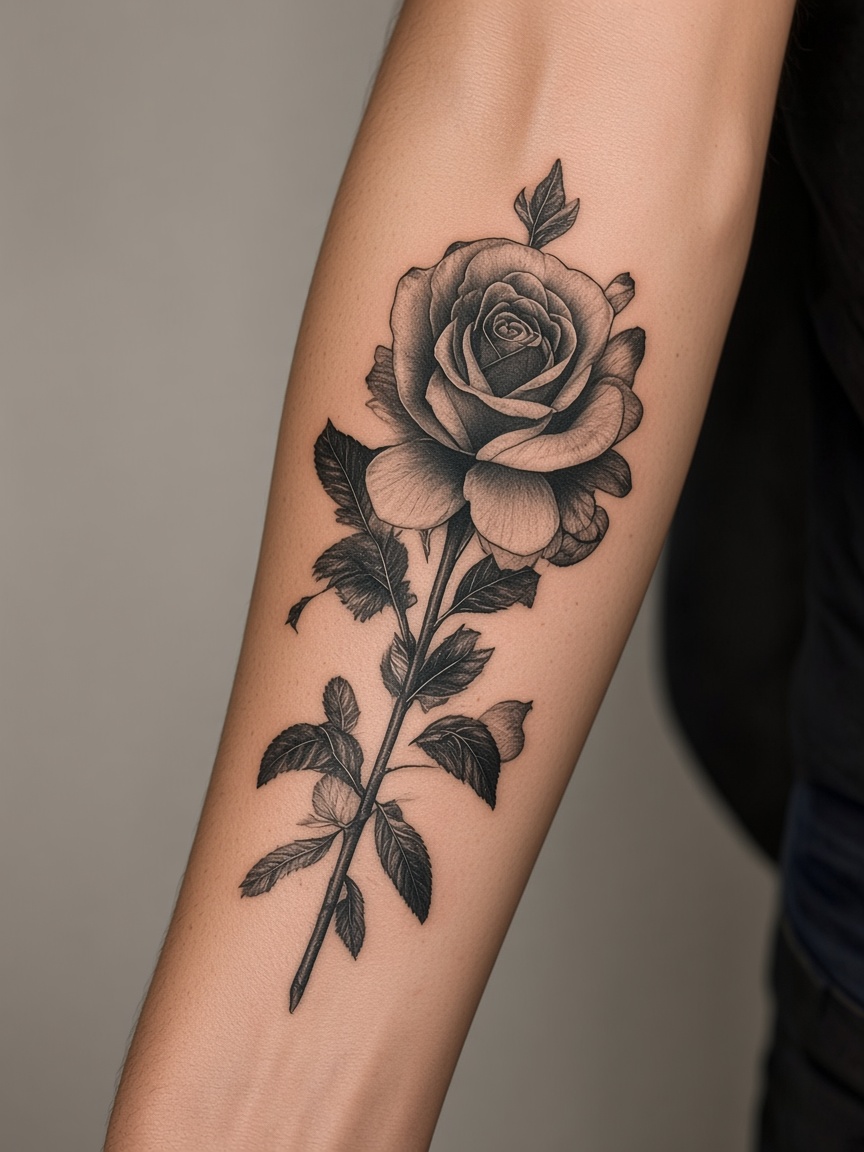
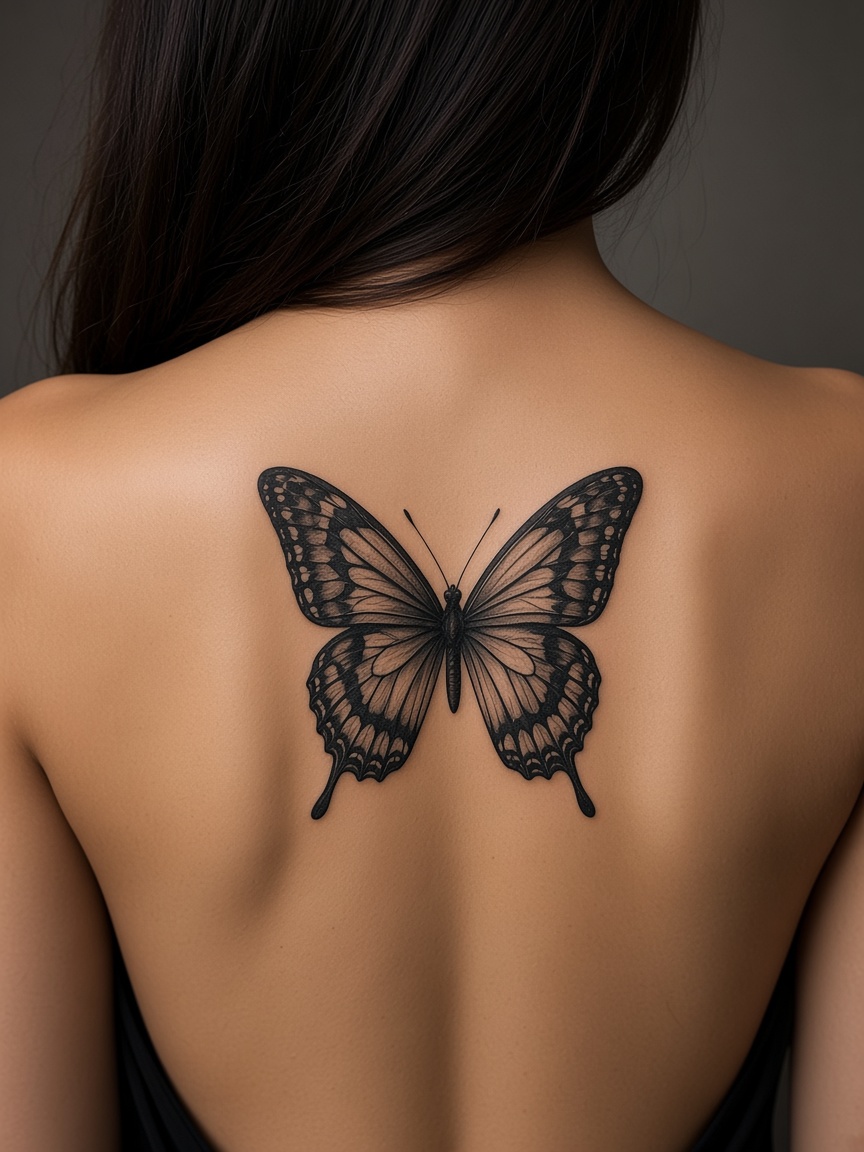
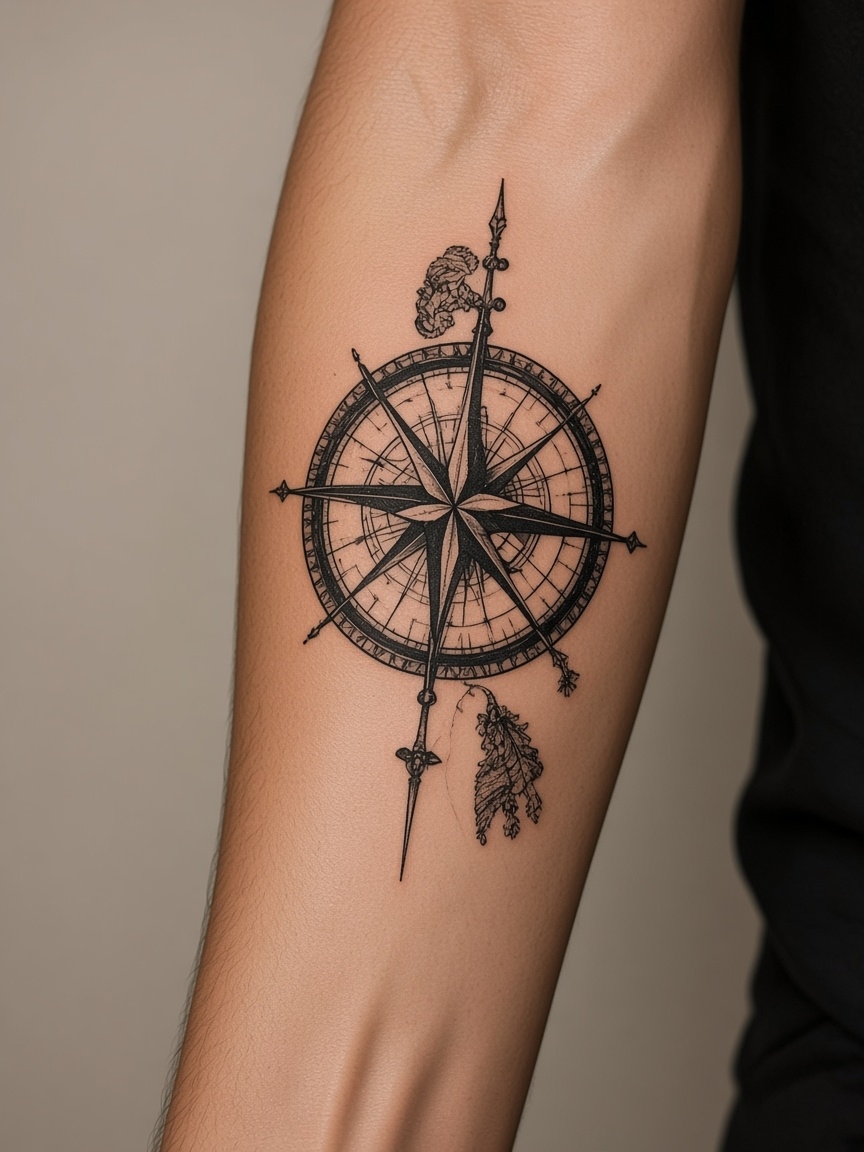
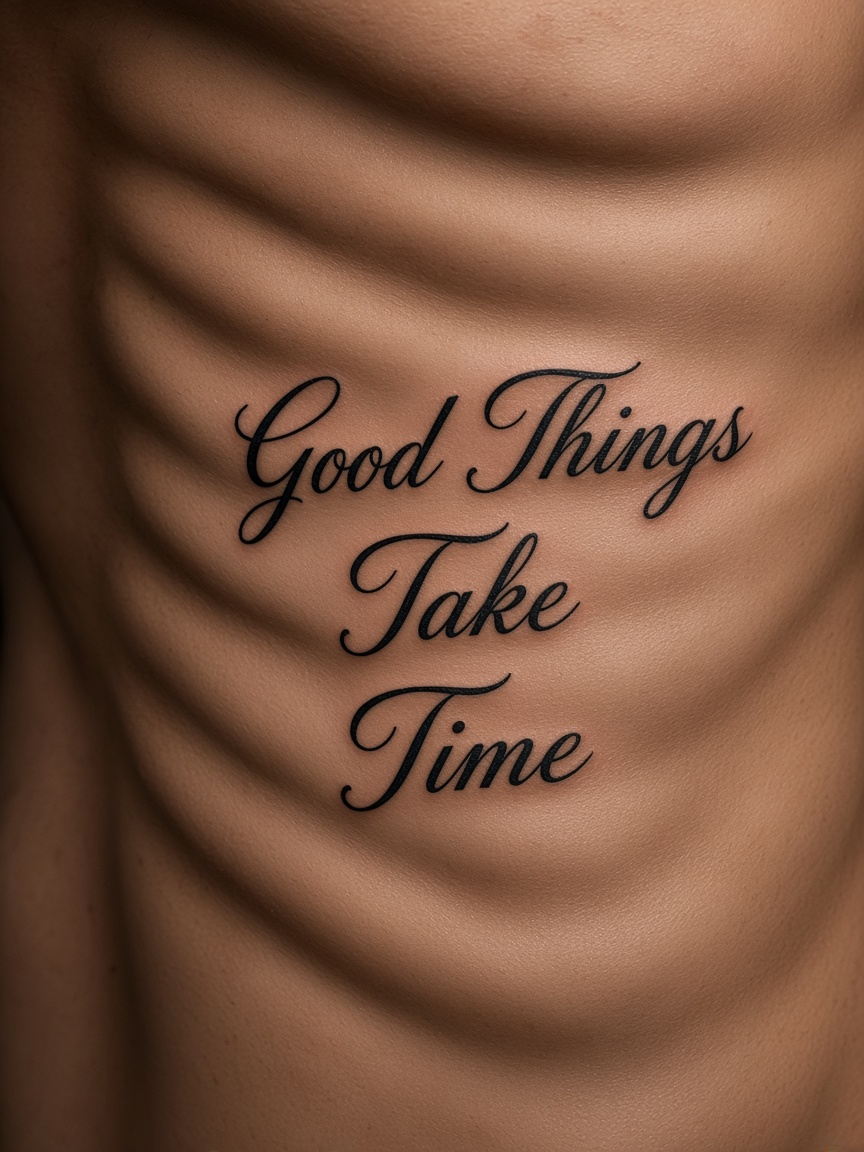
How it works
入れたい部位が分かる、明るい写真が向いています。
大きさ、角度、透明度を変えて位置を比べます。
相談用の画像です。彫りそのものでも、印刷用ステンシルでもありません。
大きさと位置がしっくりくるかを見るためのものです。
アップロードすれば、見本の体ではなく自分の写真の上で見られます。
この配置の操作自体はクレジットを使いません。
12MBまで。背景が透明なPNGの方が乗りやすいです。
新しいデザインを作る操作はクレジットを使います。
位置合わせはブラウザで行います。クラウド生成を始めた場合だけ結果がアカウントに残ります。
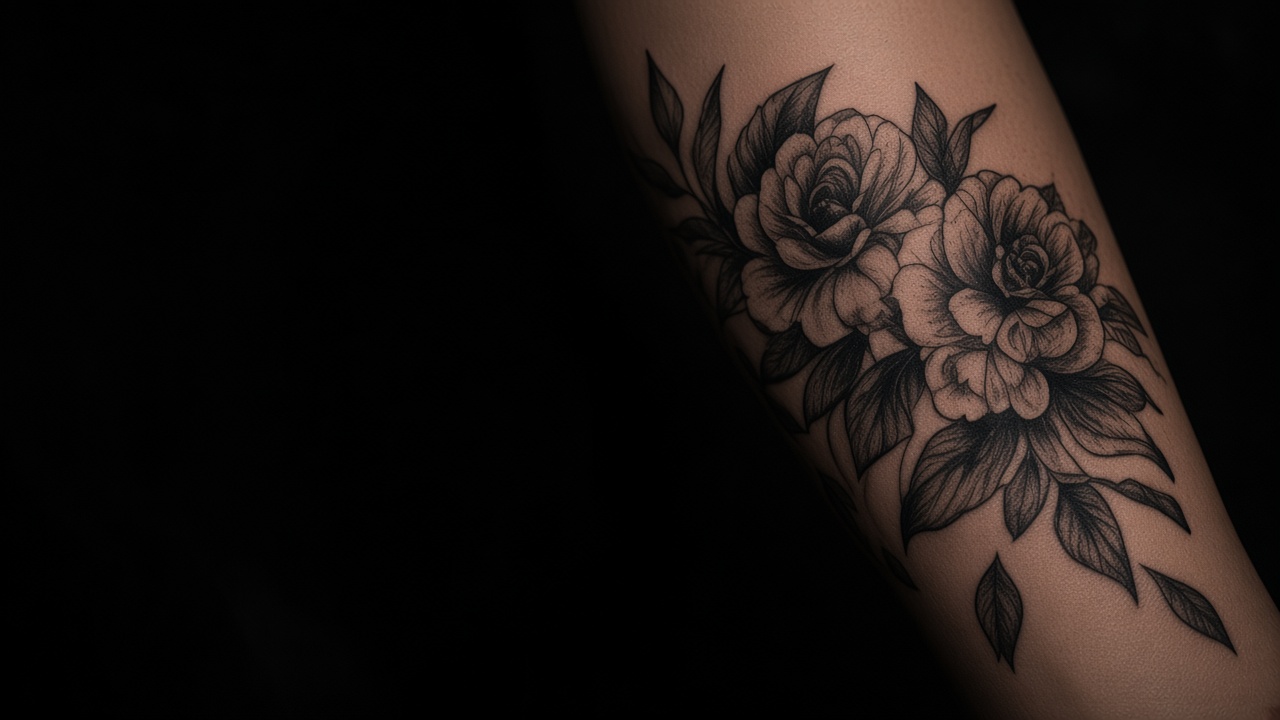
Preview
Customize
Be Confident
Upload your photo and see how it looks with AI. No commitment, just possibilities.
Try On a Tattoo Now →