
Clean, Tattoo-Ready Linework
Cloud photo and text tools return an image from the provider. This page does not trace a photo into linework in the browser.
AI-POWERED WORKSPACE
Start from a reference photo, a text prompt, lettering, or a print layout. Photo and text tools run in the cloud after you sign in and spend credits. Print sizing stays in this browser.
Cloud tool. JPG, PNG, or WebP up to 12 MB. Sign in required.

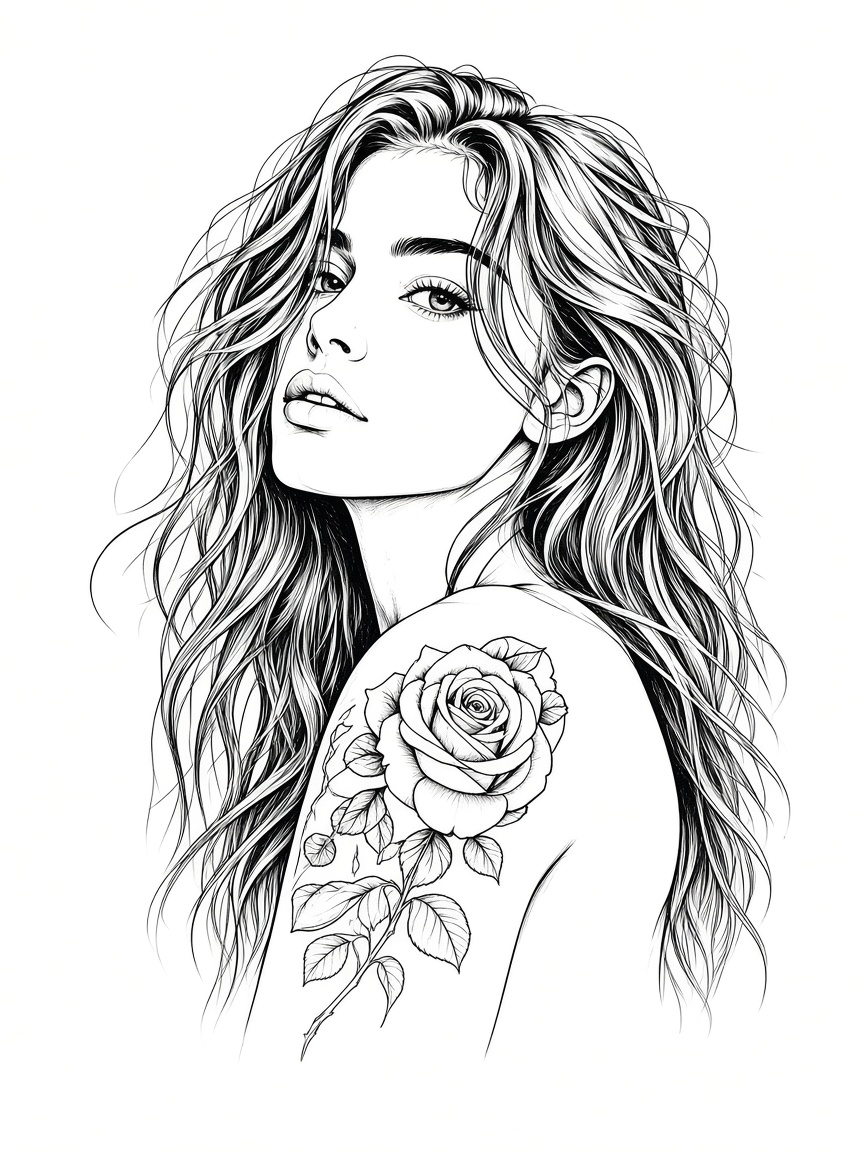
Powerful Tools
From stencil making to design generation, editing, and printing — everything in one place.
Read the steps for turning a design into a stencil, then pick a photo tool, a text tool, or the print layout.
Read the Guide →
Cloud tool. Upload a JPG, PNG, or WebP up to 12 MB, sign in, and spend credits to generate a concept from that photo.
Try Photo to Tattoo →
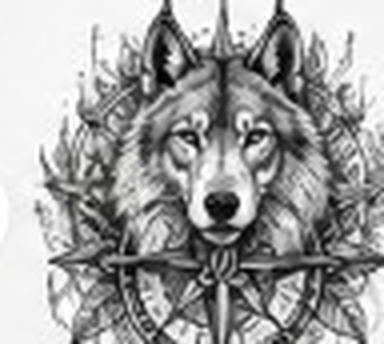
Cloud tool. Describe a tattoo in text, sign in, and spend credits for each generated image.
Try AI Generator →
Browser fonts do not spend credits. A cloud lettering model sends the text, spends credits, and stores the prompt.
Try Lettering →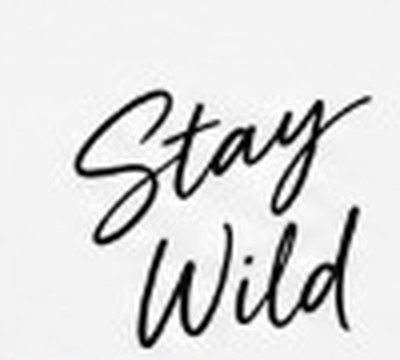

Same cloud photo tool as Photo to Tattoo. It spends credits and keeps the result on your account.
Try Image to Tattoo →

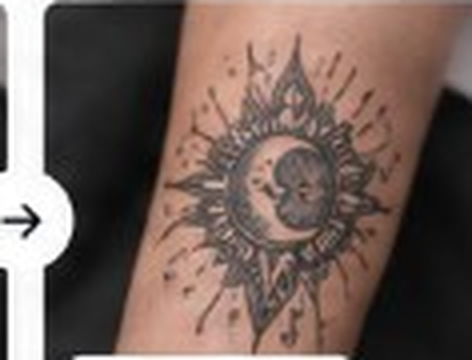
Reimagine, extend, or generate high-density cover-up layouts over bad or faded original body ink lines.
Try Edit Tools →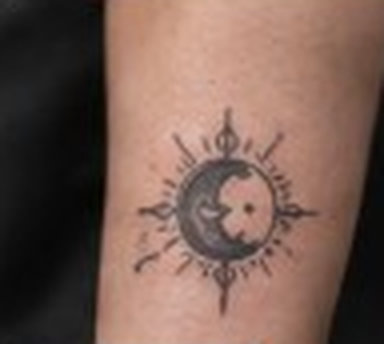
Place an image on a body photo in the browser. It does not wrap around the skin, and this step does not spend credits.
Try Try-On →

Set a size and a mirror flip for an image you already have, then export a PDF. One page unless tiling is on. This step does not spend credits.
Open Printer Guide →
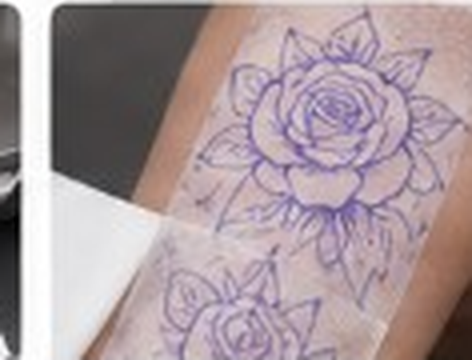
Simple Steps
Pick a photo concept, a text prompt, lettering, or the print layout. Photo and text jobs are cloud tools.
Guests can generate once with 2 credits. Free accounts get 10 credits each calendar month. Paid plans add more.
Use the print page to set inches or centimeters and a mirror flip. That layout step stays in the browser.
Download the cloud image, or open the print page to prepare a sized file for your own printer.
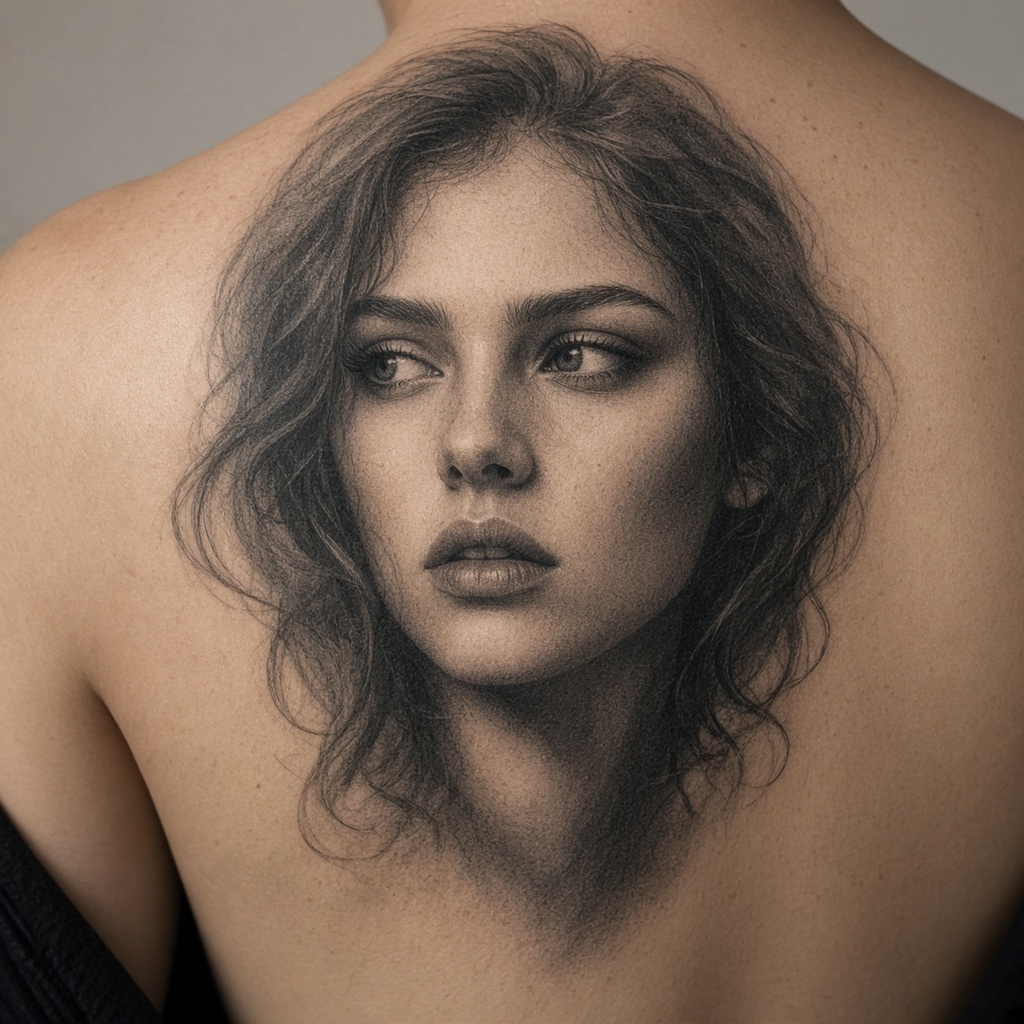
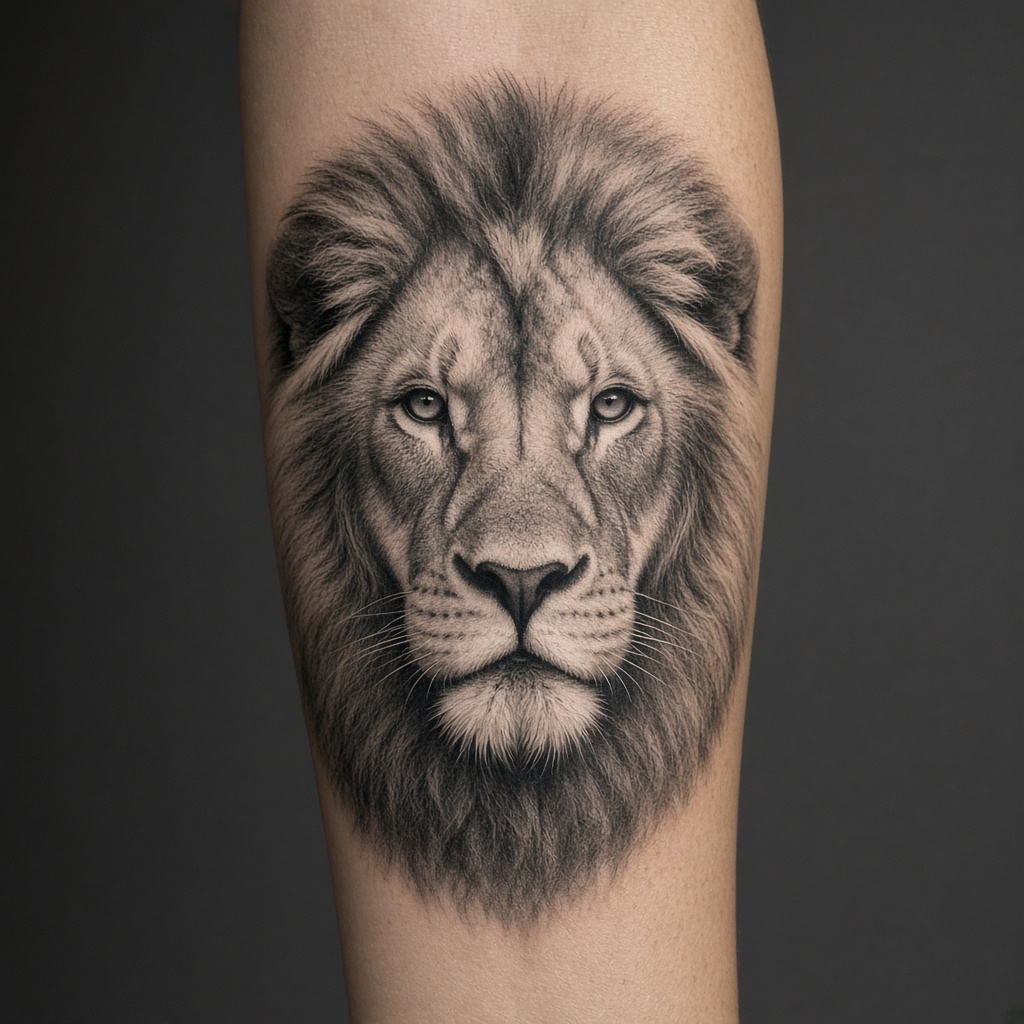
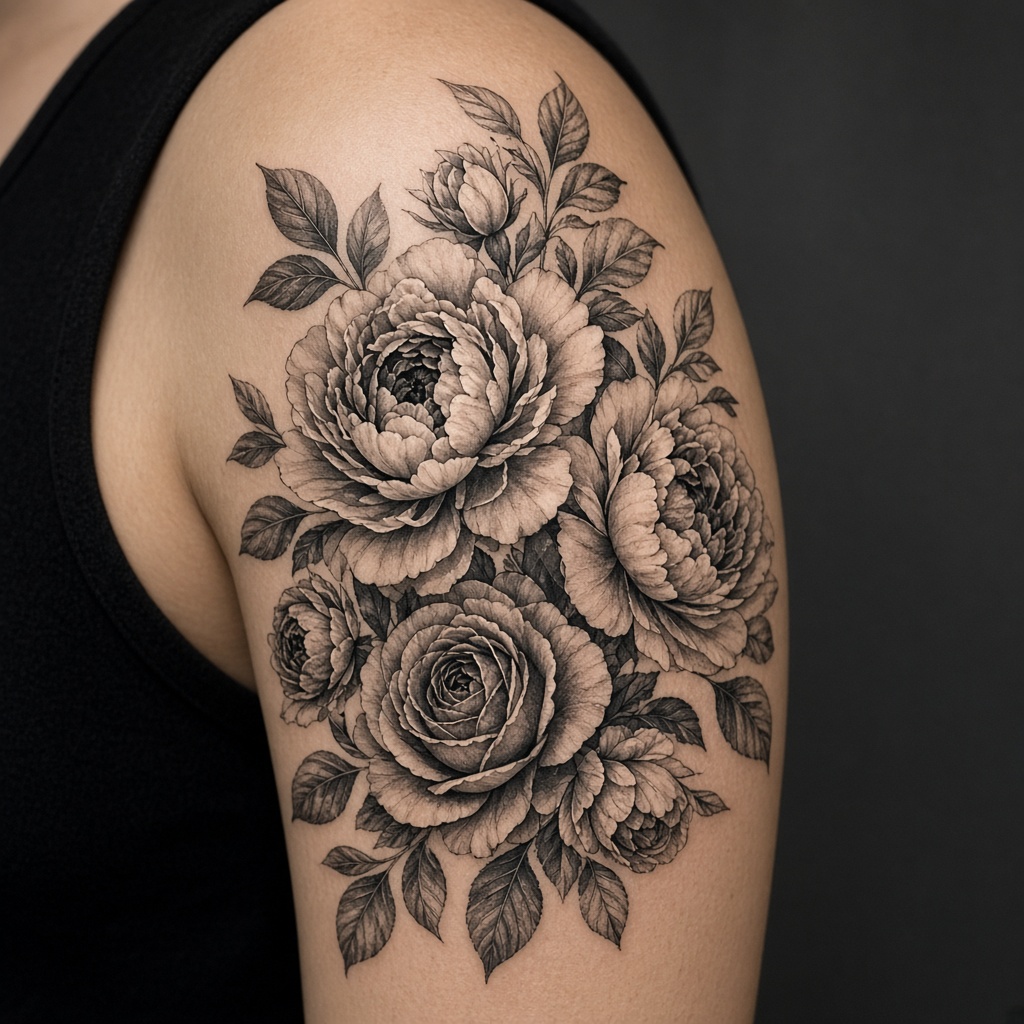
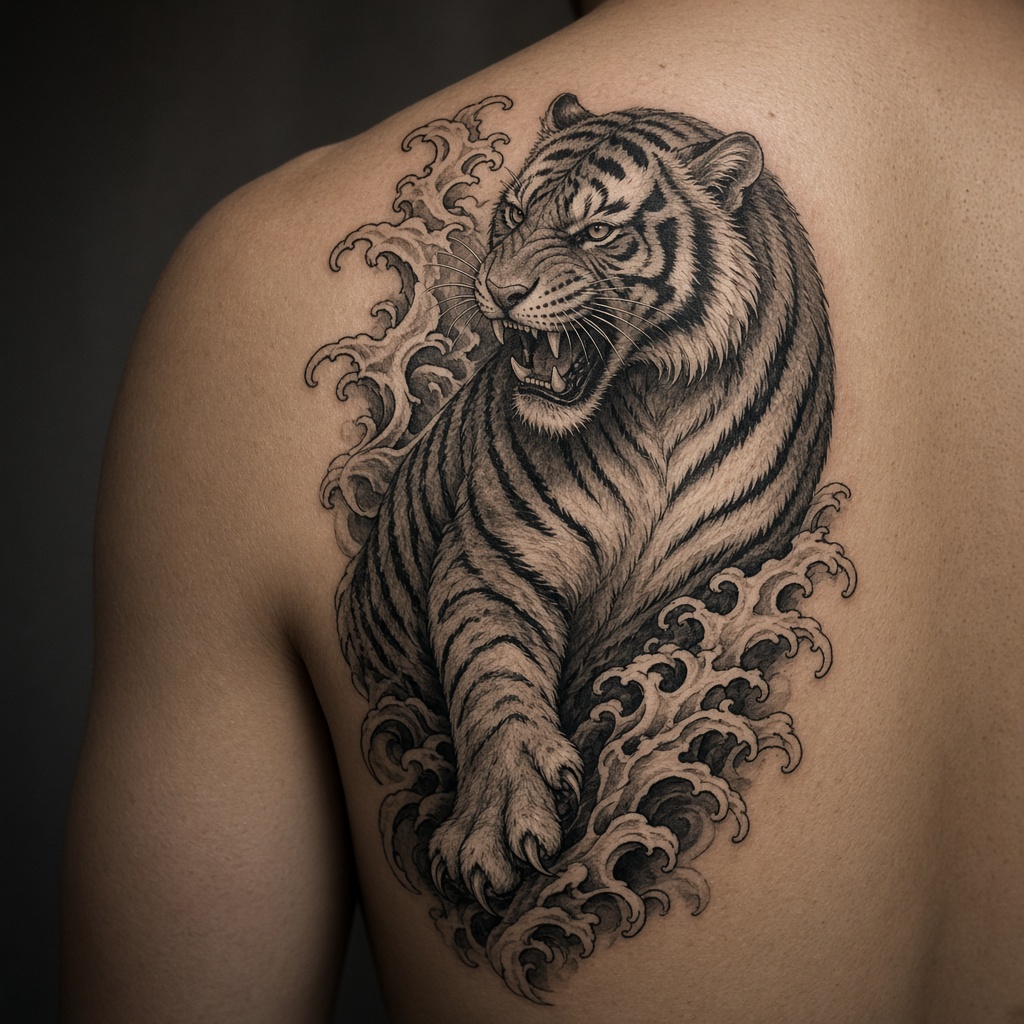
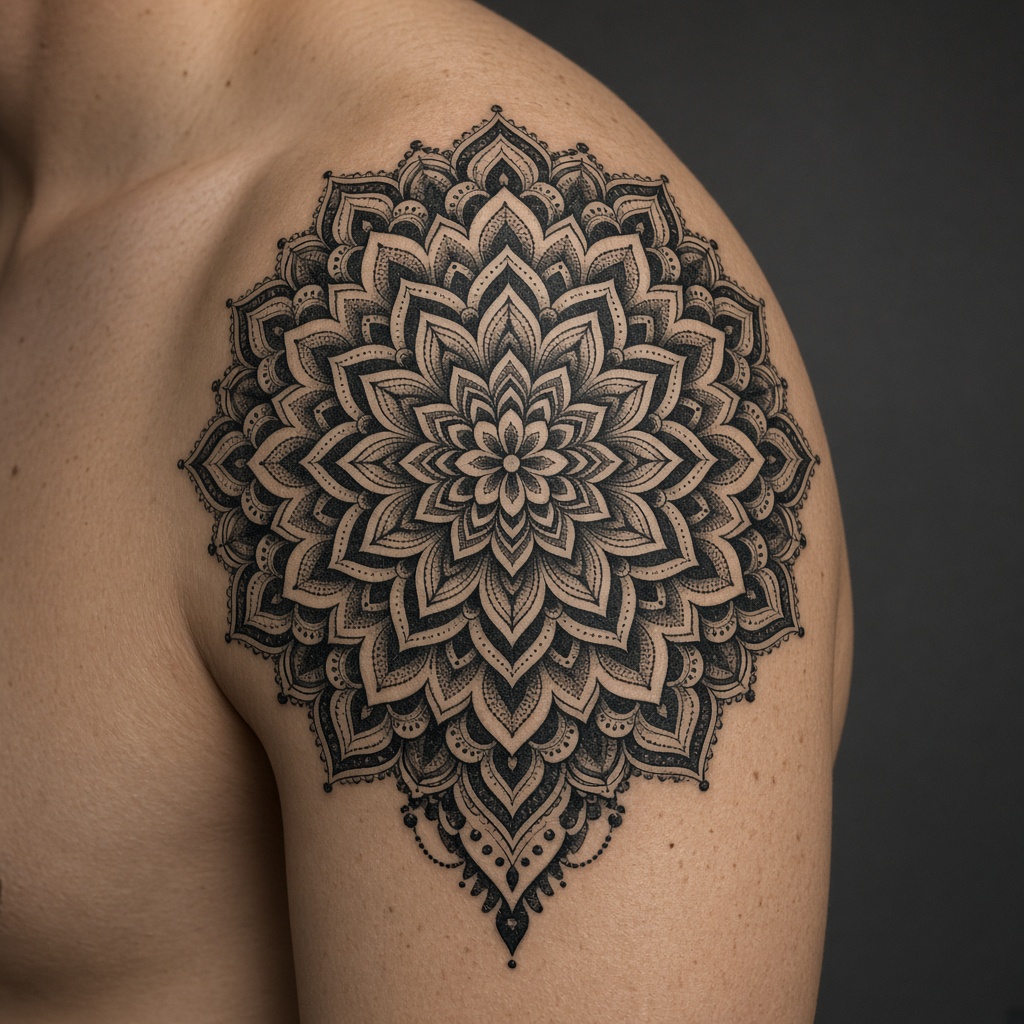
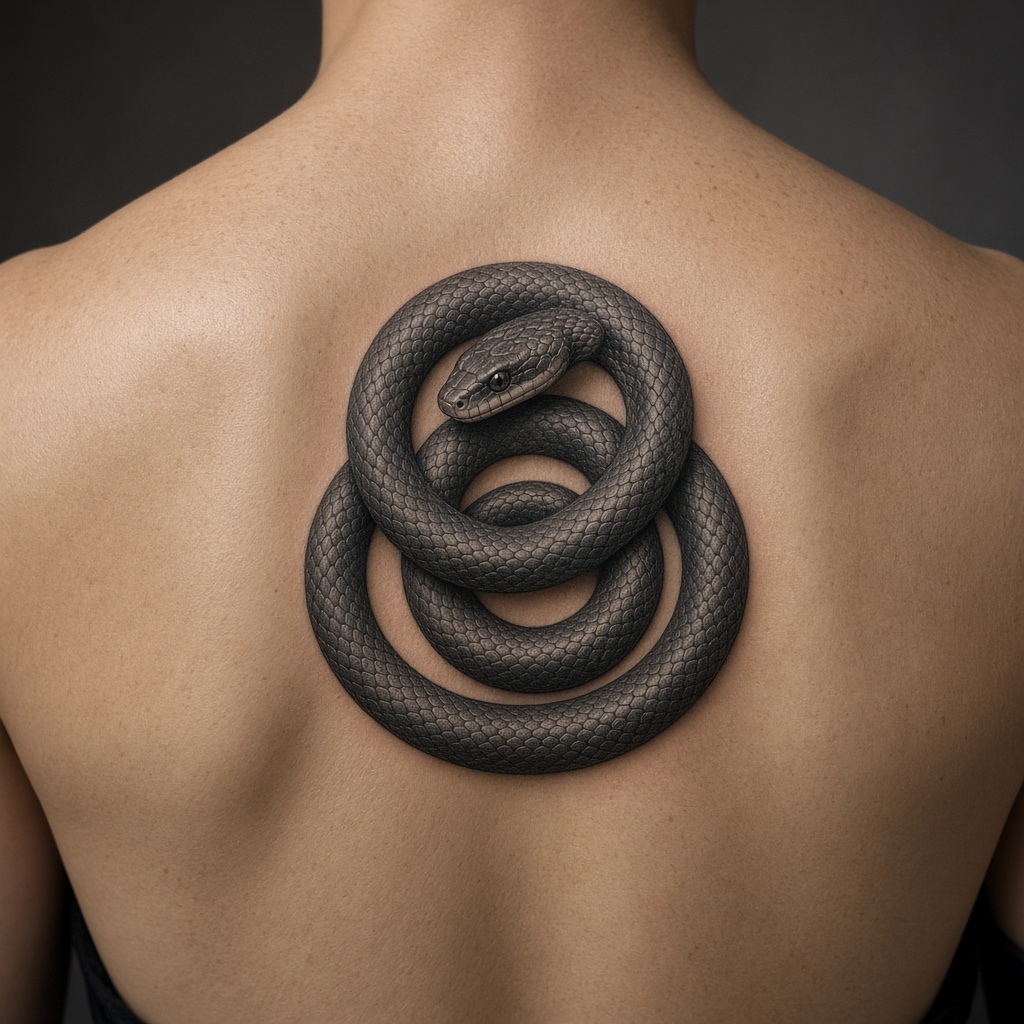
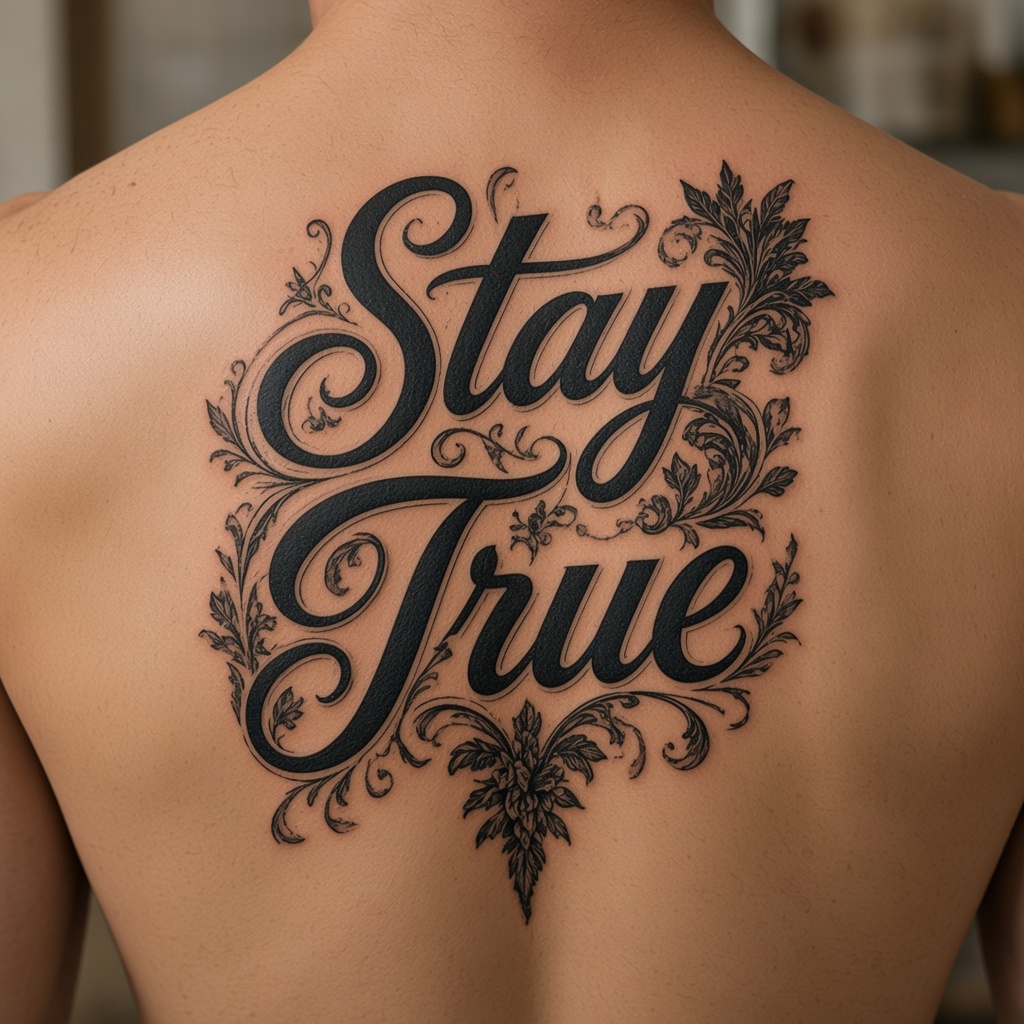
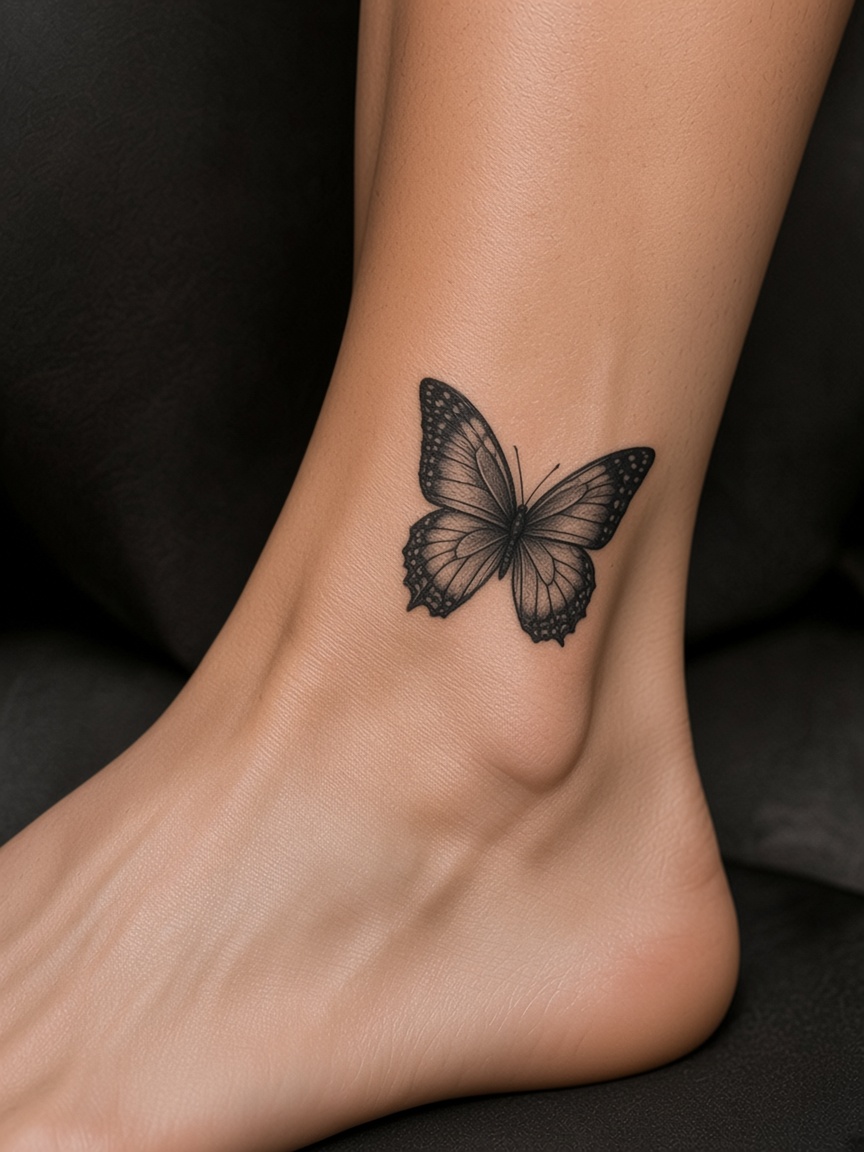
Real Examples
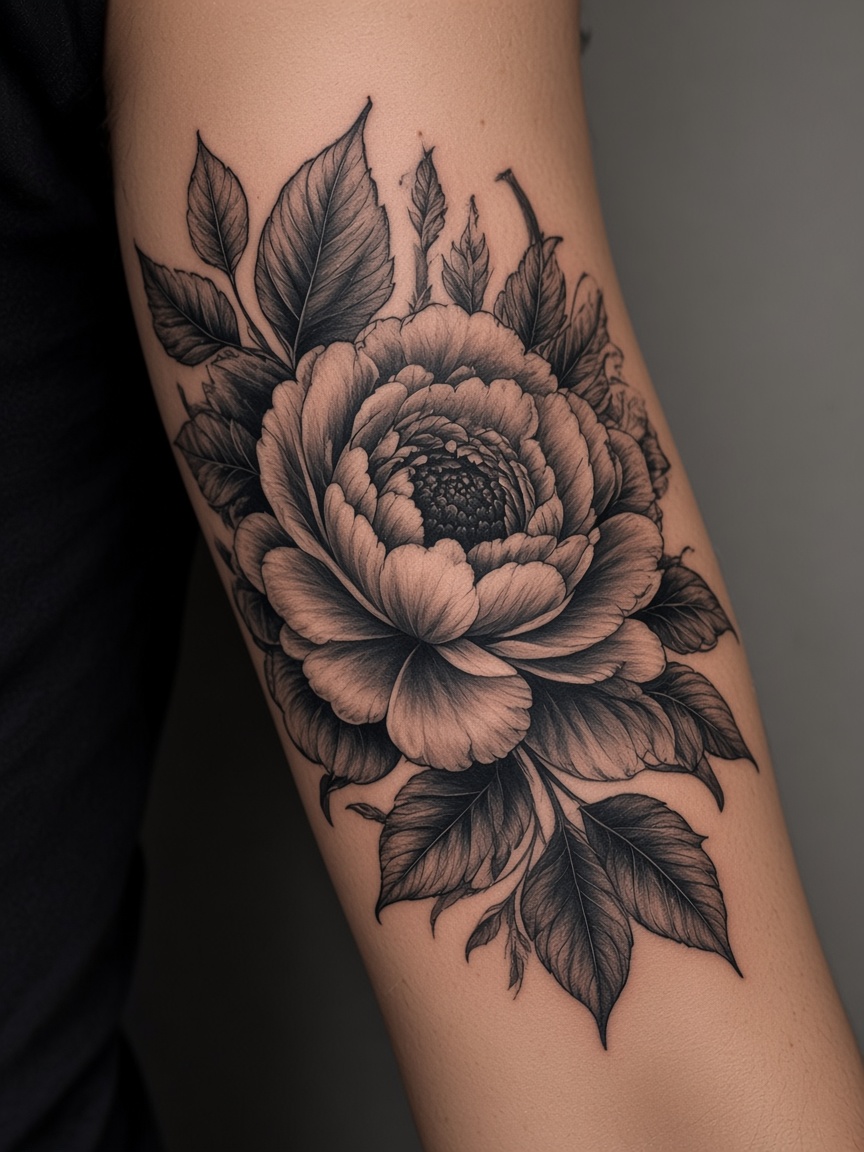
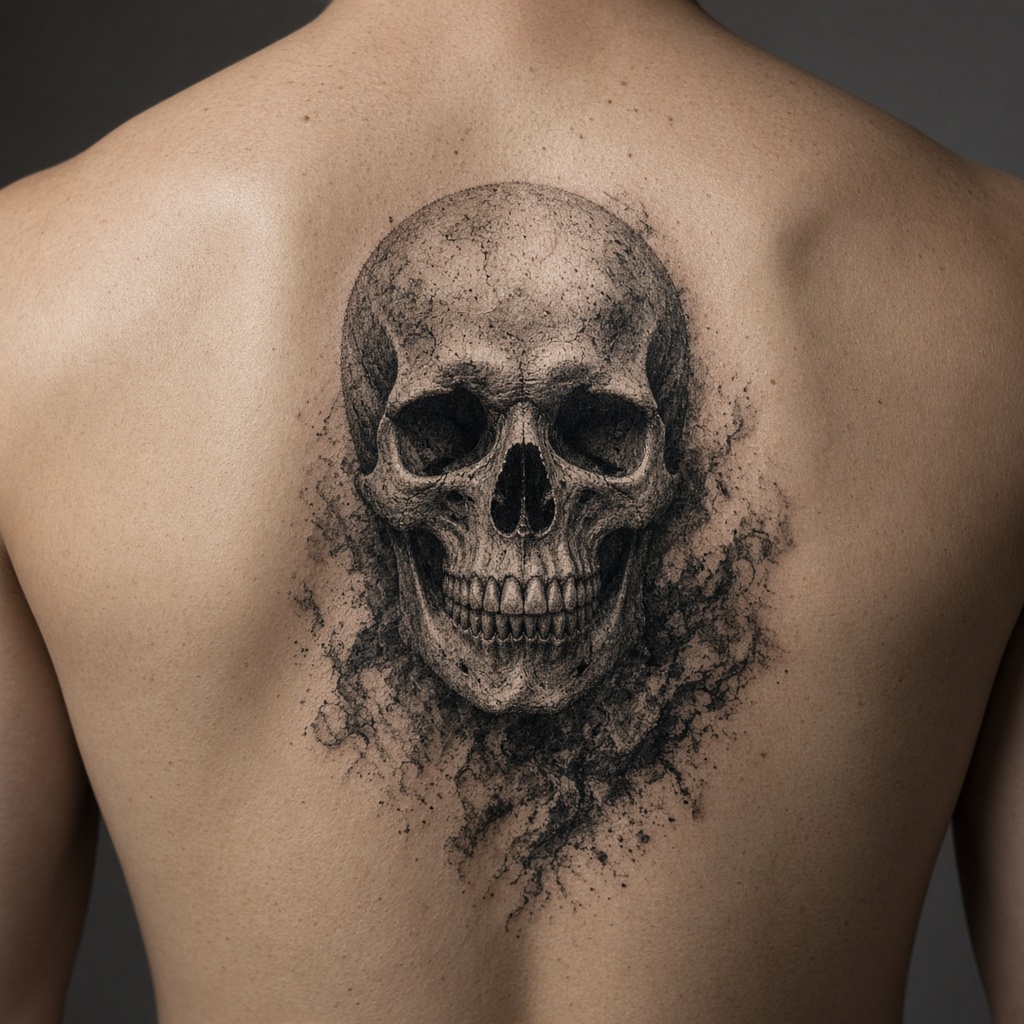
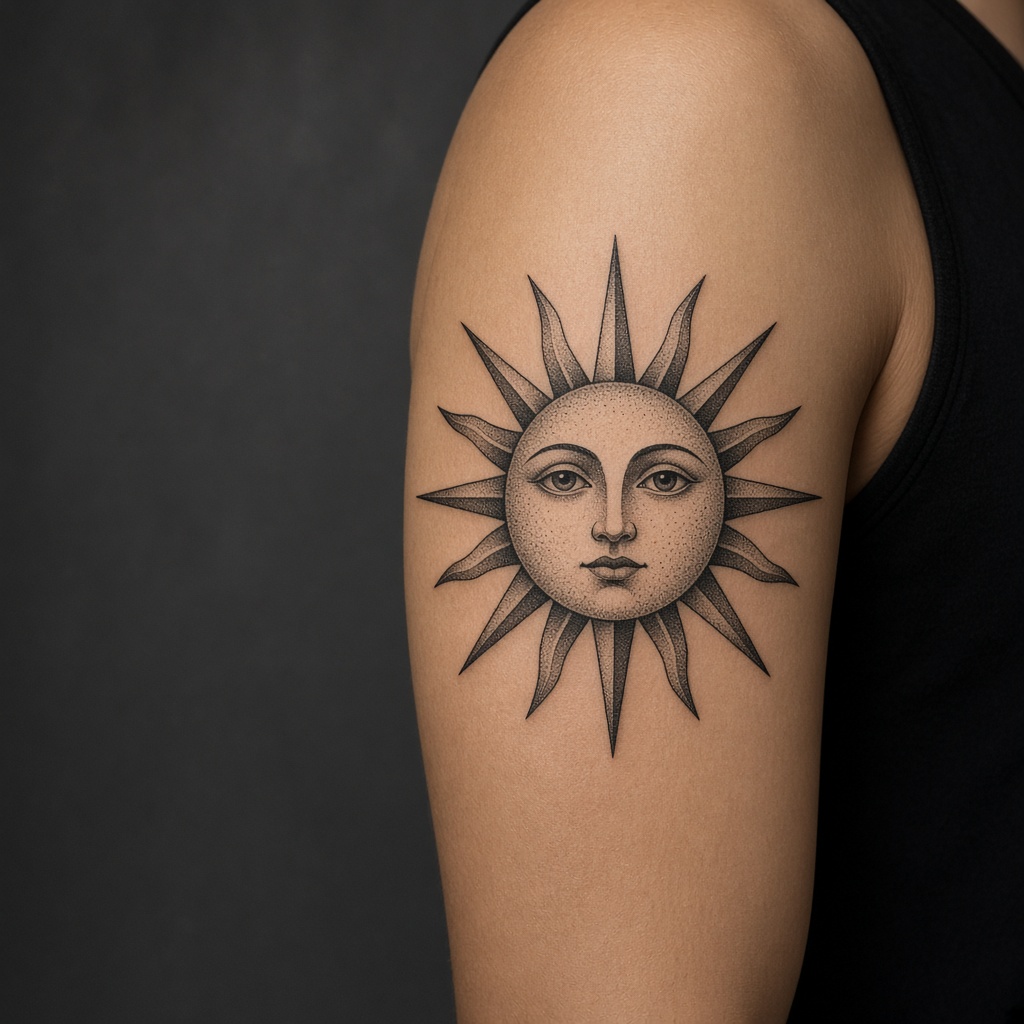
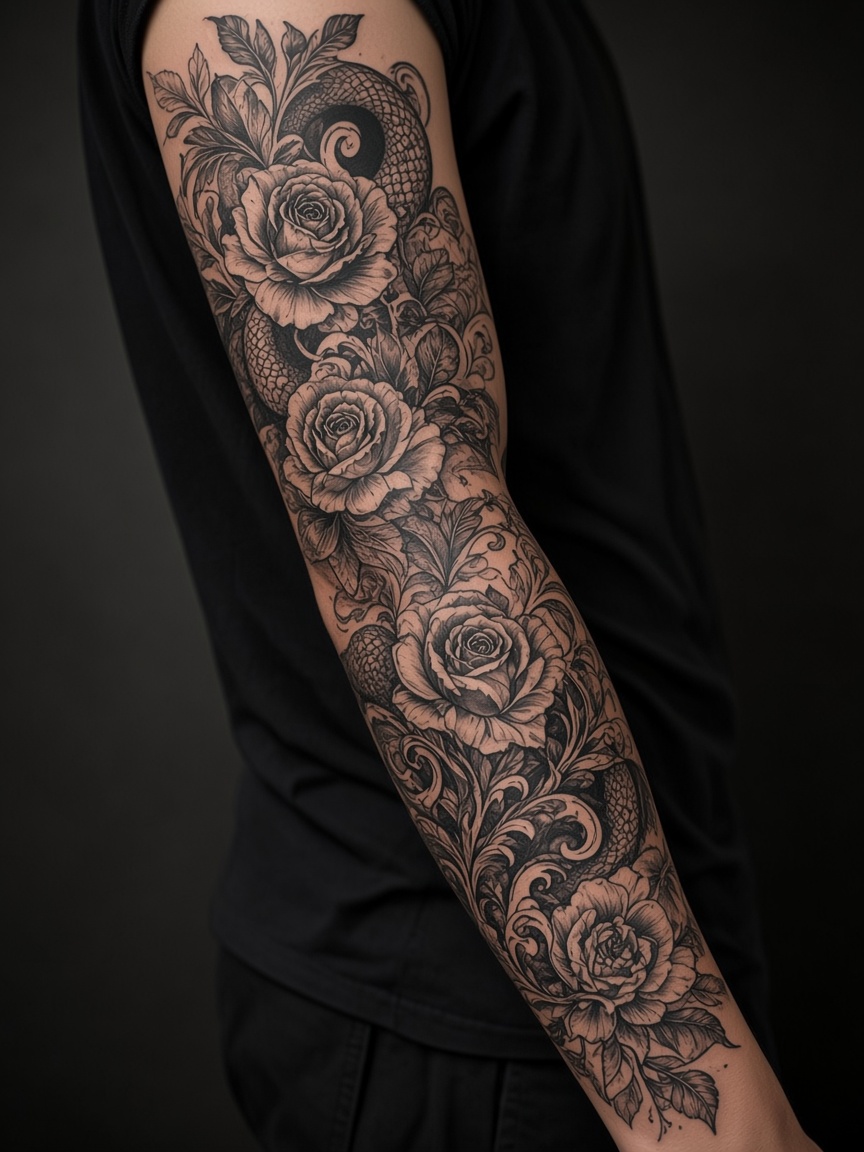
Real designs. Real people. Real possibilities.
Why Choose Us
Cloud photo and text tools return an image from the provider. This page does not trace a photo into linework in the browser.
Print sizing and local lettering fonts run in the browser. Cloud image jobs run after you sign in.
Use separate pages for a photo concept, a text prompt, lettering, placement, and print sizing.
Cloud prompts and images stay on the account until you email us to delete them. Browser tools do not upload those files for generation.
Download the image returned by a cloud job. This site does not export SVG.
A centralized web companion workstation engineered perfectly for busy custom tattoo studios and independent creators.
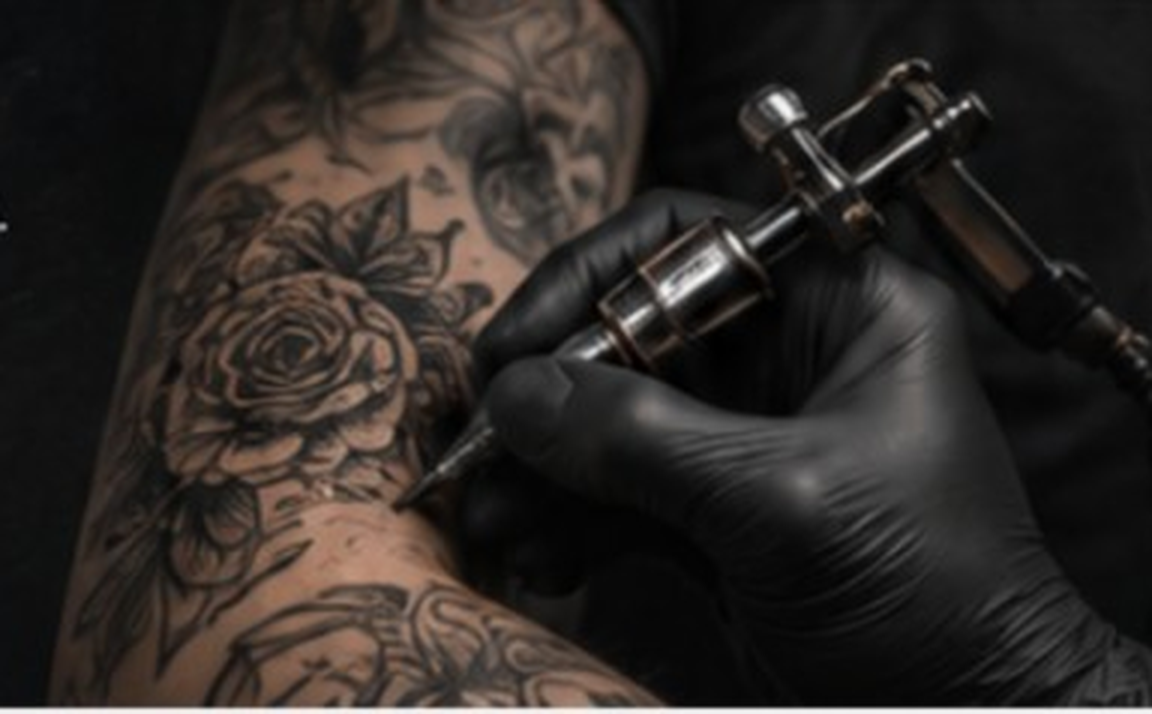
Good
Stencils.
Better
Tattoos.
A photo or a text prompt spends credits and returns an image. Browser lettering and the print PDF do not. This site does not trace a photo into a stencil.
Try Stencil Maker Now →