
1Choose Model
photo and mask go to Wuji
2写真を上げる
tattoo.jpg
3Select Area to Fill
Paint over the empty area you want to fill. You can adjust the brush size or use auto-detect for quick selection.
4Style & Preferences
5Generate
Original
AI Generated Result
The generated job fills the marked empty skin so it can sit with your existing tattoo’s style and flow. Try another style if the first concept does not match.
Private & Secure
Photos and masks go to Wuji when you generate. No public gallery.
Print Ready
High-resolution output.
Made for artists
Download a concept, then refine and print.
Reimagine Existing Tattoos
今あるタトゥーの写真で変更したい範囲を指定。クレジットを使ってカバーアップや隙間を埋めるデザイン、追加の案を生成し、施術者との相談に活用できます。
Upload Your Tattoo Photo
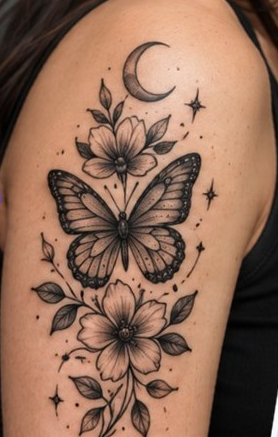
AI Enhanced Result
Same
Tattoo.
New
Possibilities.
ゼロからは始めない
範囲を指定する
確定デザインではない
ログインが必要
Cloud cover-up jobs store the prompt and image on your account.
Turn your old tattoo into a new story
Whether you want to extend a faded tattoo or explore a cover-up. Cloud jobs spend credits and return a new concept from the photo and prompt.
Try It Now →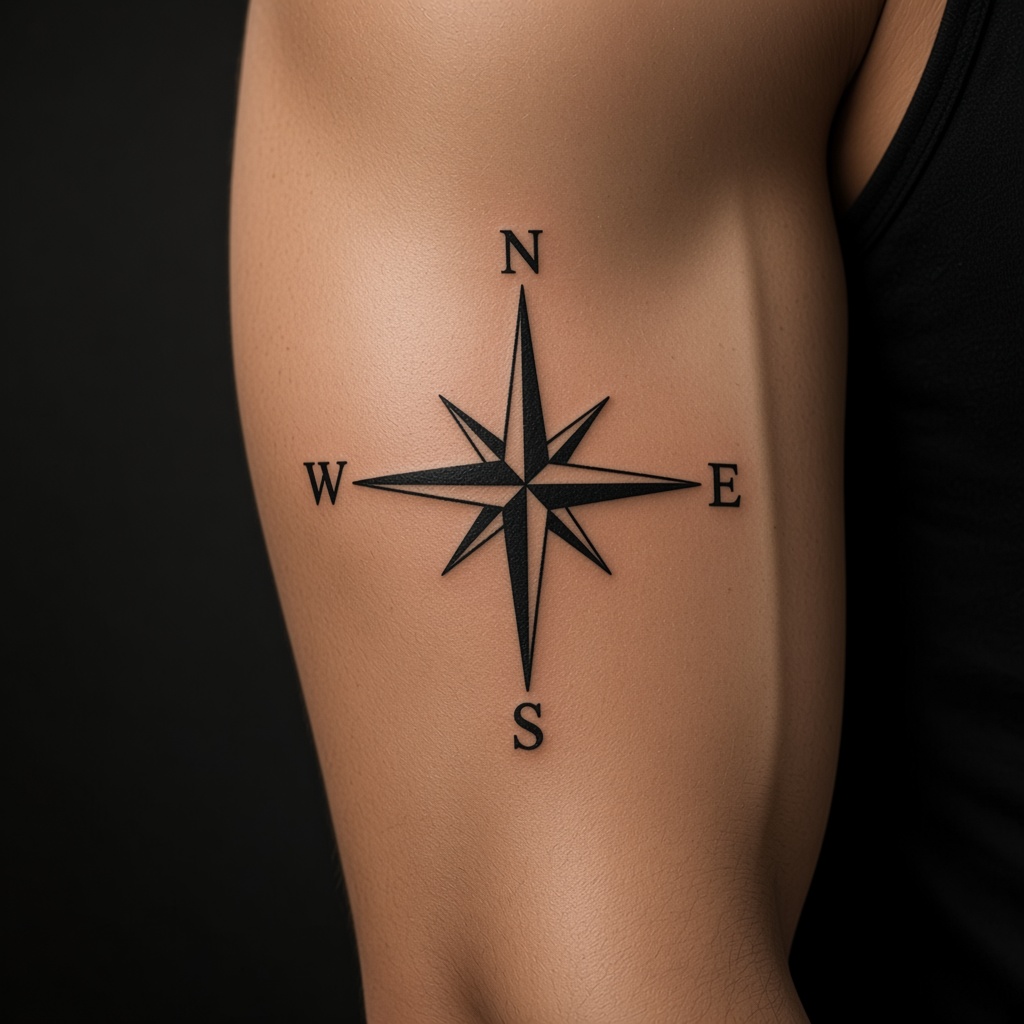
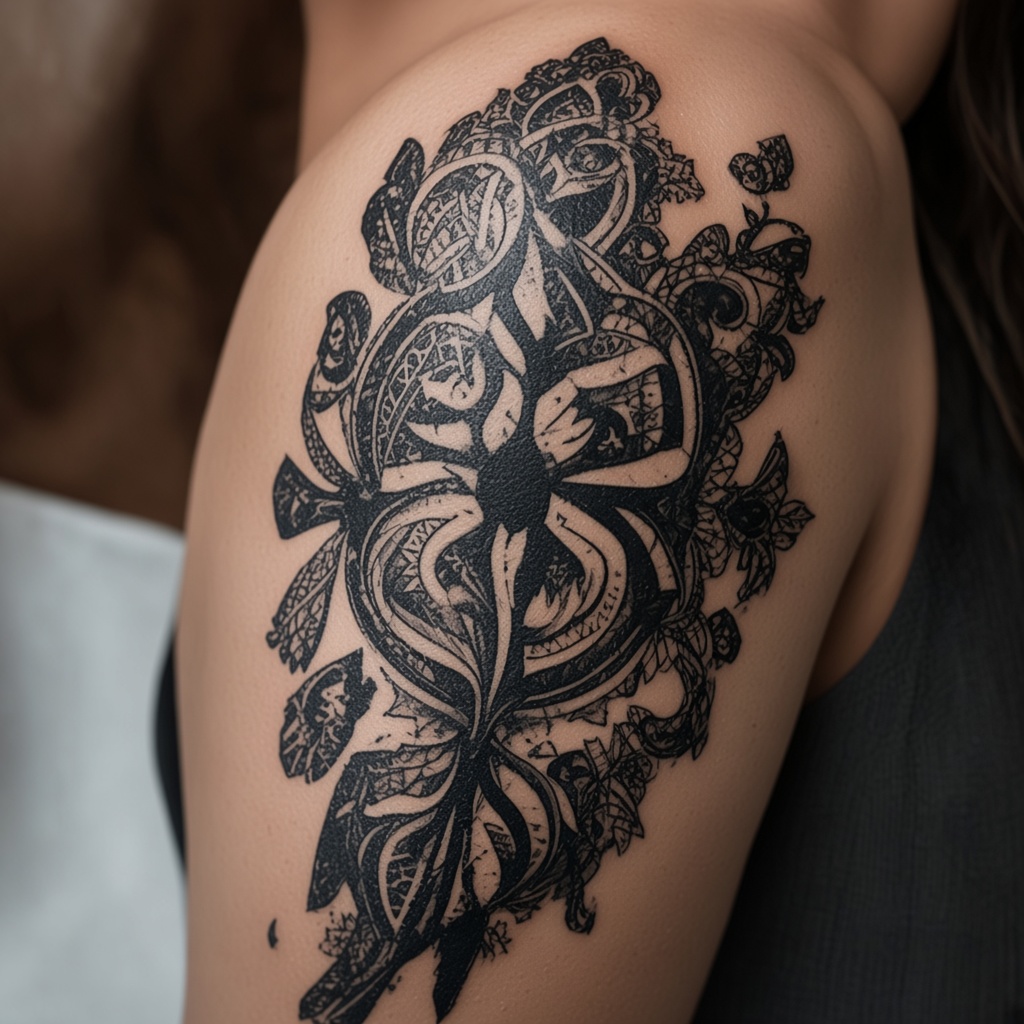
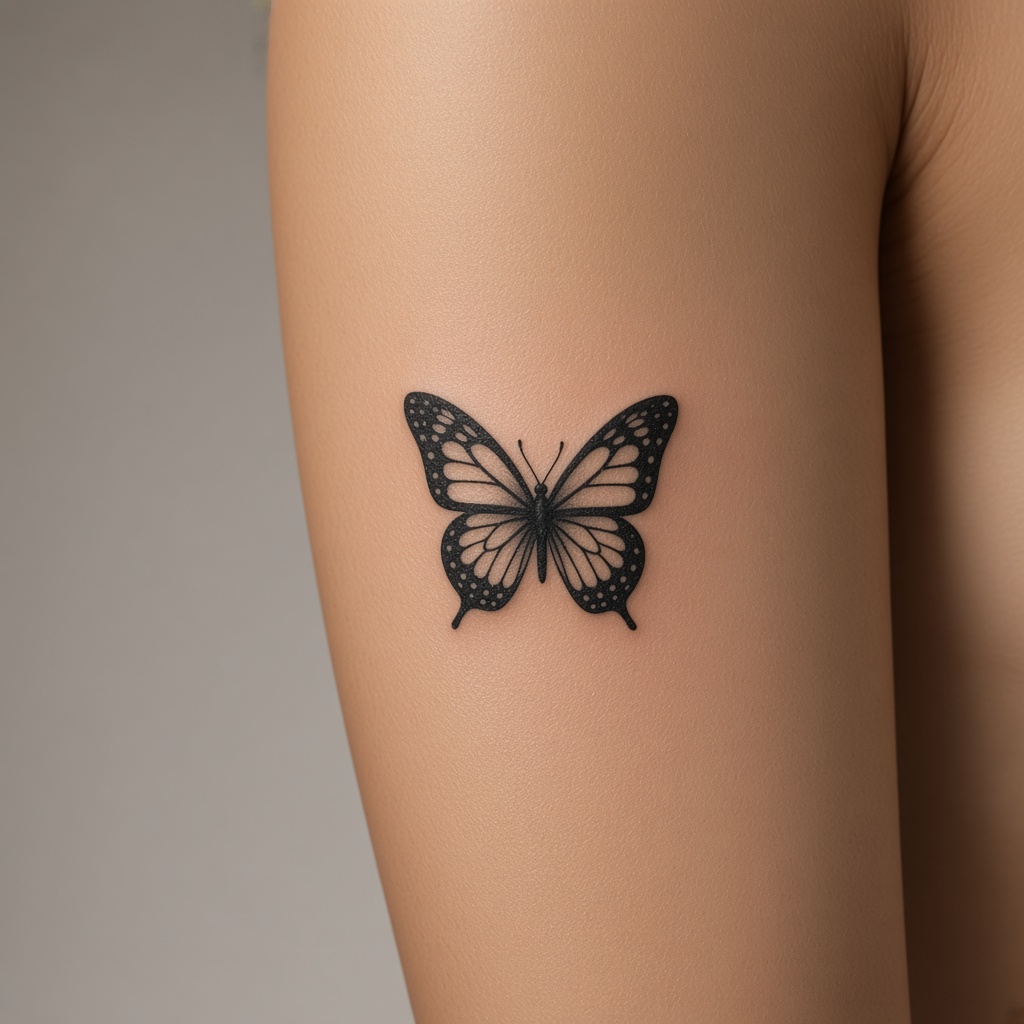
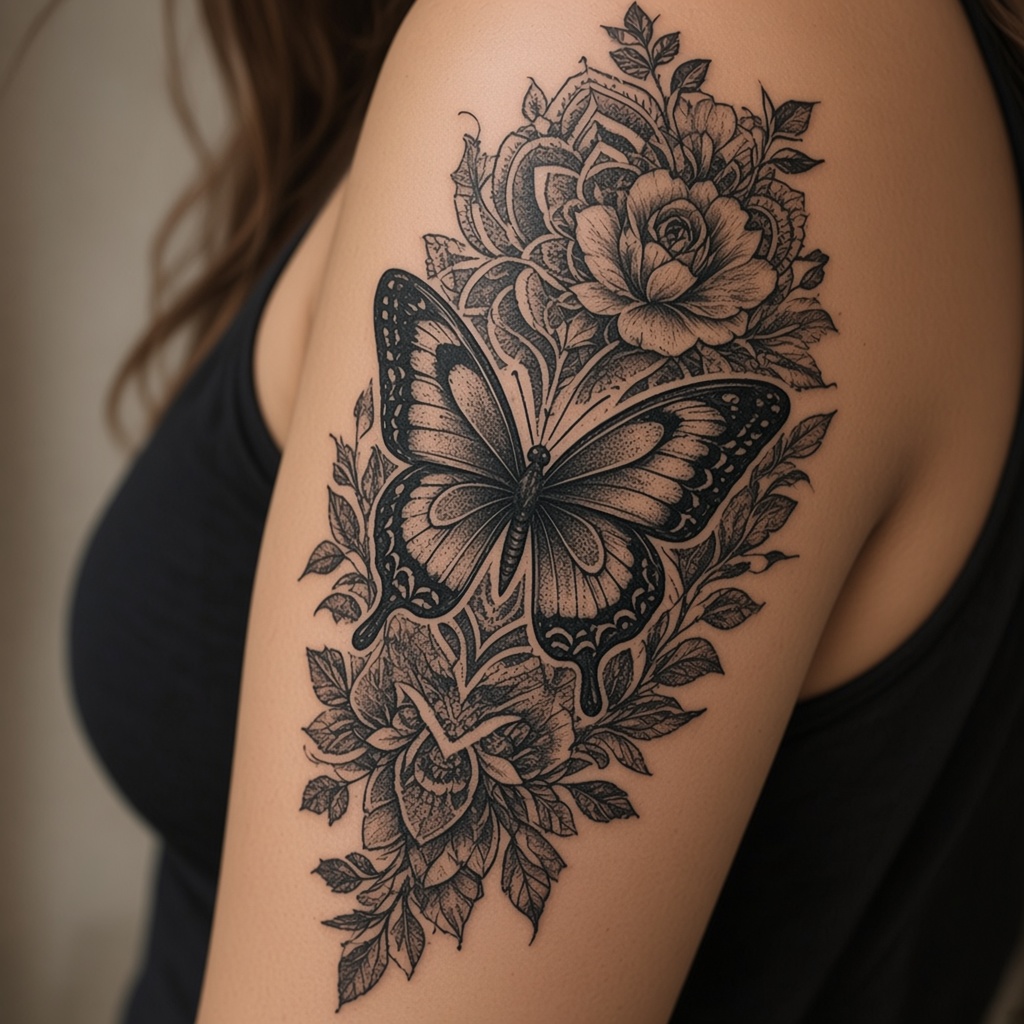
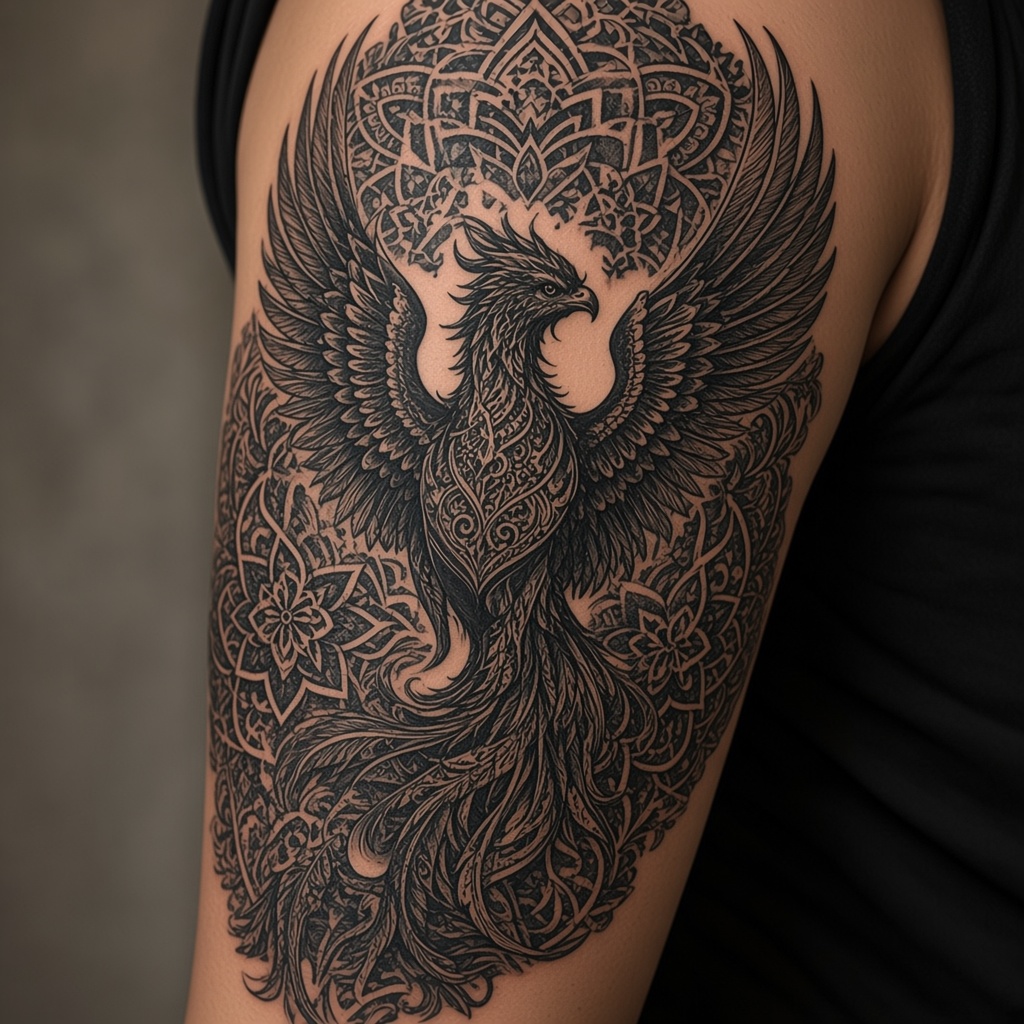
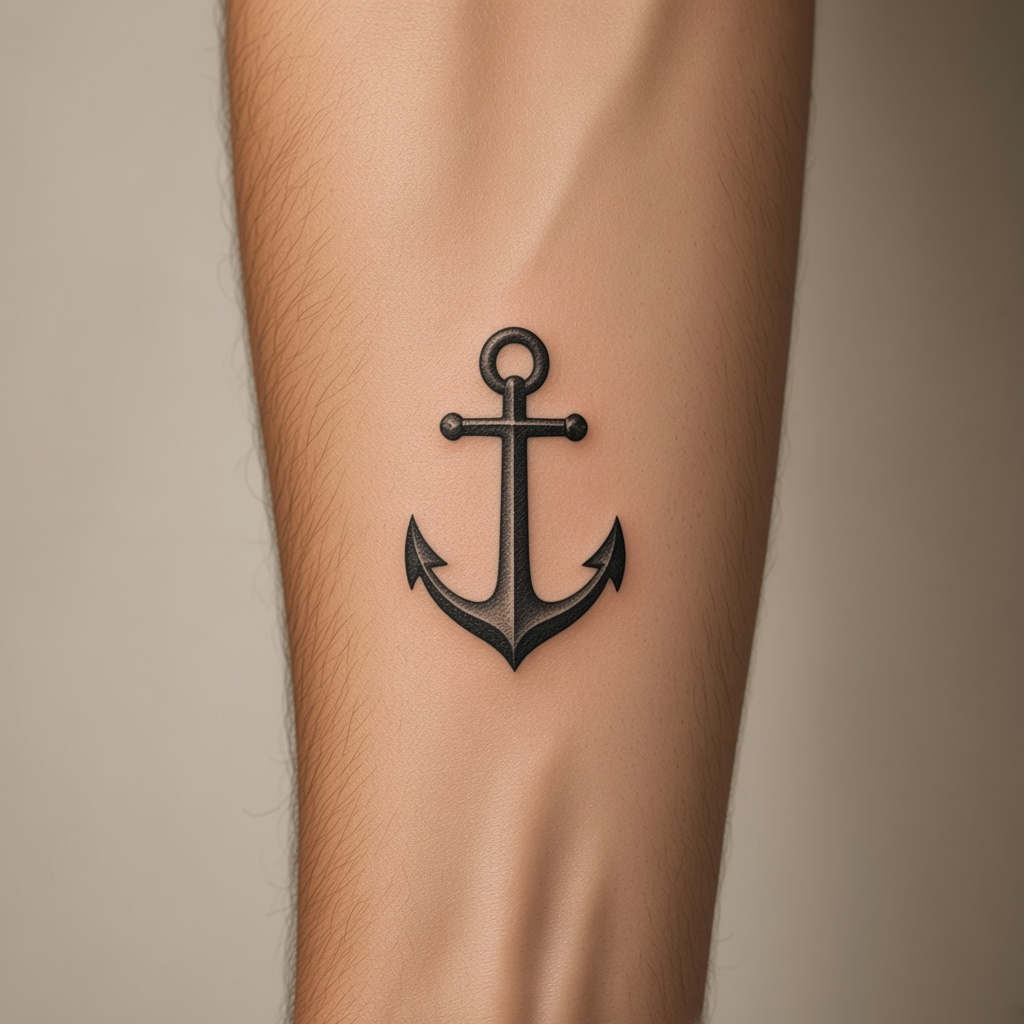
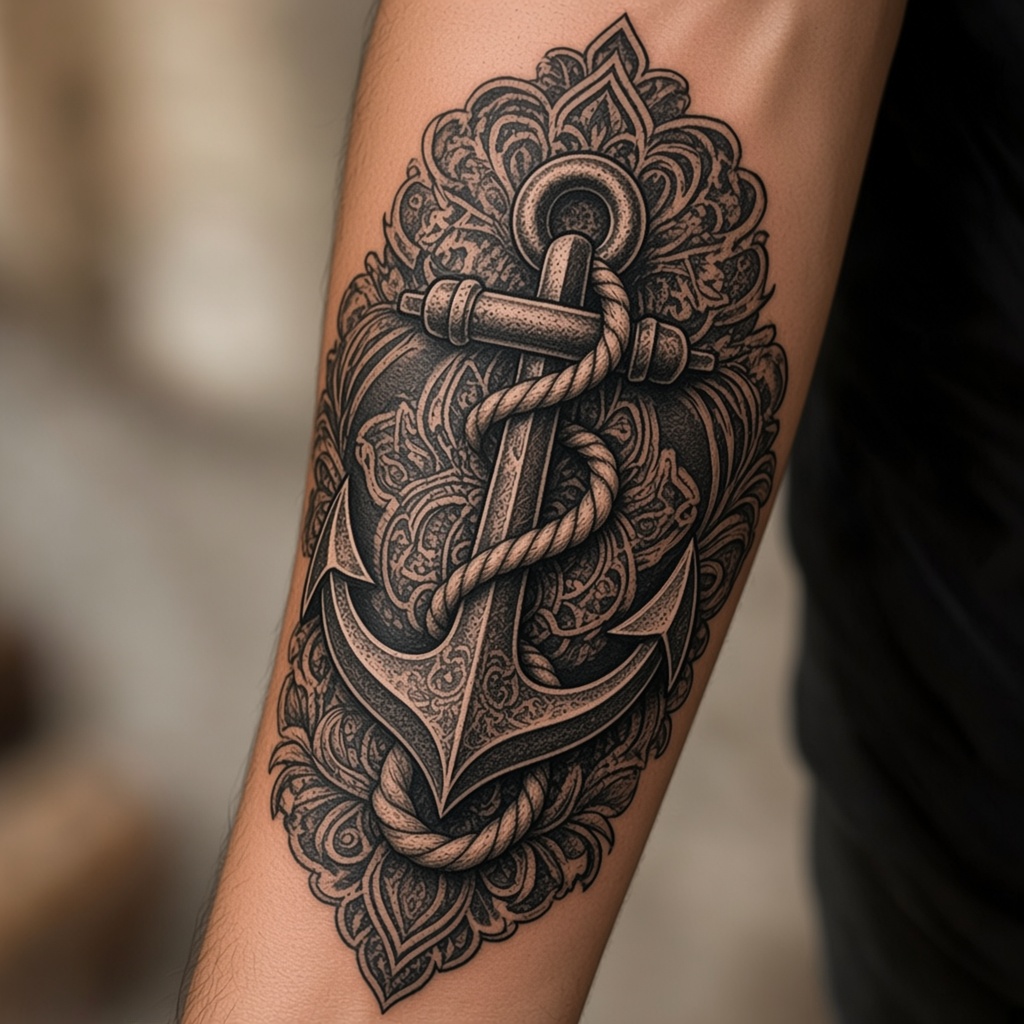
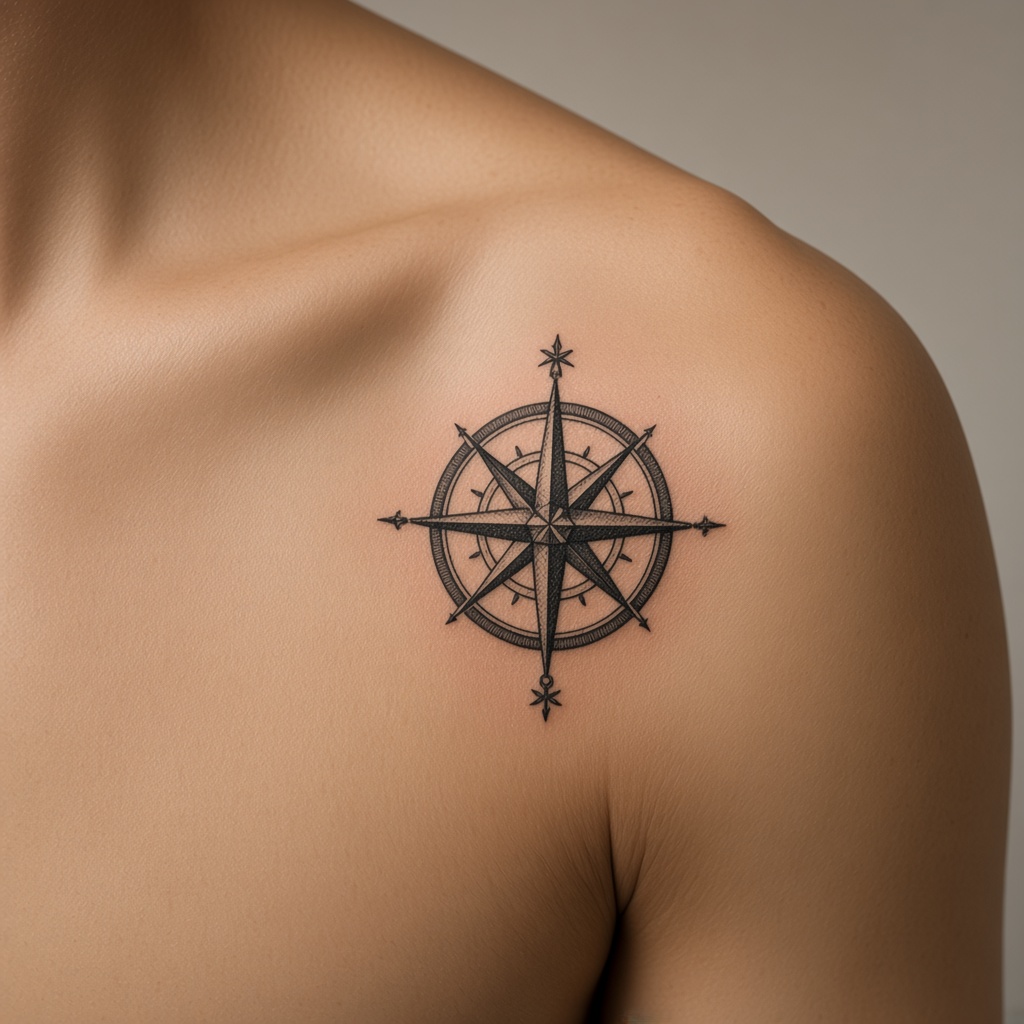
Real examples
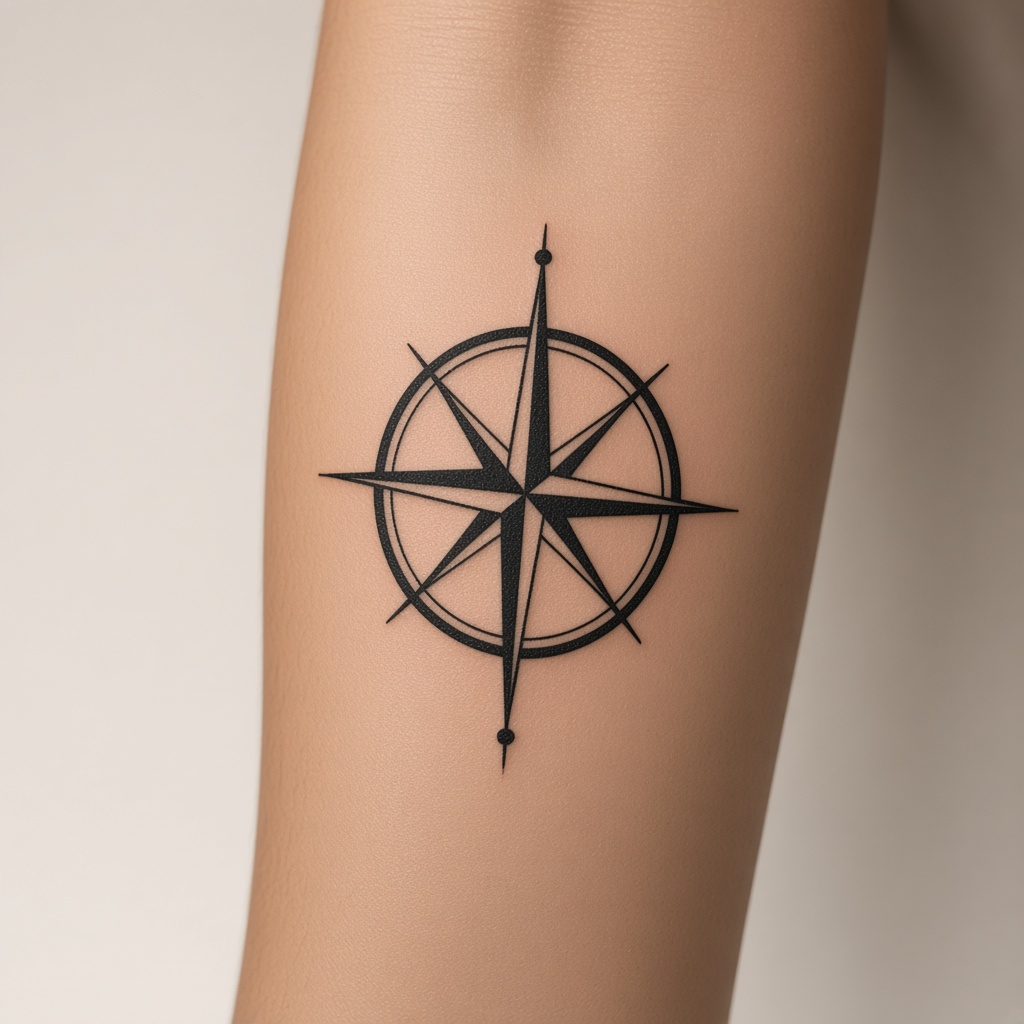
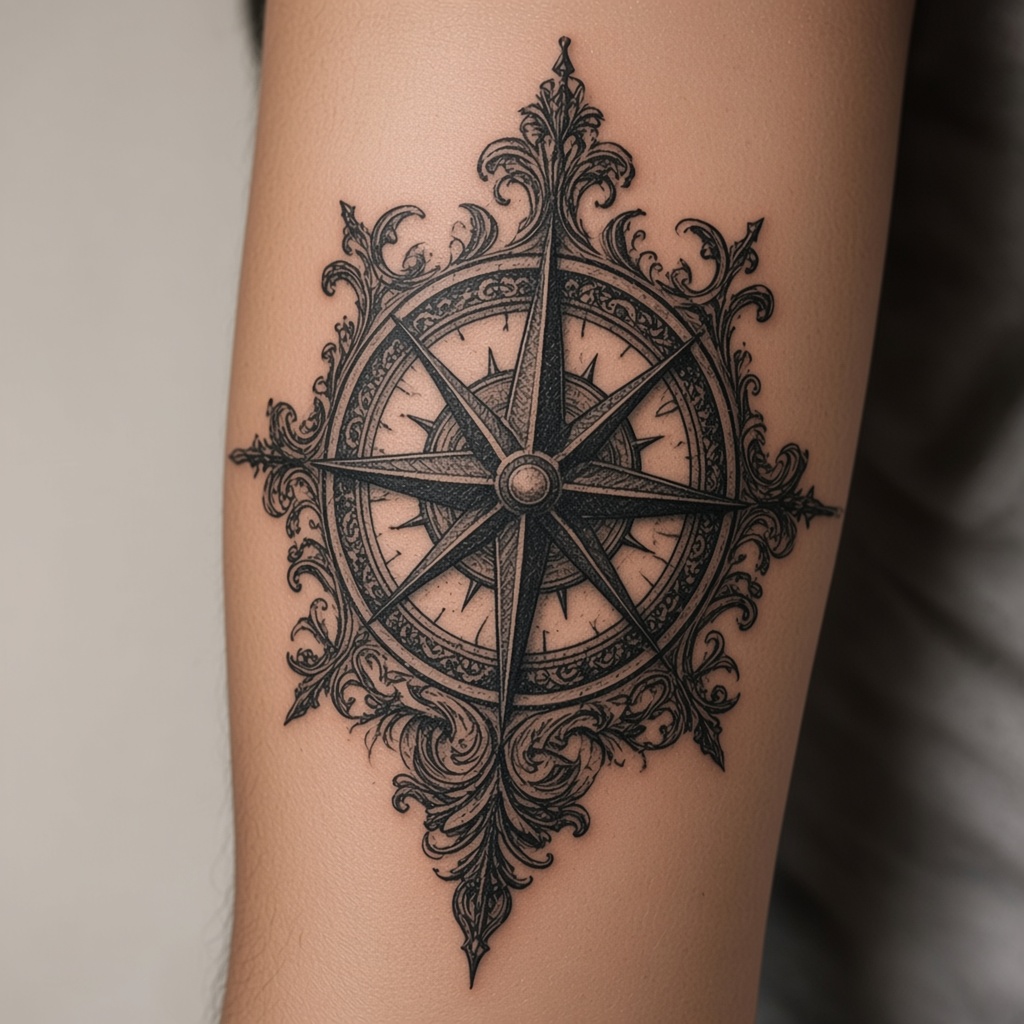
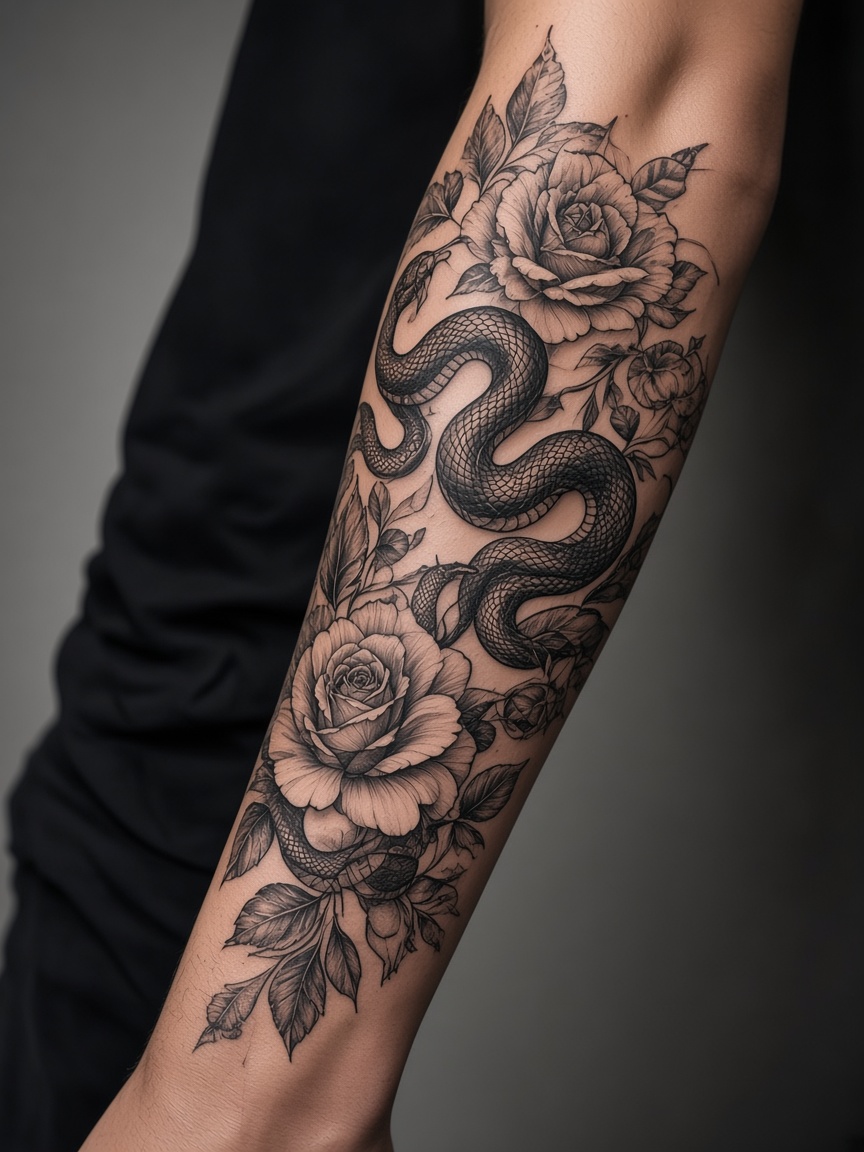
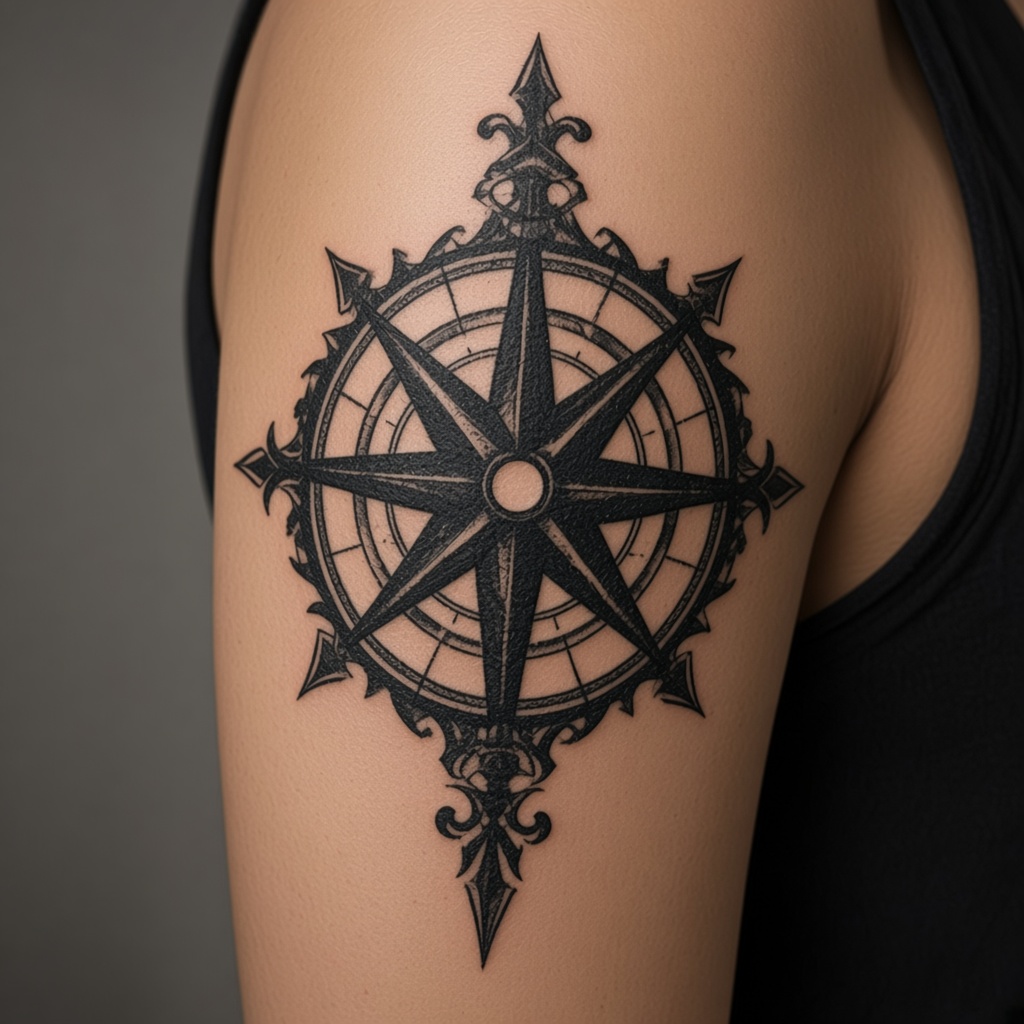
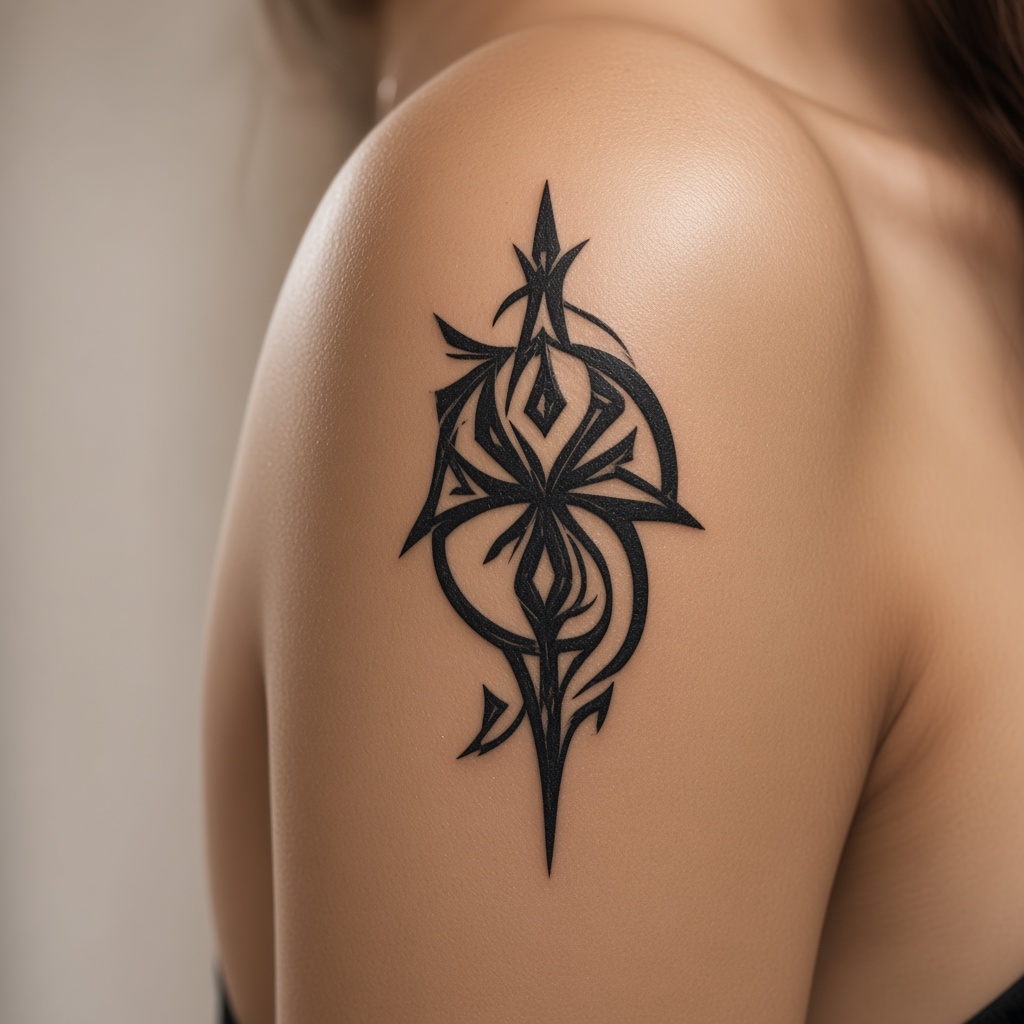
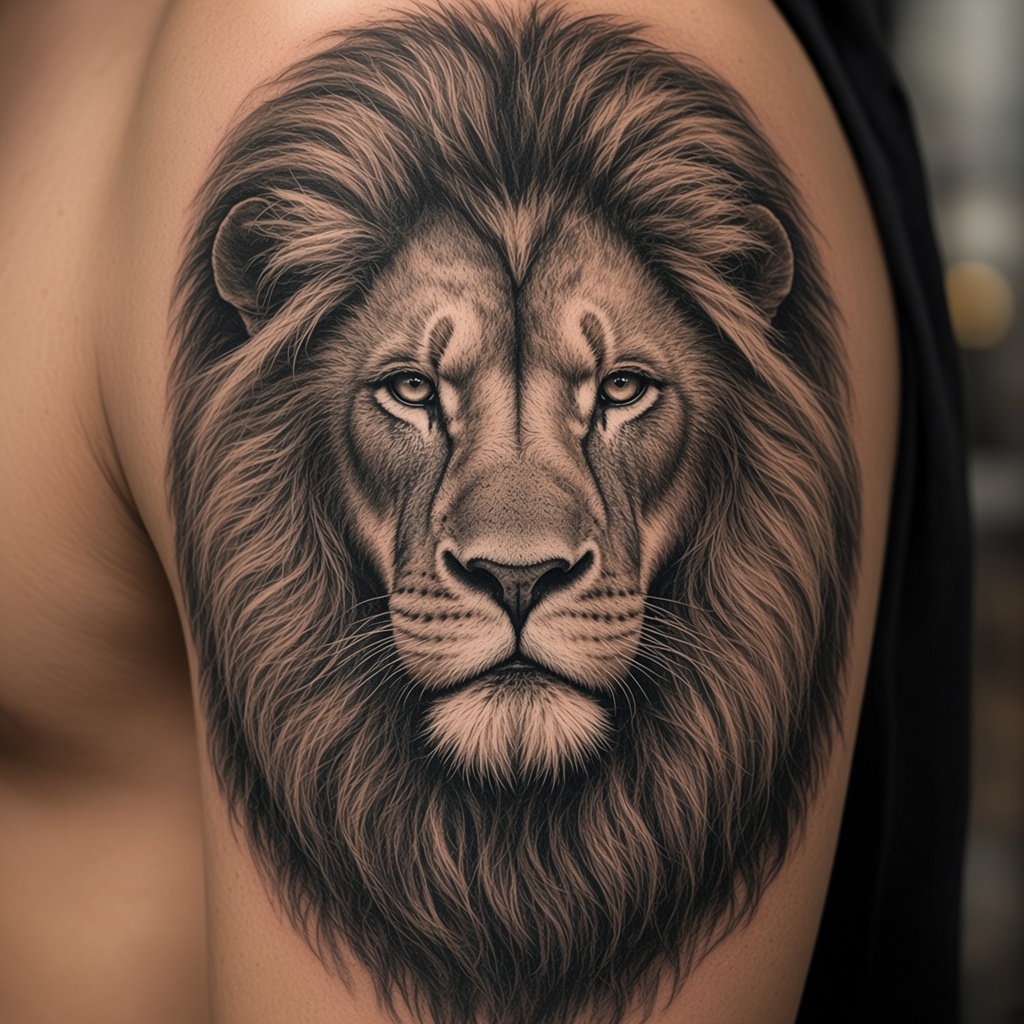
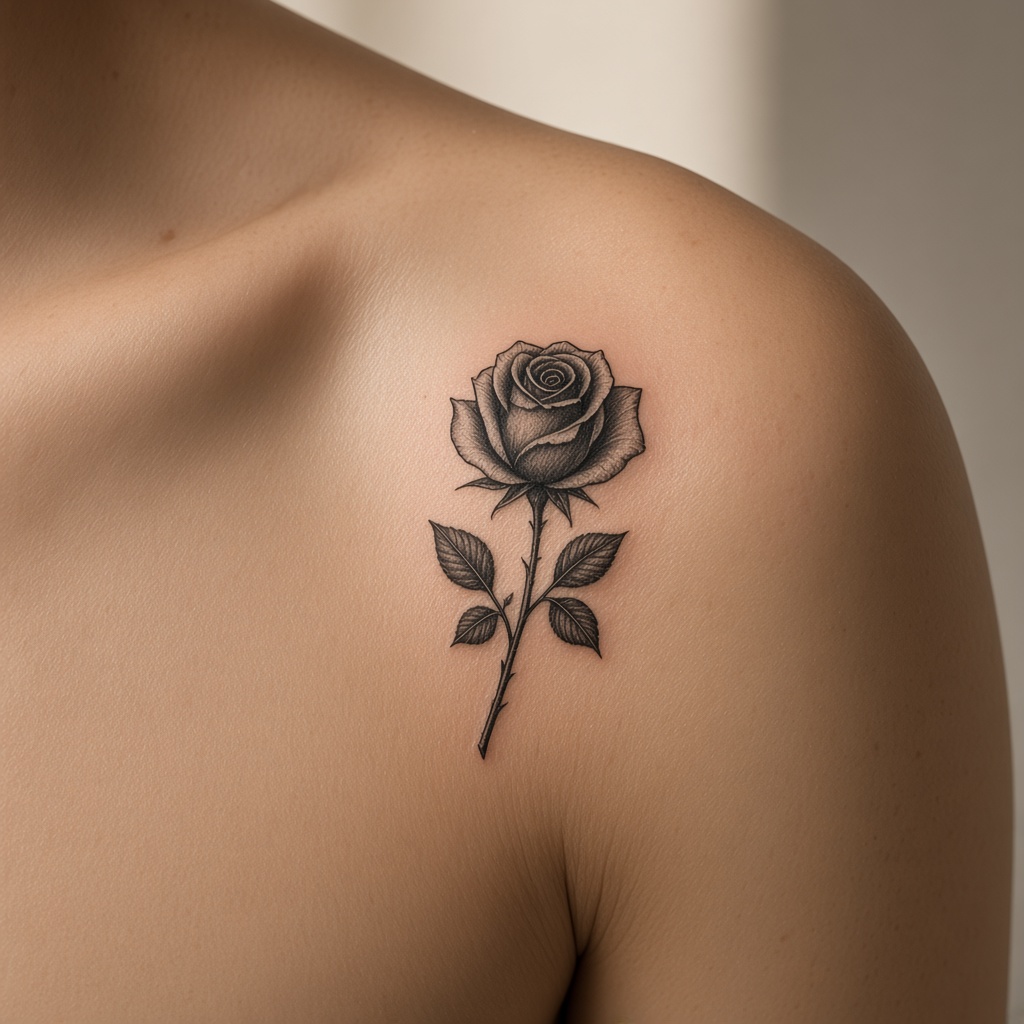
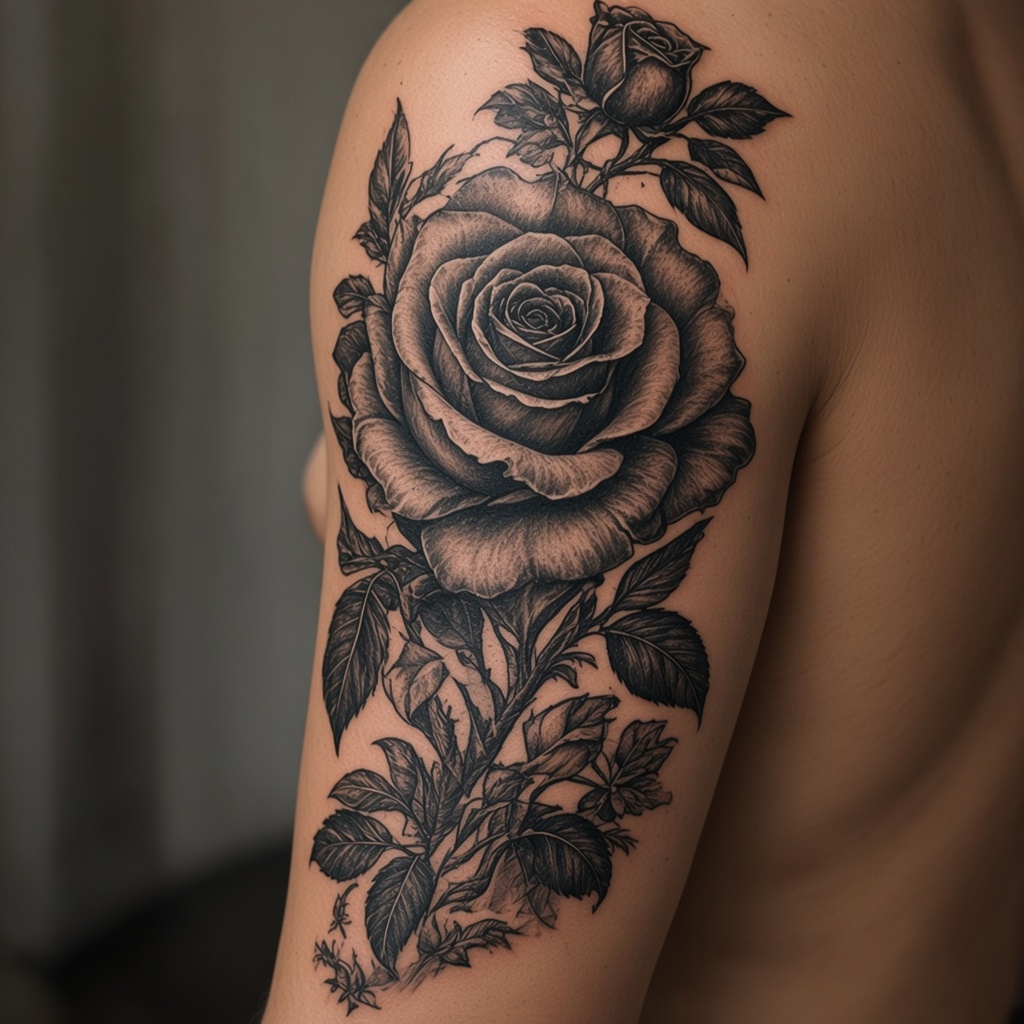
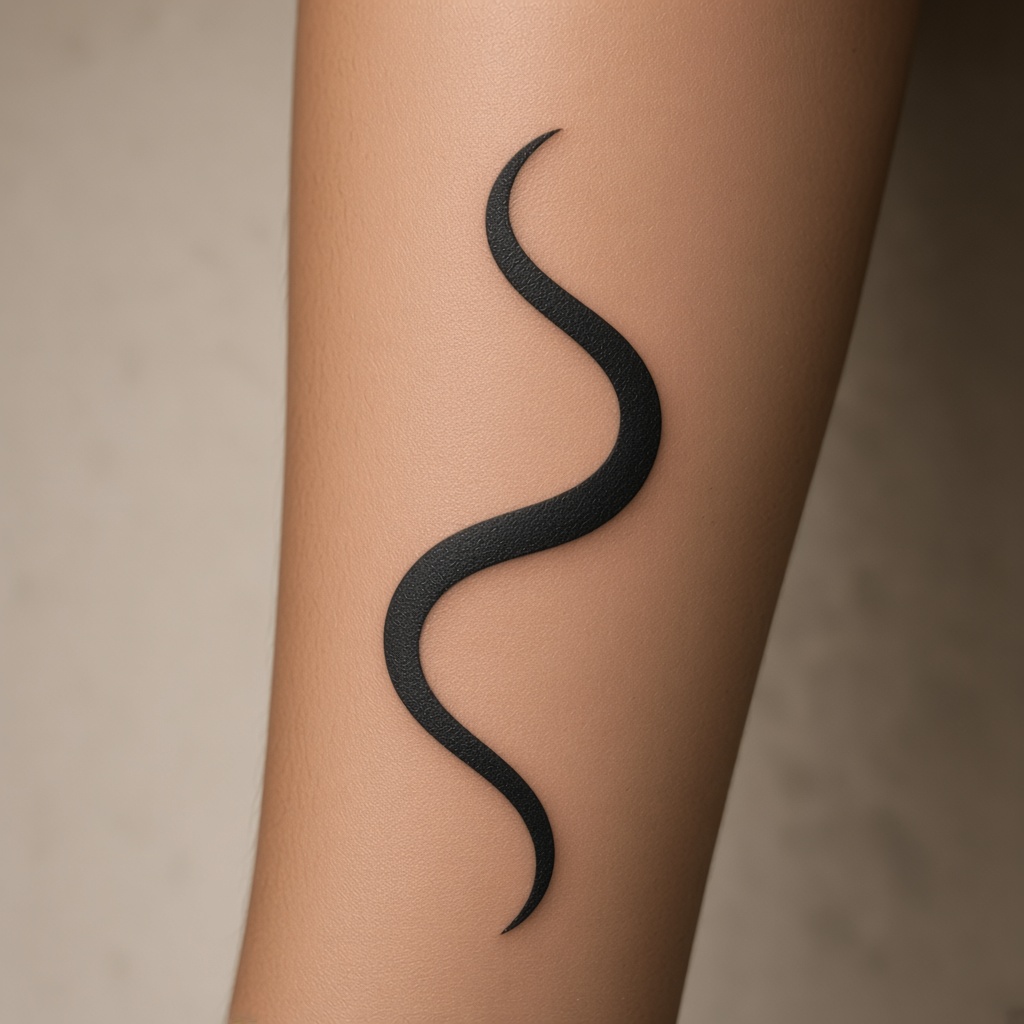
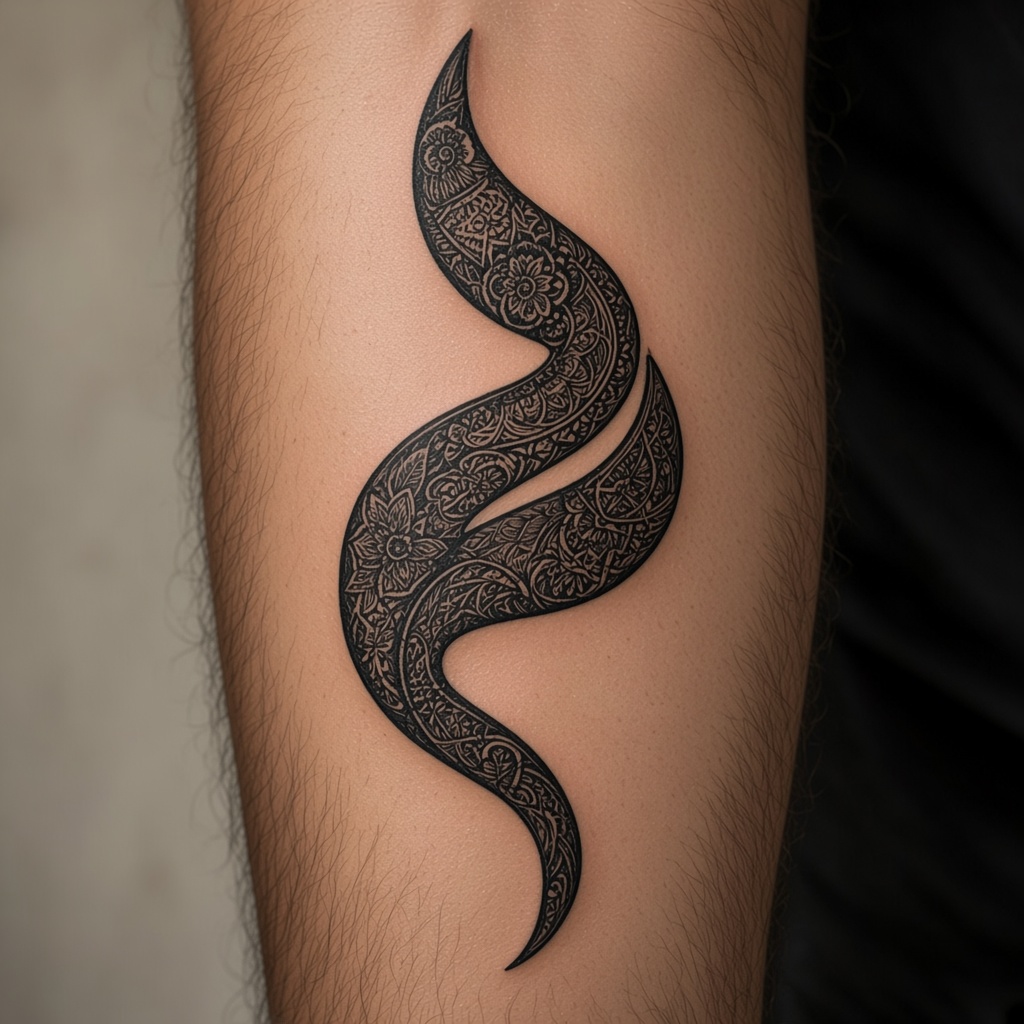
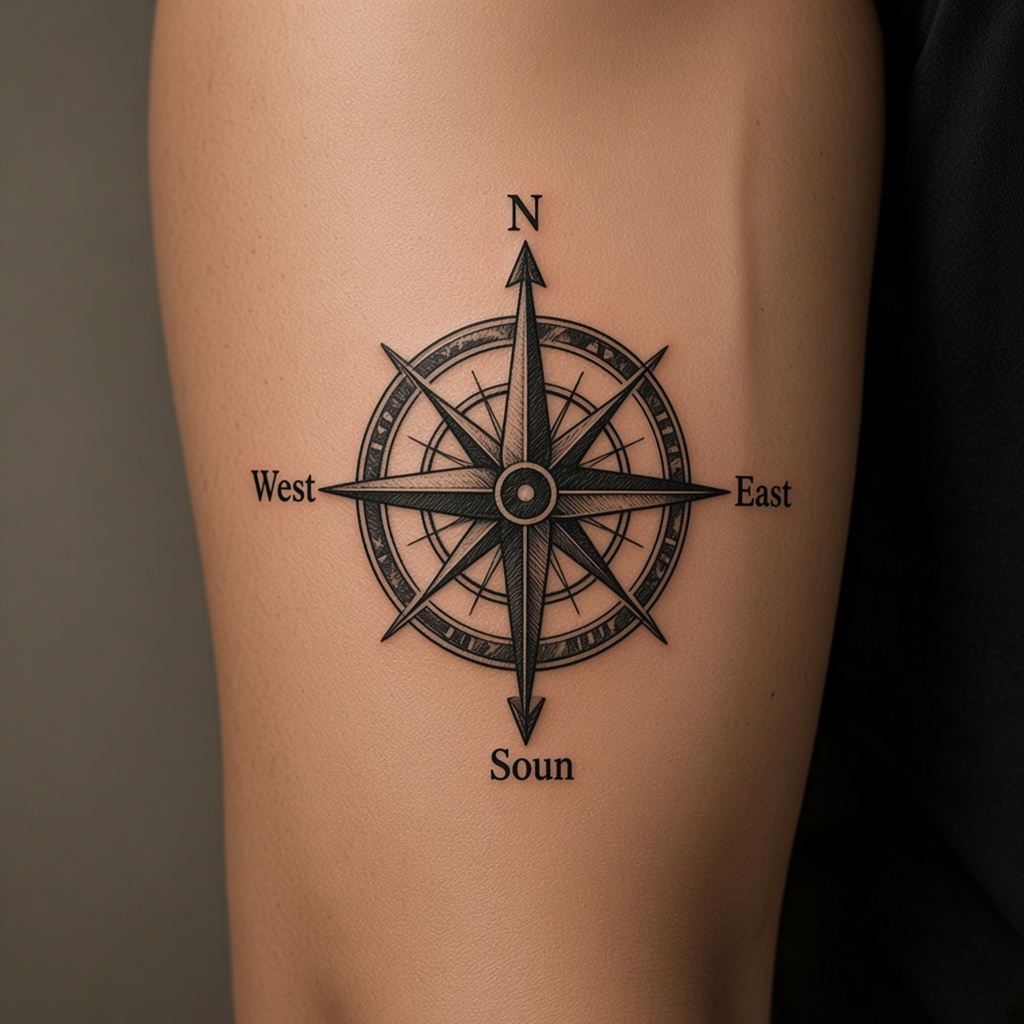
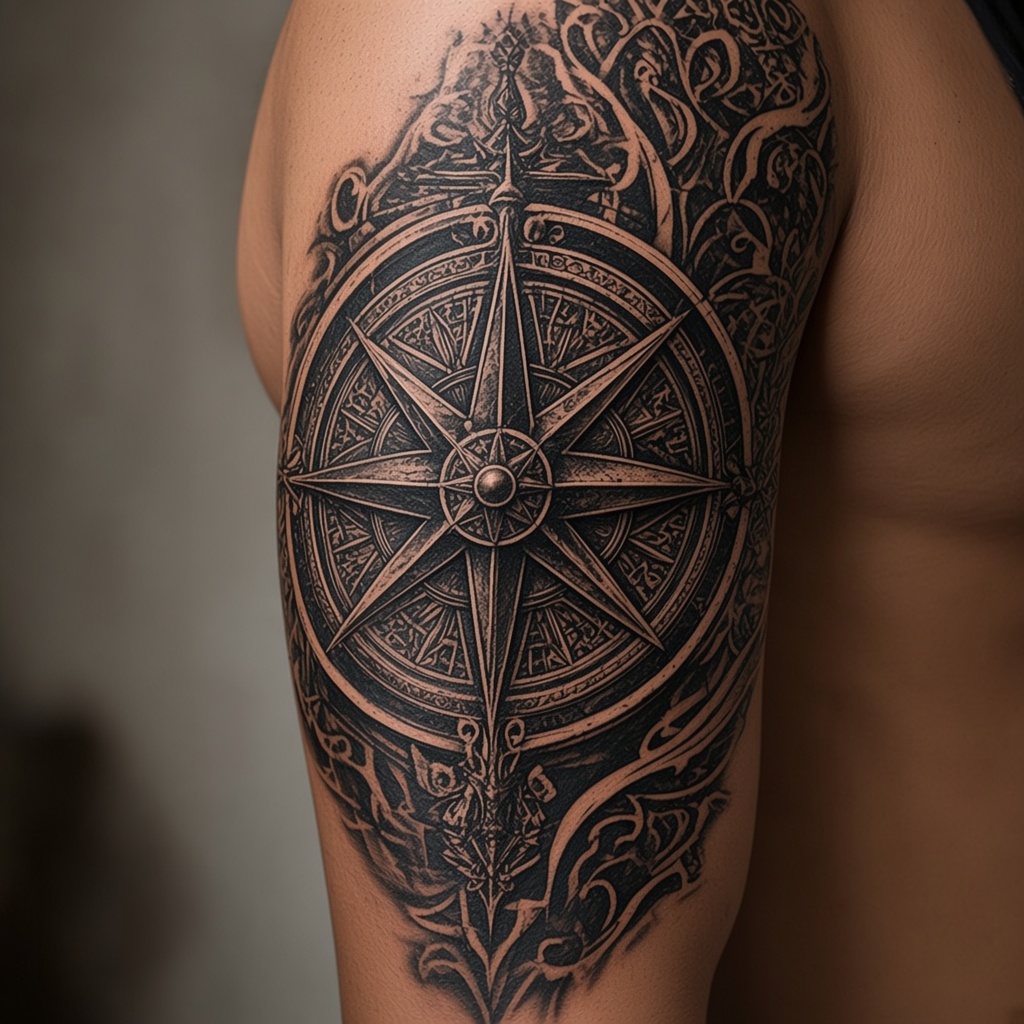
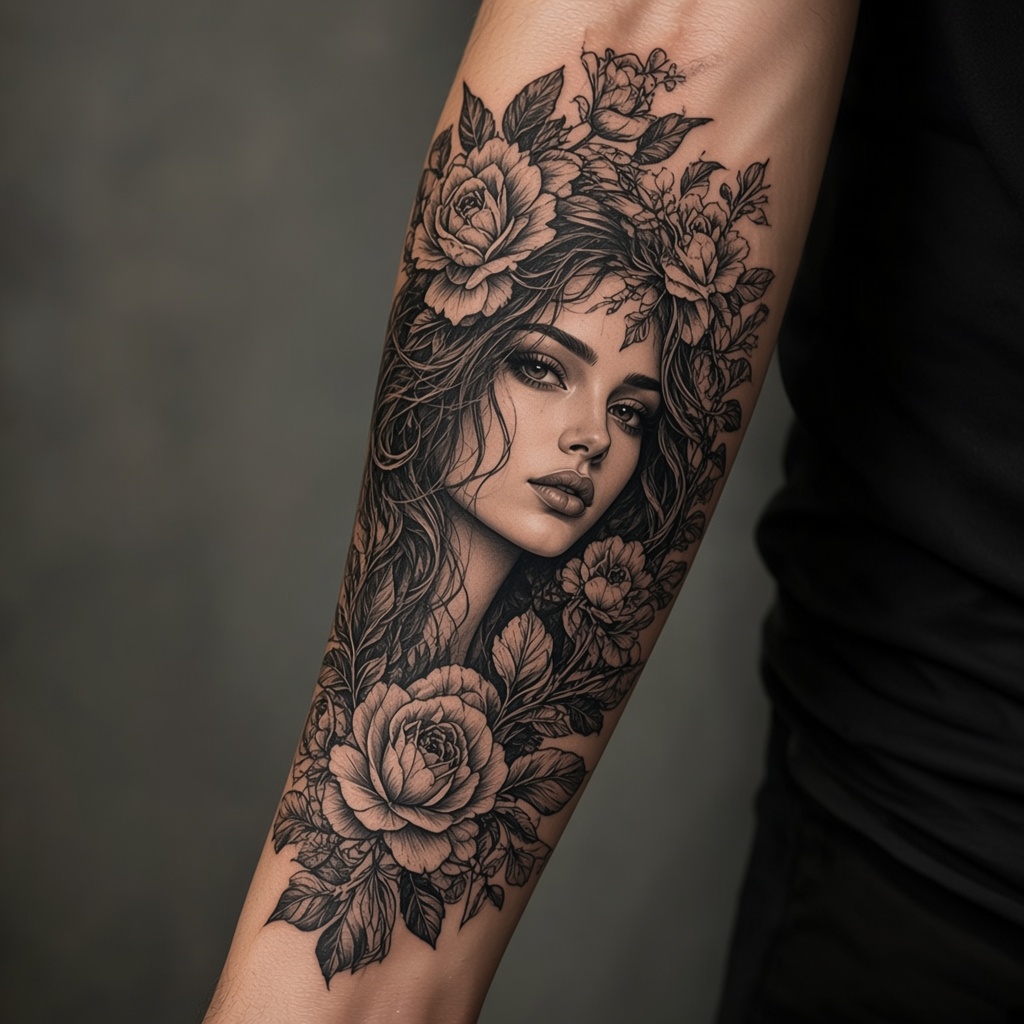
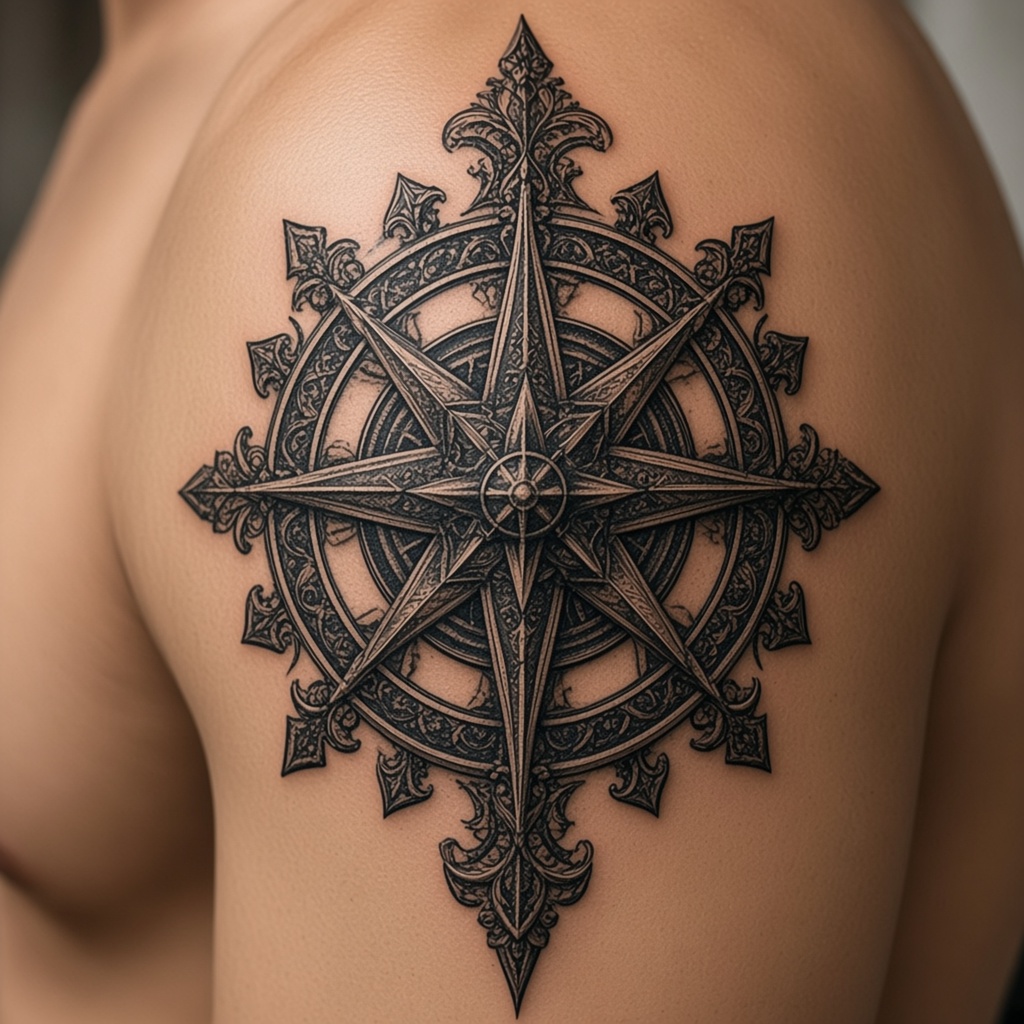
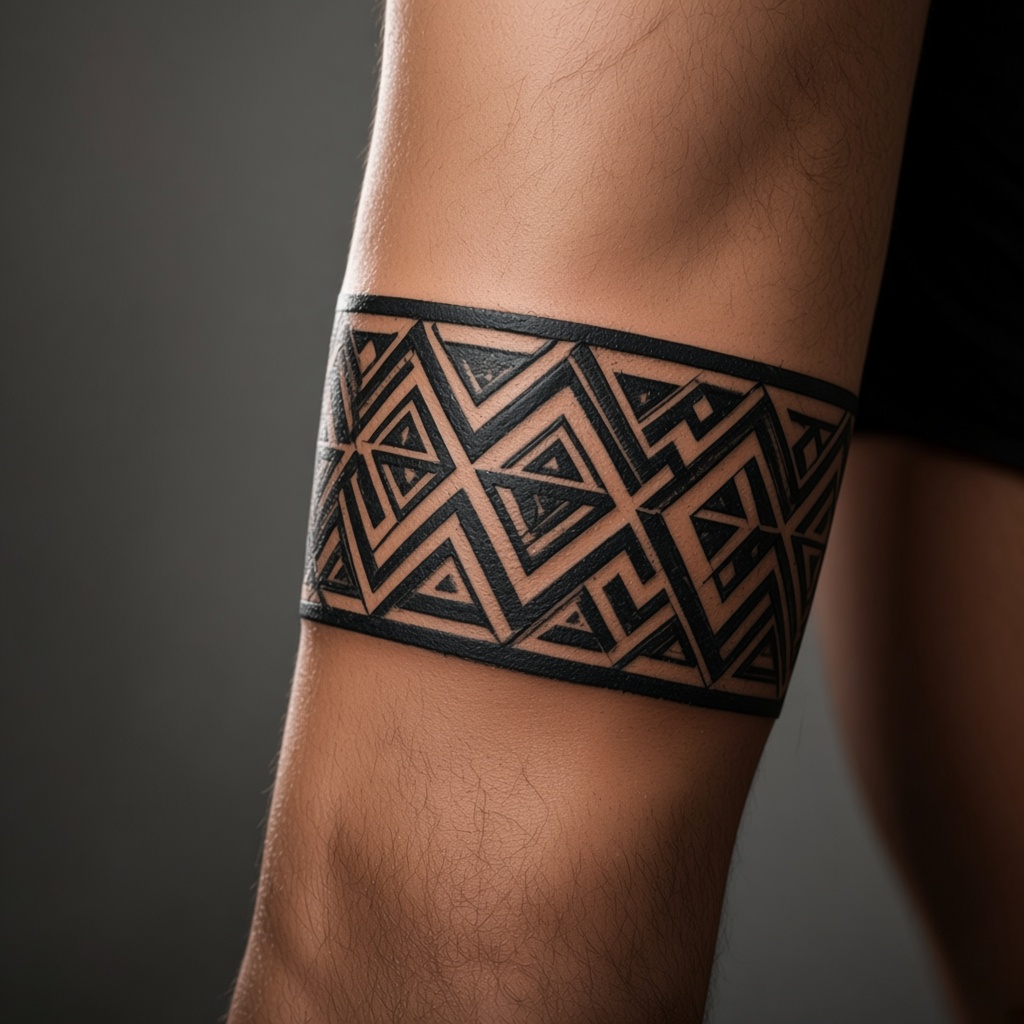
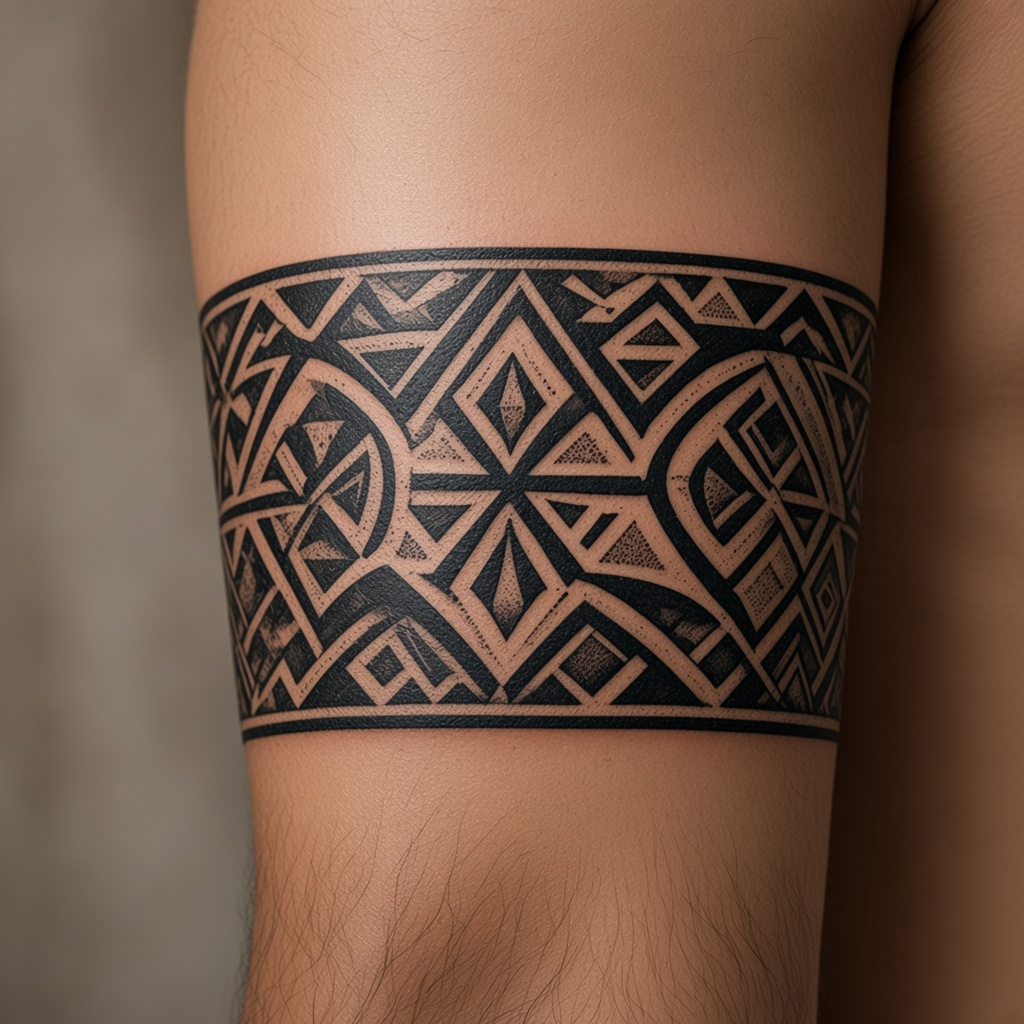
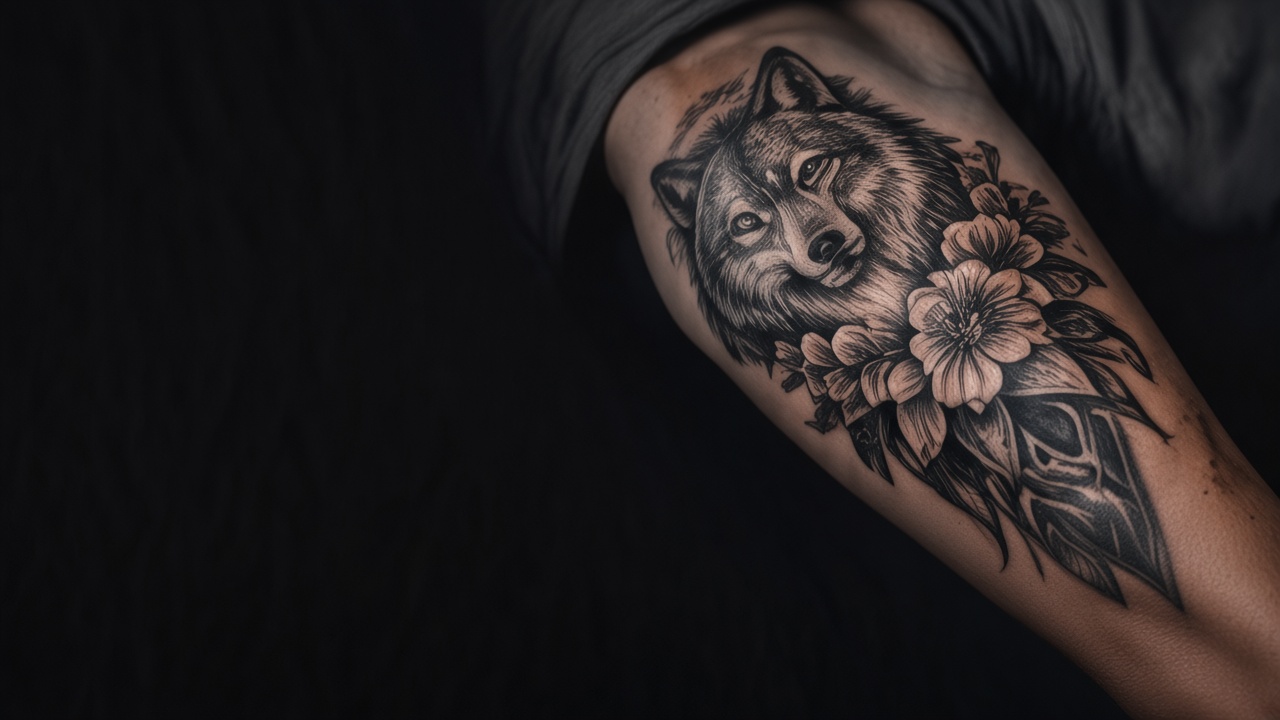
Explore real-world rework designs generated on this page. Click any transformation flash layout to load the new vector asset into our Stencil Editor, mirror the geometry, and prepare the print sheet immediately.
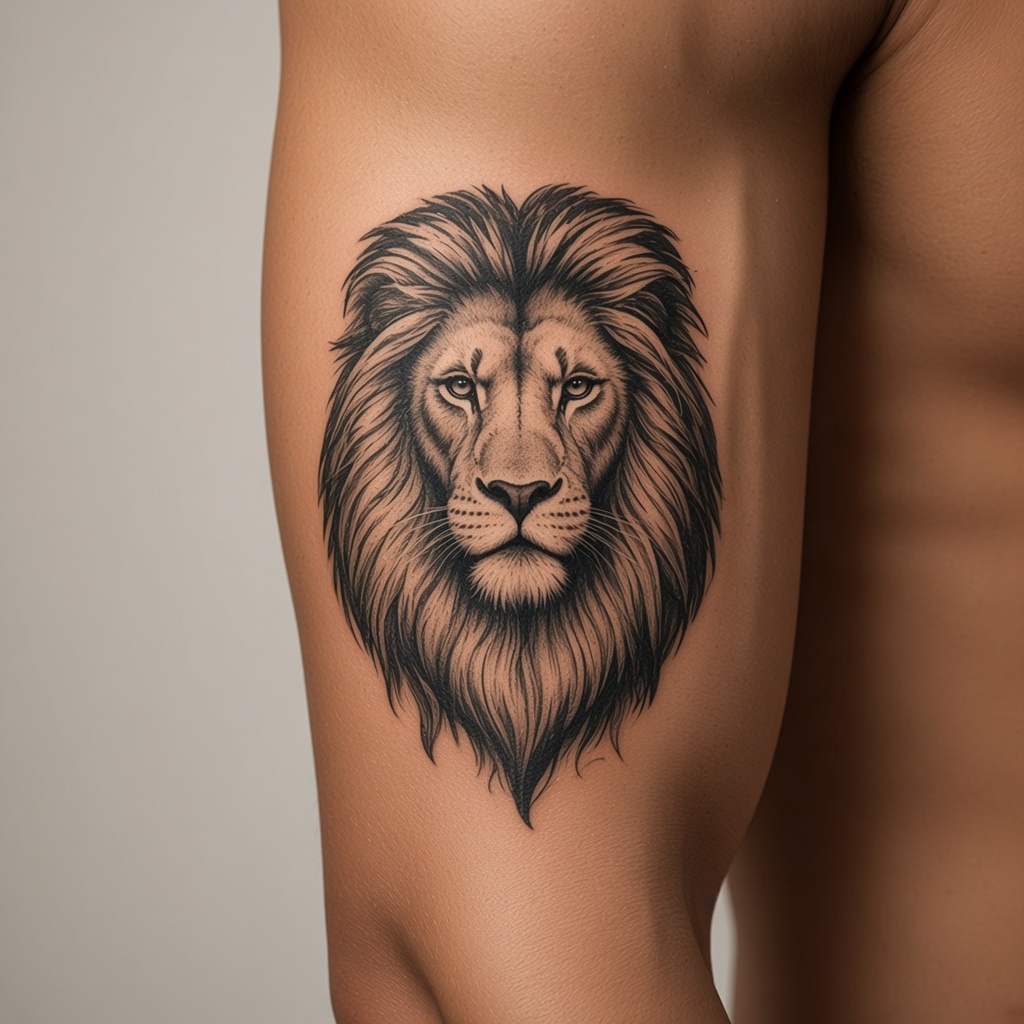
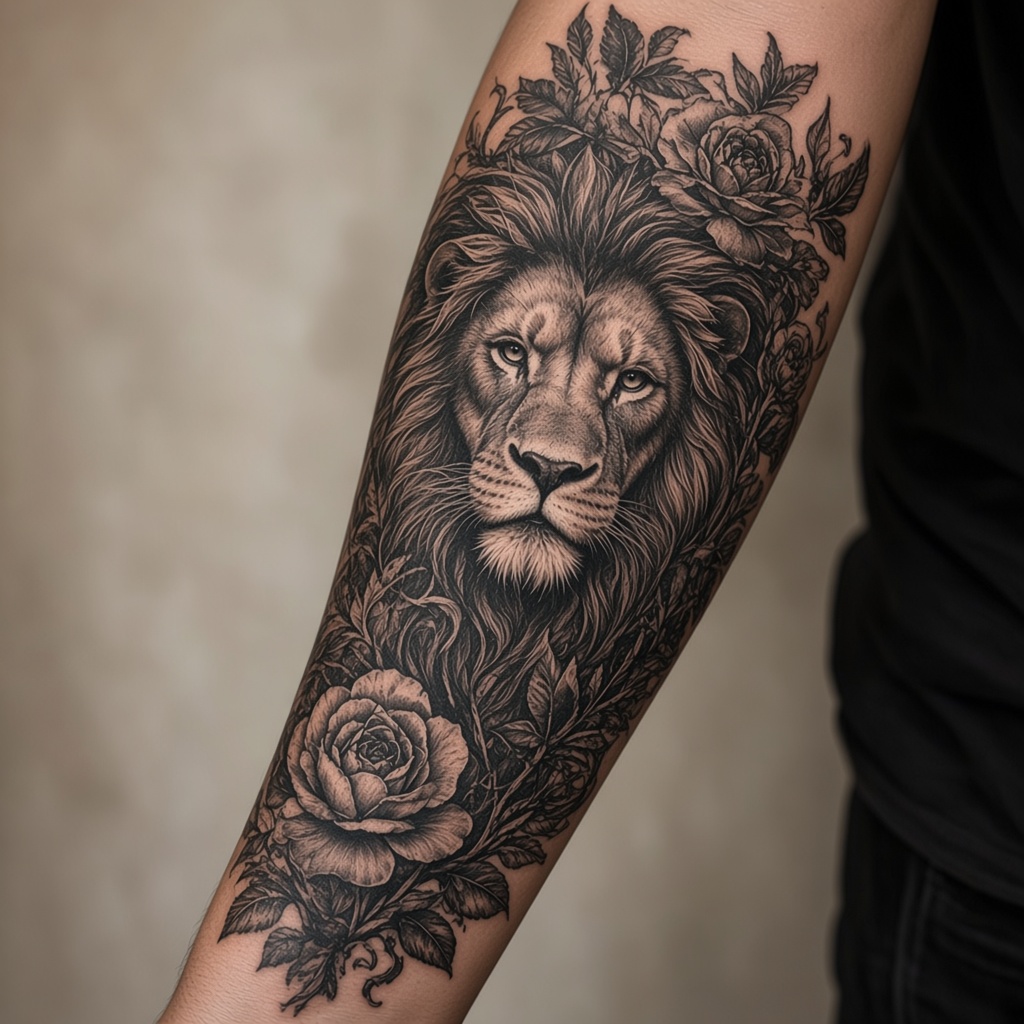
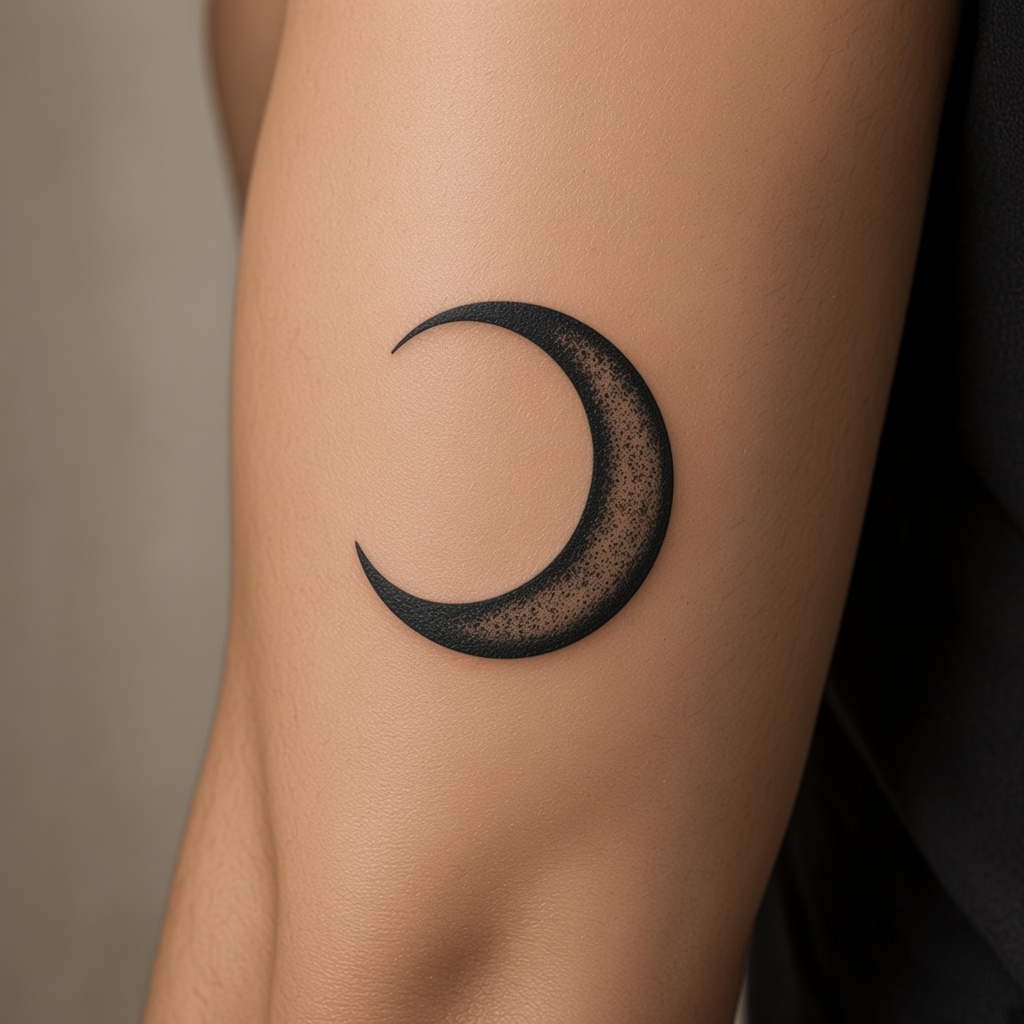
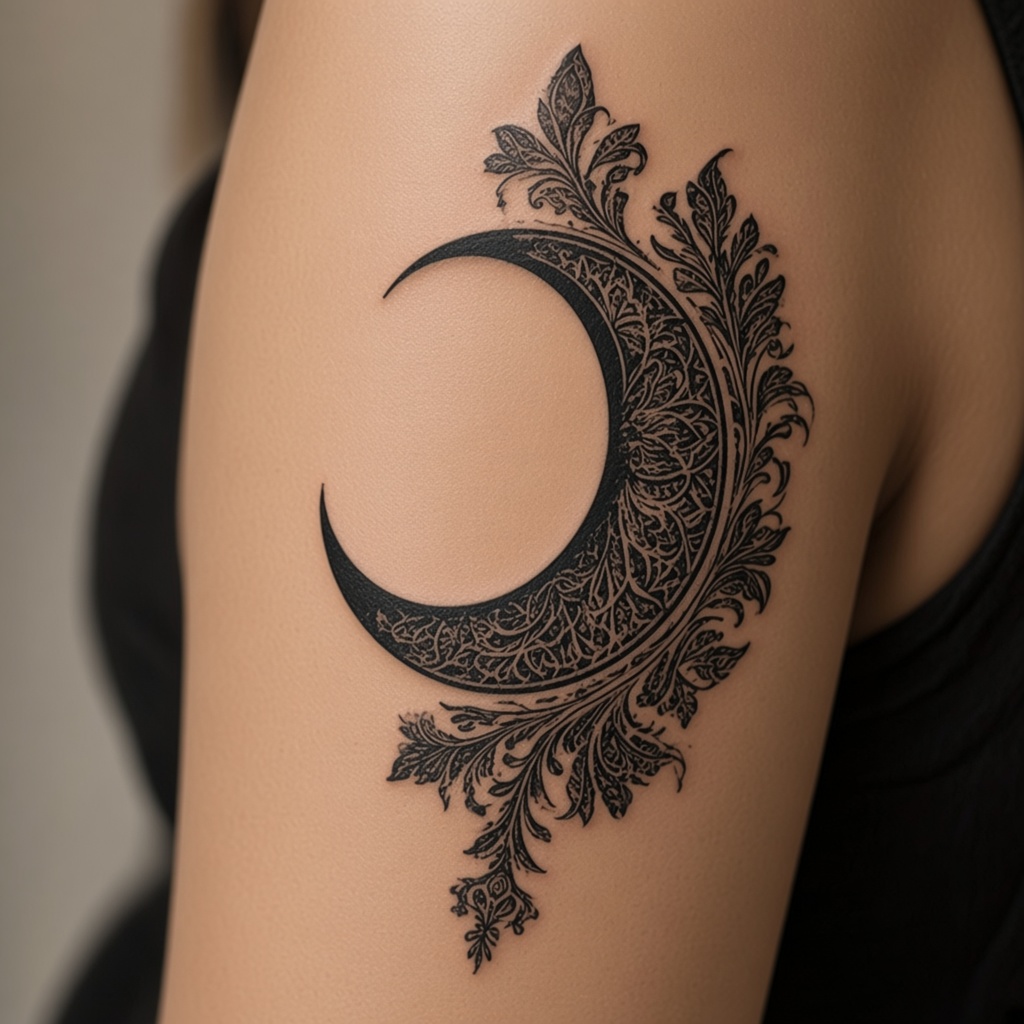
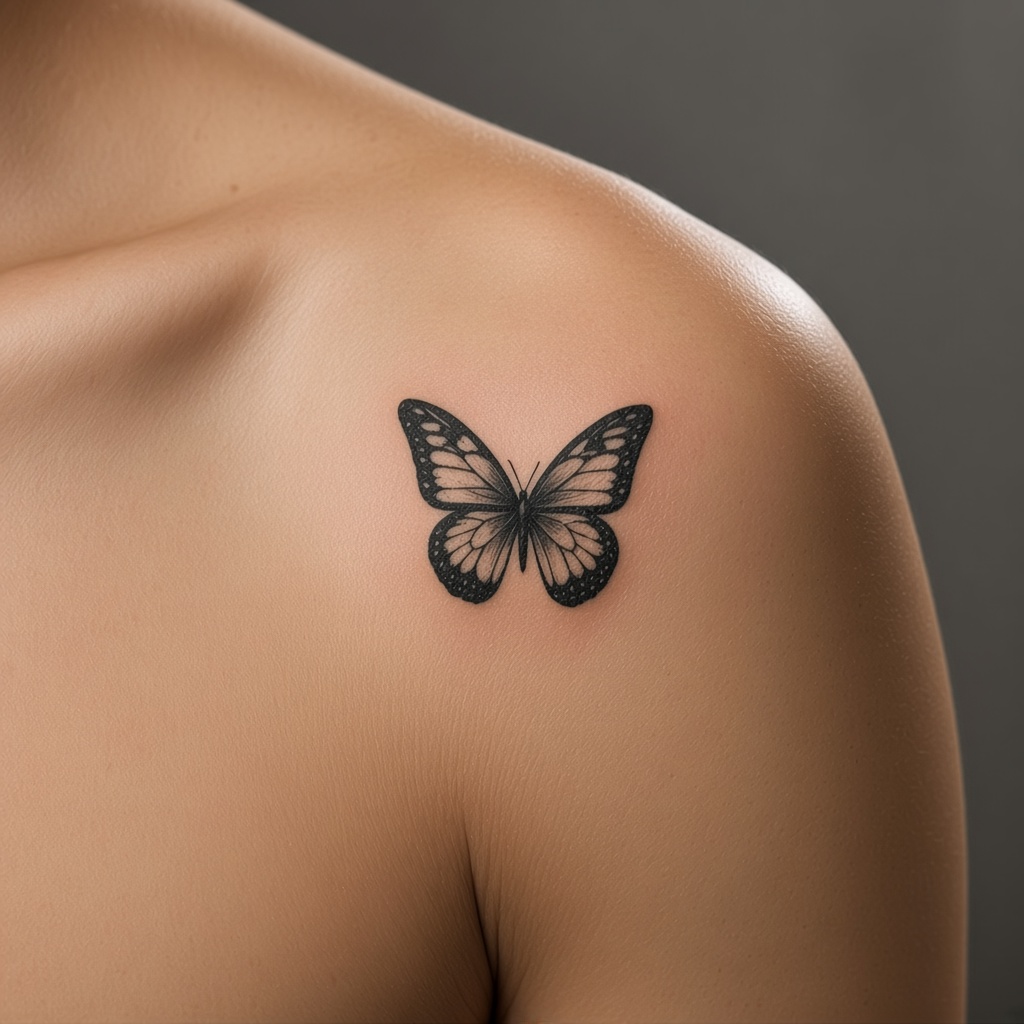
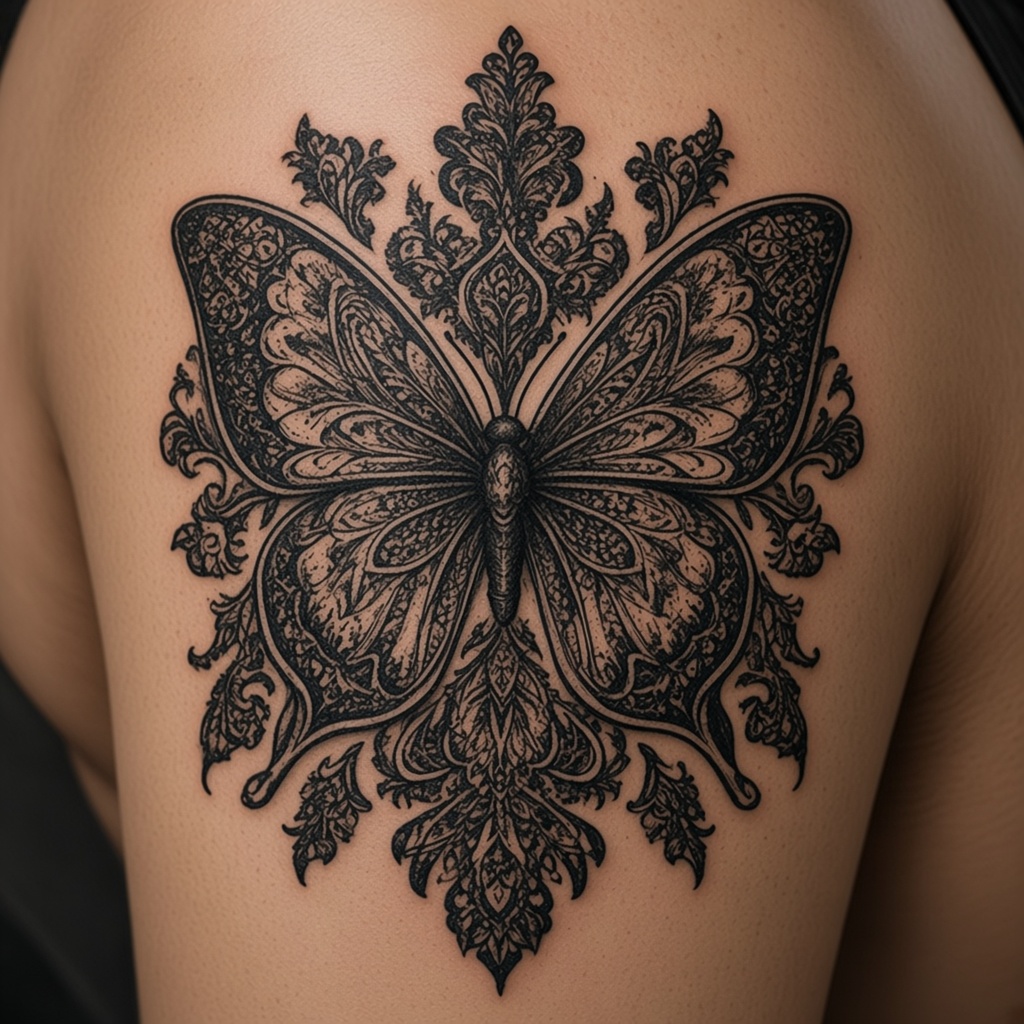
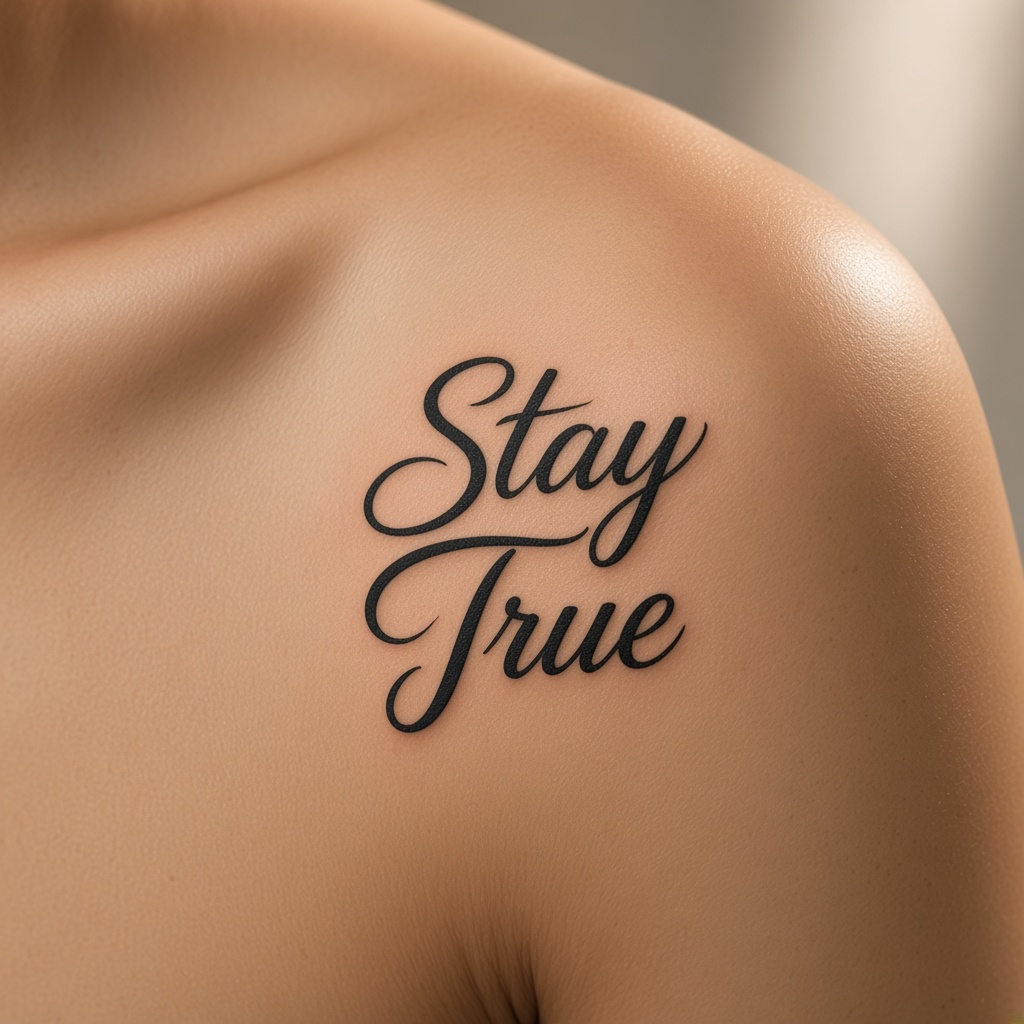
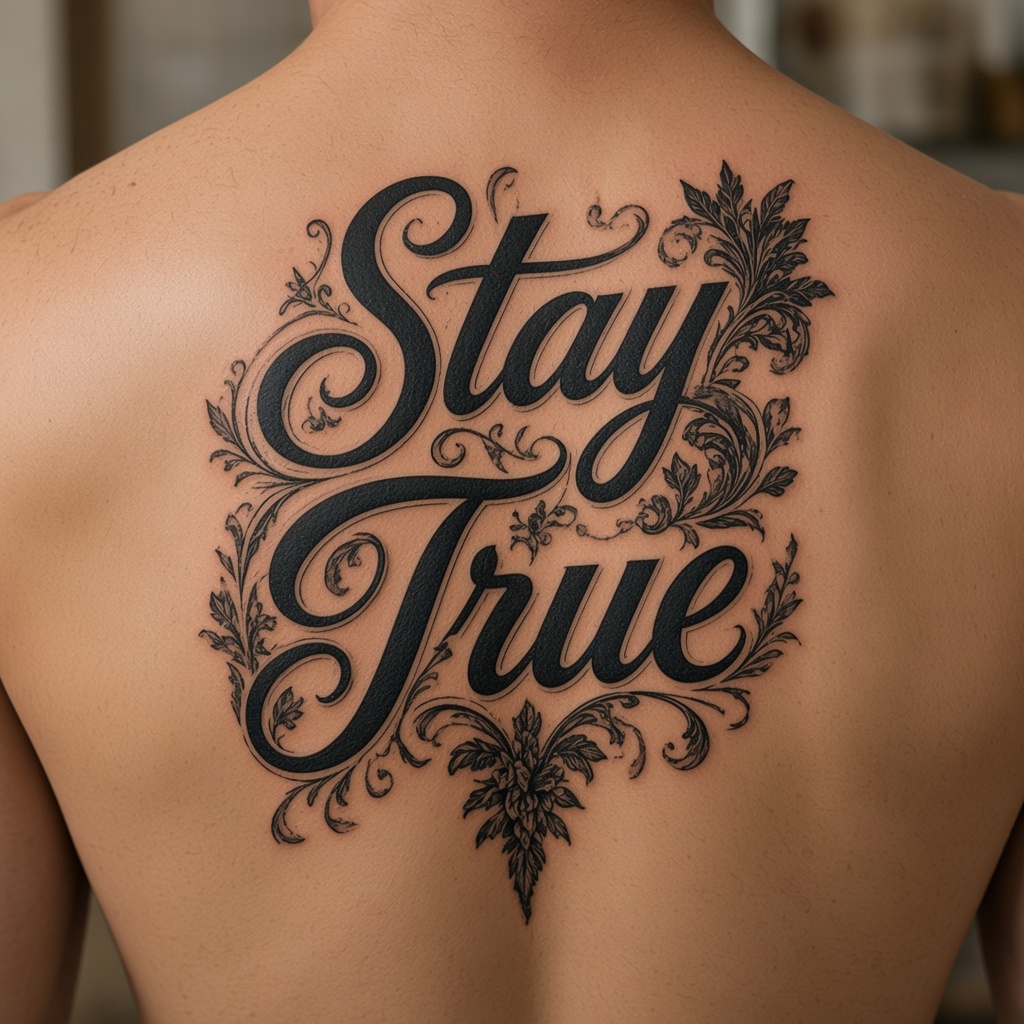
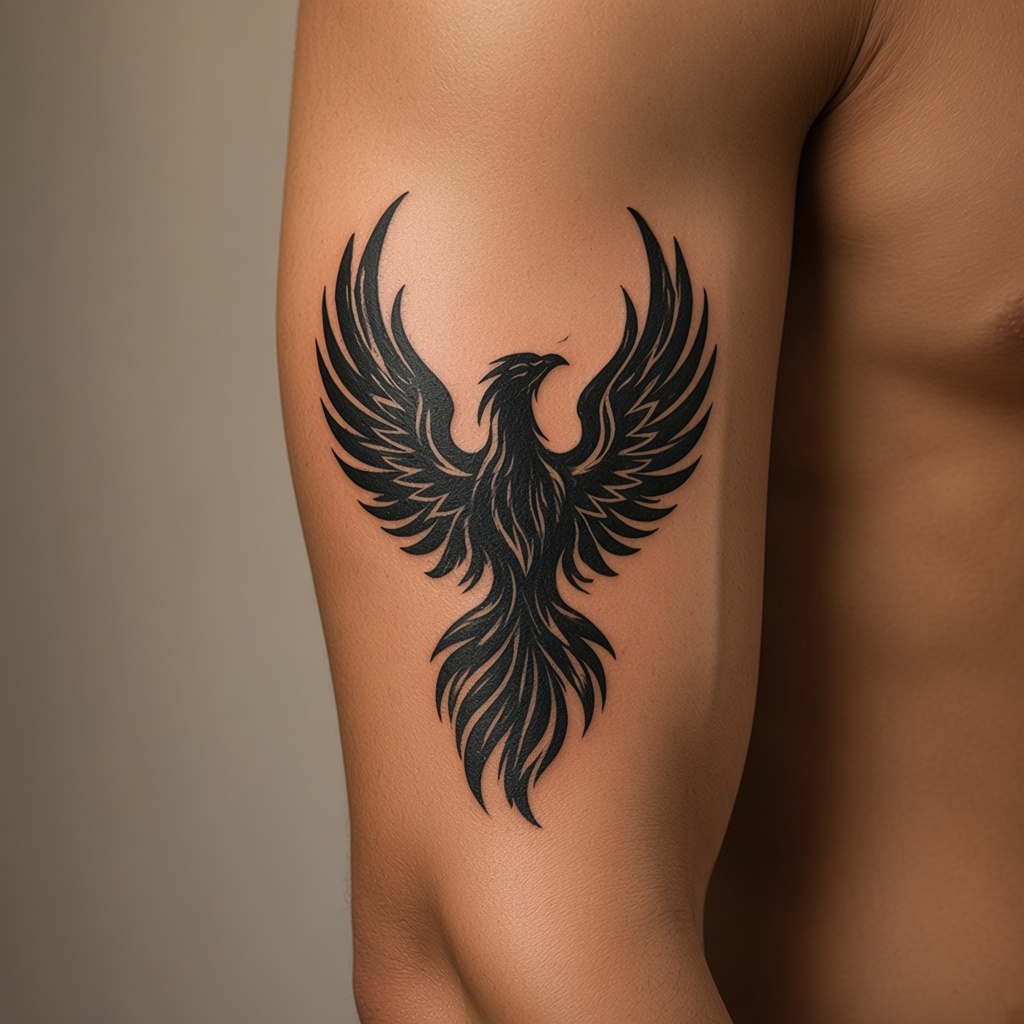
変えたい部分が分かる写真を上げます。
カバーアップ、隙間埋め、追加のどれかを示します。
生成のたびにクレジットを使います。決める前に施術者と見てください。
画像をダウンロードします。印刷用PDFやベクターではありません。
スタジオに、もう少し具体的な案を持っていけます。
カバーアップ、隙間を埋める、足す。近いものを選びます。
指定した場所が、案の向きを決めます。
クラウドが返した画像を保存します。SVGはありません。
新規は10クレジットで、一度きりです。
写真と結果は、削除を頼むまで残ります。
Old Tattoo
New Story
Upload your existing tattoo and explore endless possibilities with AI.
Upload Your Tattoo →