
列印前最後一步
把轉印稿放到紙上。不會在這裡重新設計圖案。
1選擇轉印稿

rose_stencil.png
2列印尺寸
Preset Sizes
3紙張設定
Orientation
4轉印設定
Print Preview
210 mm (A4)
297 mm
180 mm220 mmPrint Tip
Use stencil transfer paper and a thermal or regular printer. For best results, set the scale to 100% and make sure “Mirror for transfer” is enabled.
Need a larger size?
For large tattoos, enable “Tile across multiple pages” to split your design and print it on several sheets. Learn More
STENCIL PRINT LAYOUT
設定刺青轉印稿的實際尺寸、鏡像翻轉與頁面位置,匯出 A4 或 Letter 尺寸的 PDF,準備以原尺寸列印的檔案。
Print a Tattoo Stencil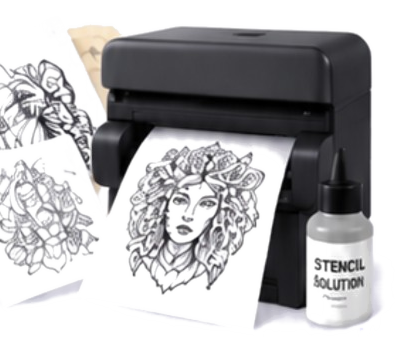
From
Design
to Stencil
Ready
to Ink
不會另外畫圖
轉印稿 PDF
按下列印之前
用印表機預覽確認
Turn your ideas into stencils
Upload any line drawing, raw sketch, or internet flash asset. Our pattern AI cleans background tones, structures contour margins, and delivers crisp line art pre-optimized for carbon paper feeding.
Try It Now →

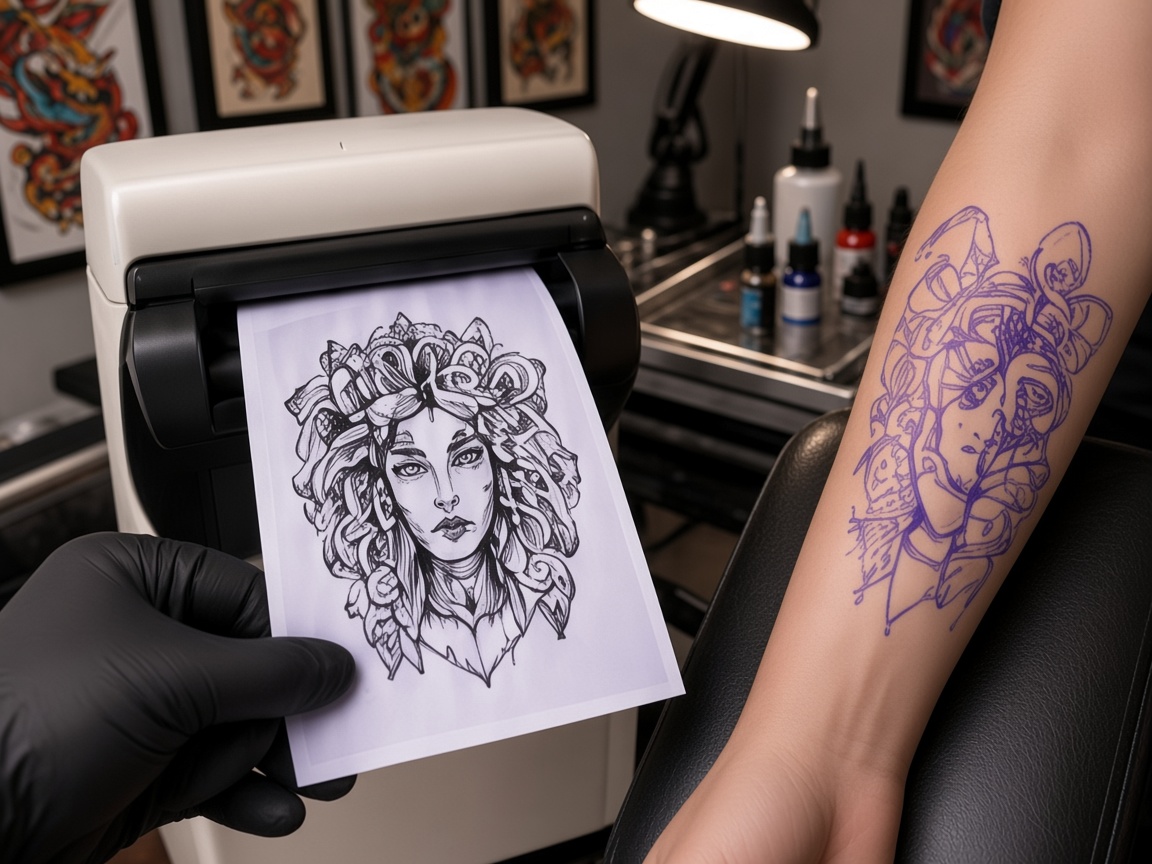
Perfect for professionals & beginners
Engineered for professional tattoo studios. Input real-world physical dimensions (inches or cm), toggle the mirror matrix, filter grey gradients, and ensure your hardware prints with 100% accuracy and zero jamming.
Print Printing →Crisp, clear lines
From simple to complex
Ready in seconds
Trusted by professionals
Stencil examples
Explore curated line vectors optimized for thermal printers on this page. Click any clean stencil artwork to instantly load the reference assets into the sizing workstation dashboard.


How it works
用你已經做好的圖片或文字。
選 A4 或 Letter,輸入實際尺寸,文字或圖形需要時打開鏡像。
下載 PDF,在印表機預覽確認沒有被縮放。這個網站不會控制印表機。
把轉印稿放到紙上。不會在這裡重新設計圖案。
A4 或 Letter,用來準備原尺寸列印。
文字或左右不對稱的圖,轉印時通常需要。
你輸入尺寸,再對一下印表機預覽,避免被縮小或放大。
這一步不扣點,也不會為了生成把檔案送出去。
若圖案來自雲端,那一份仍留在帳號,直到你要求刪除。
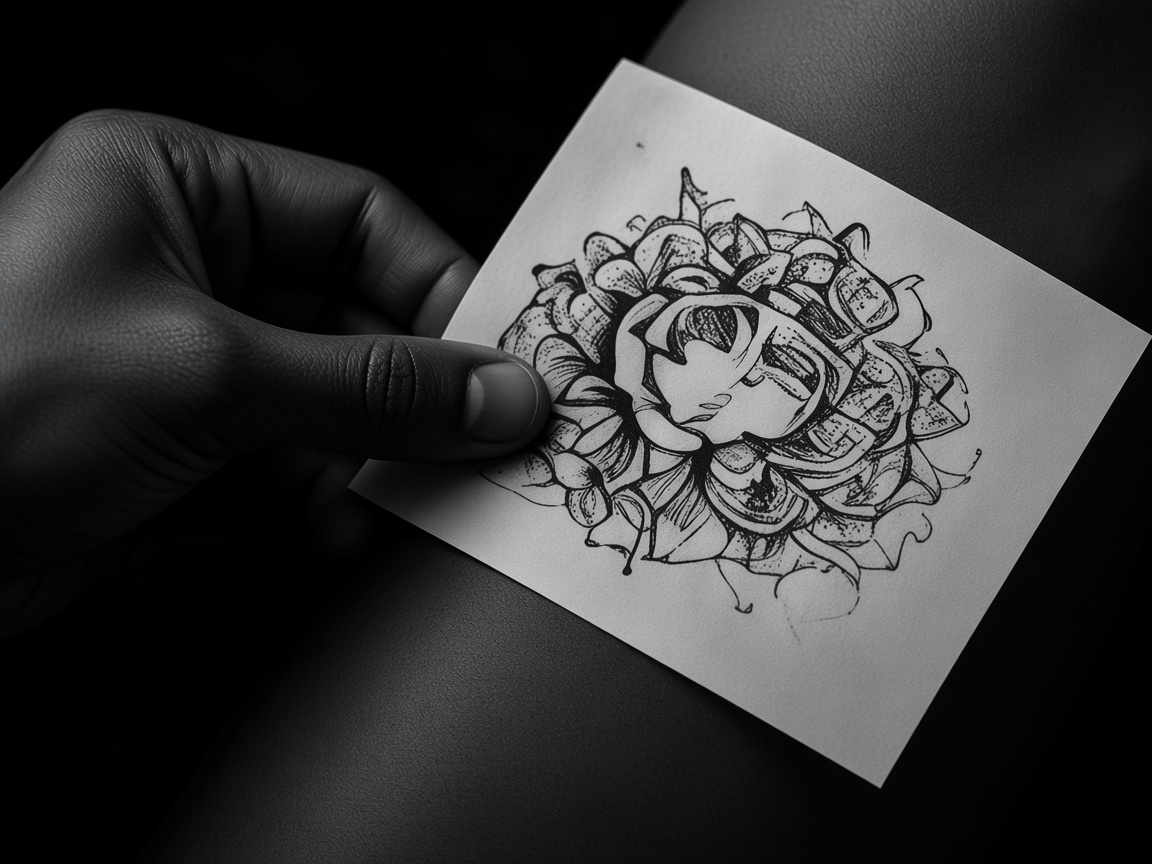
Turn your ideas into professional stencil prints with AI. Fast, easy, and reliable.
Print a Tattoo Stencil →Create
Print
Tattoo
Repeat.