
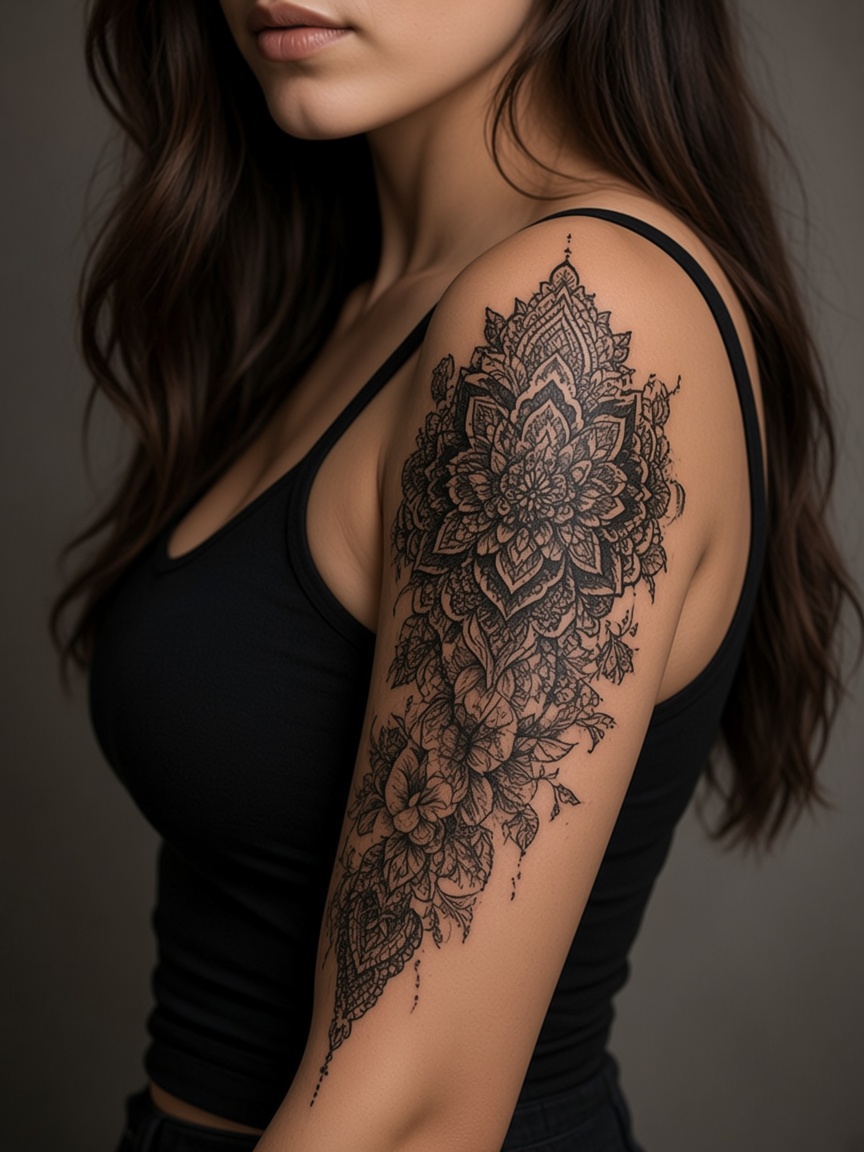
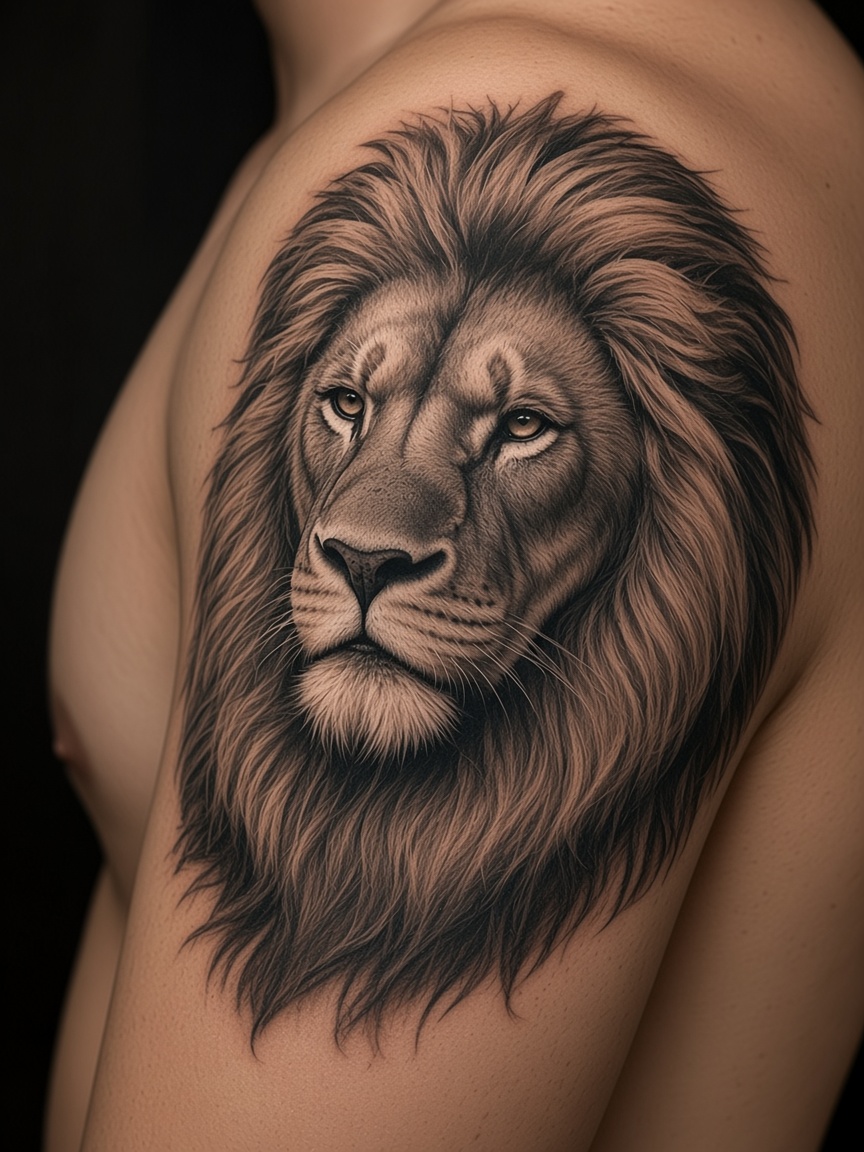
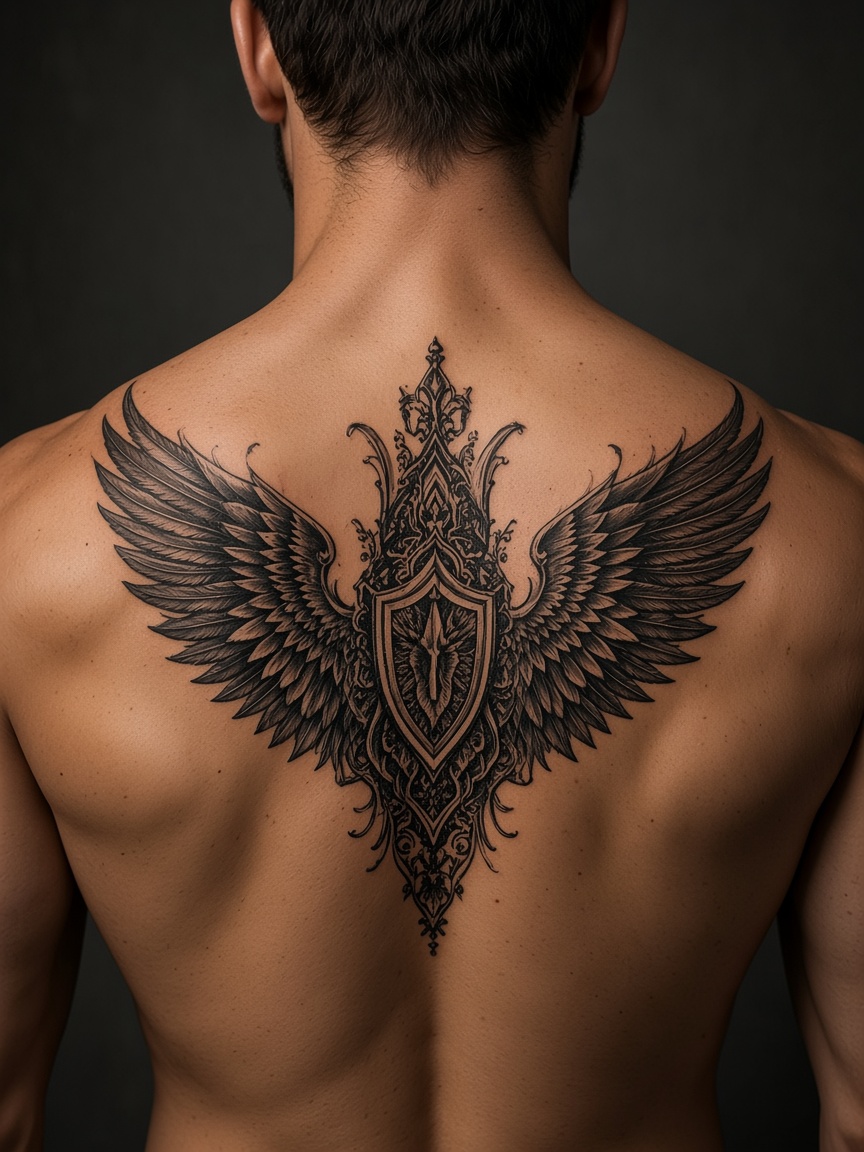
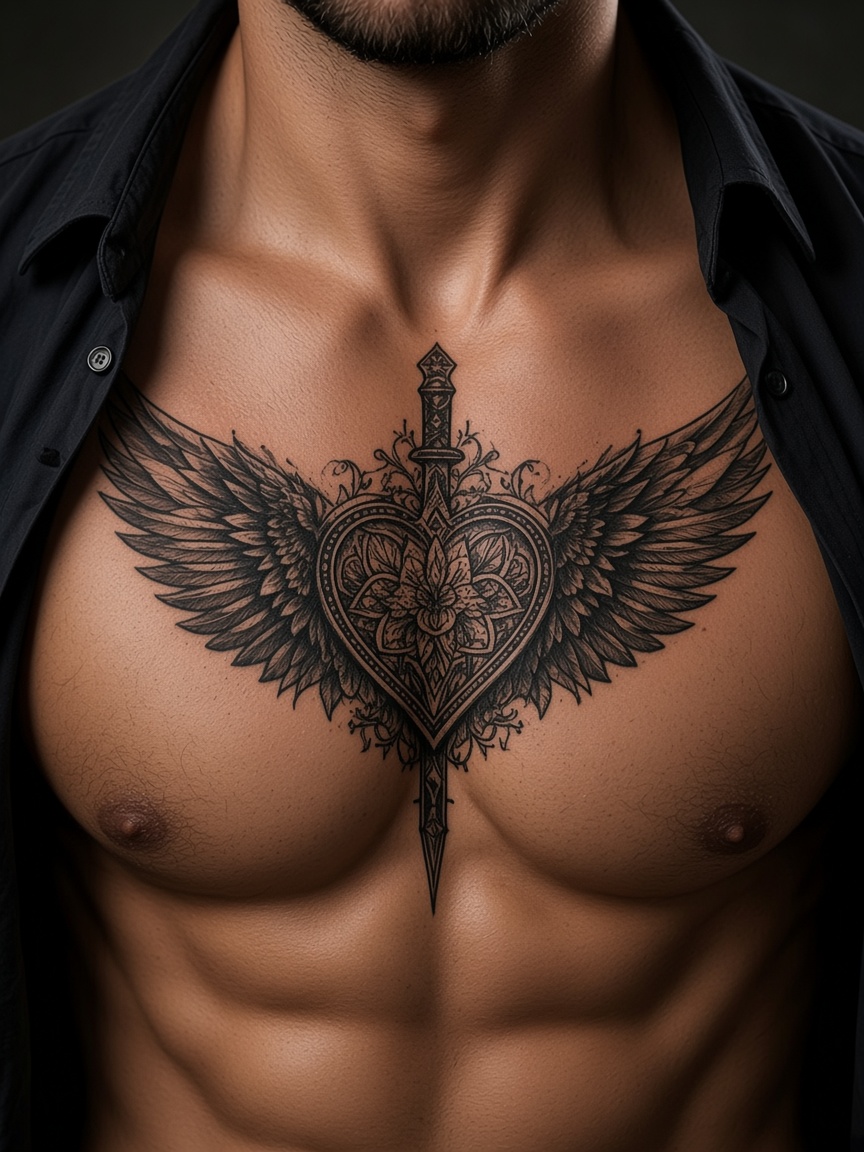
上傳自己的照片
部位清楚、光線夠的照片比較好對。
1Upload Your Photo
arm-photo.jpg
2Choose Tattoo Design
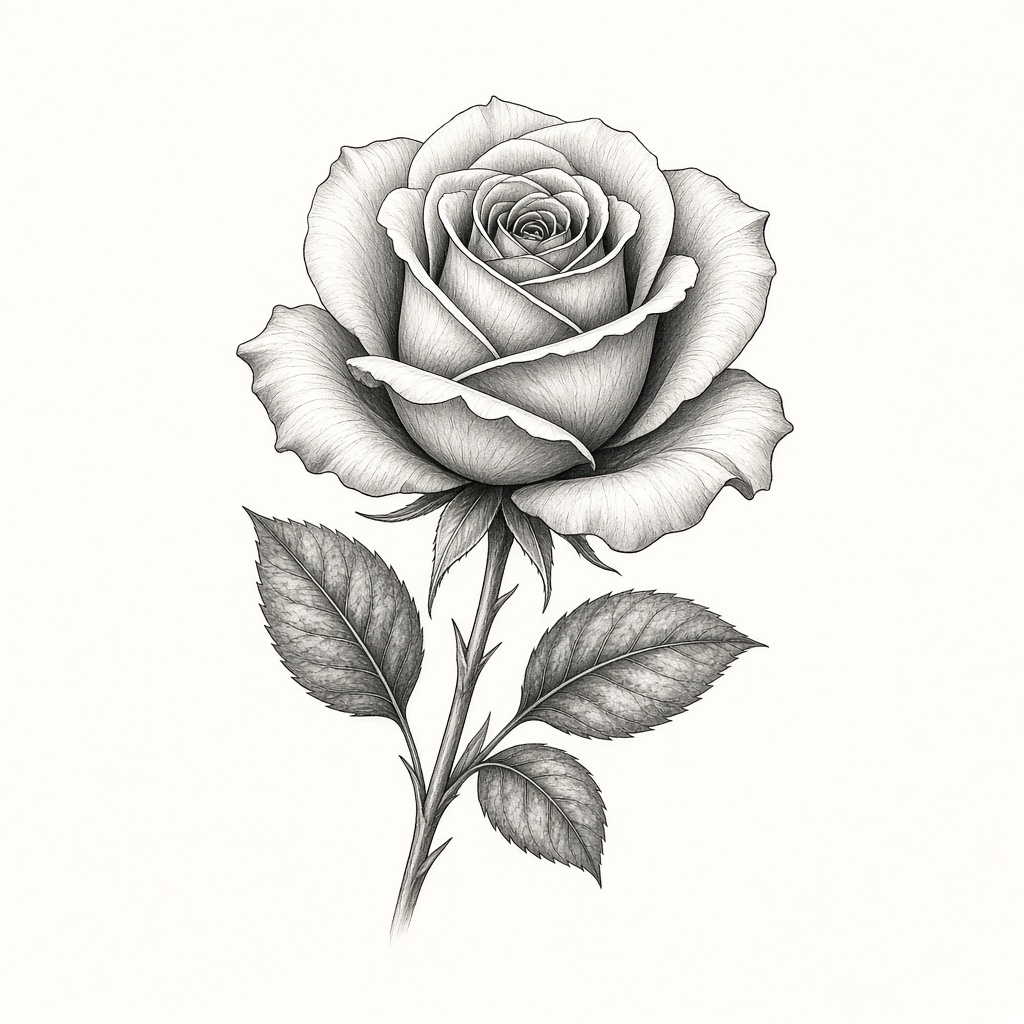
rose.png
to include library images saved to this account. Original stencils are available without signing in.
3Adjust Placement
Rose Sleeve v24Generate Preview
Overlay stays in this browser
Original
Try-On Result
Realistic overlay
See placement on your photo in this browser.
Private on this device
This try-on does not upload your photo.
Made for deciding
Try a design, then download a PNG to take to a shop.
TATTOO PLACEMENT
將刺青圖案放到自己的照片上,調整大小、角度與透明度,比較不同位置的視覺效果,再下載預覽圖,與刺青師討論配置。
Try On a Tattoo Now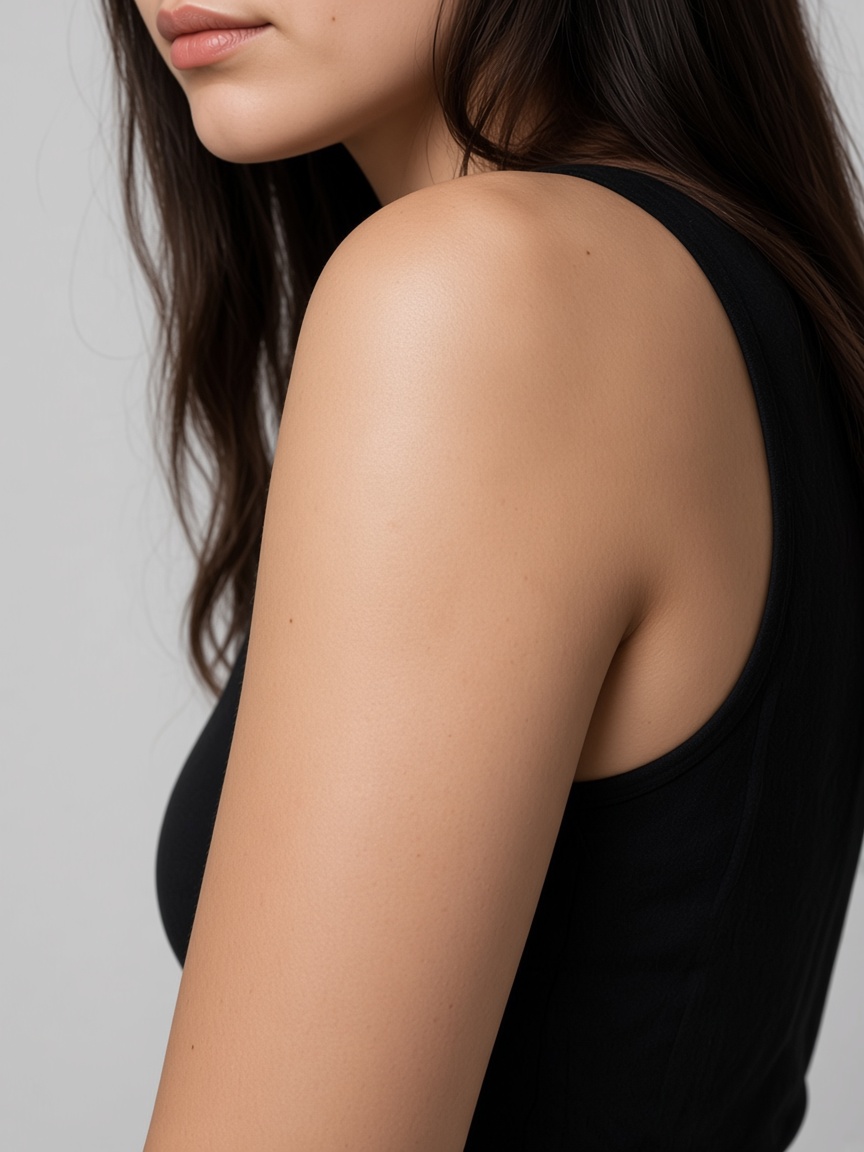
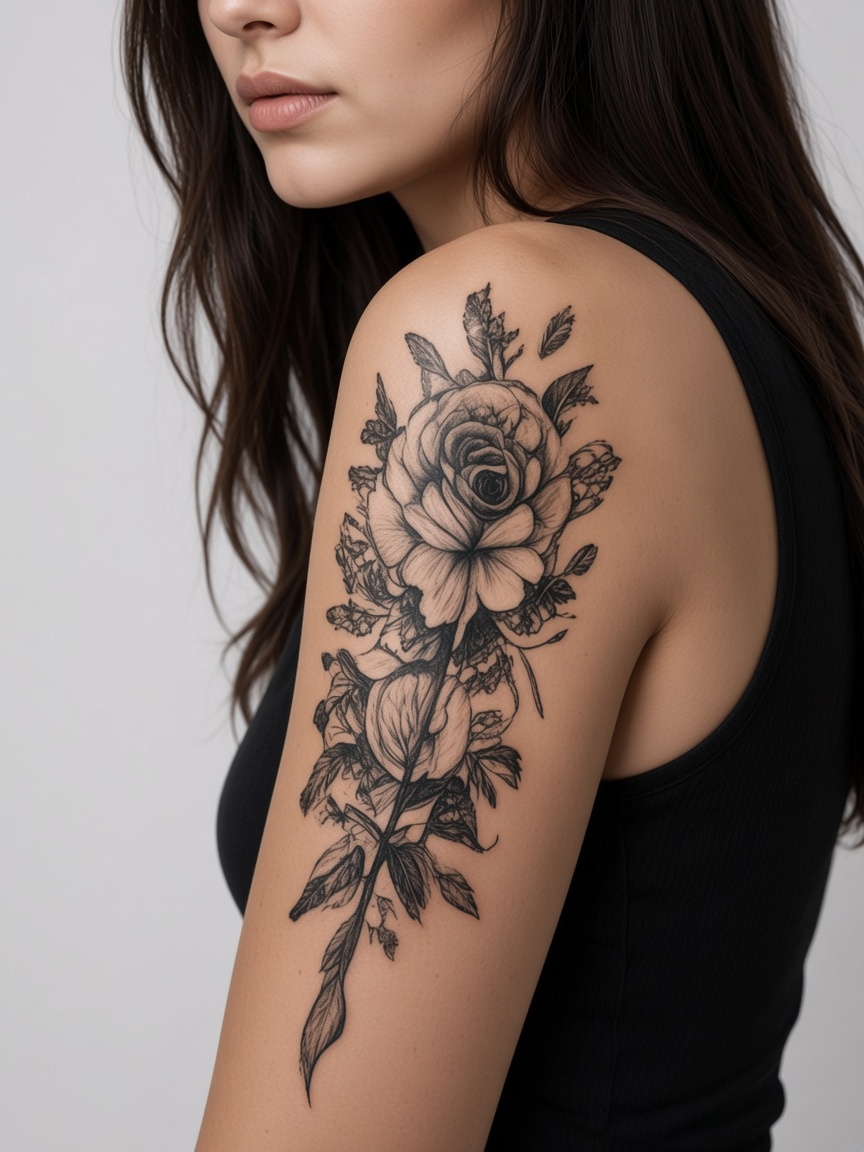
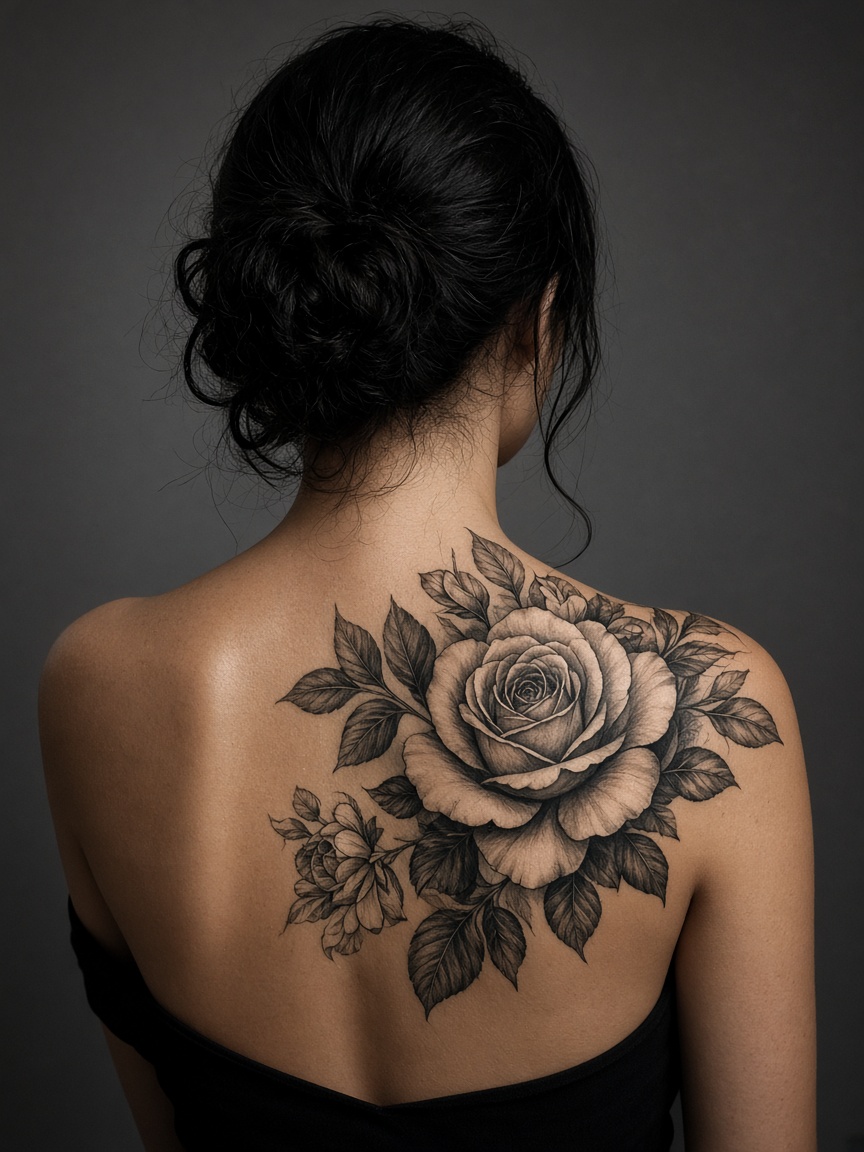
After (AI Try-On)
Try
Designs.
Find Your
Perfect Look
進店前先看
比較不同位置
看貼上去的感覺
可下載去討論
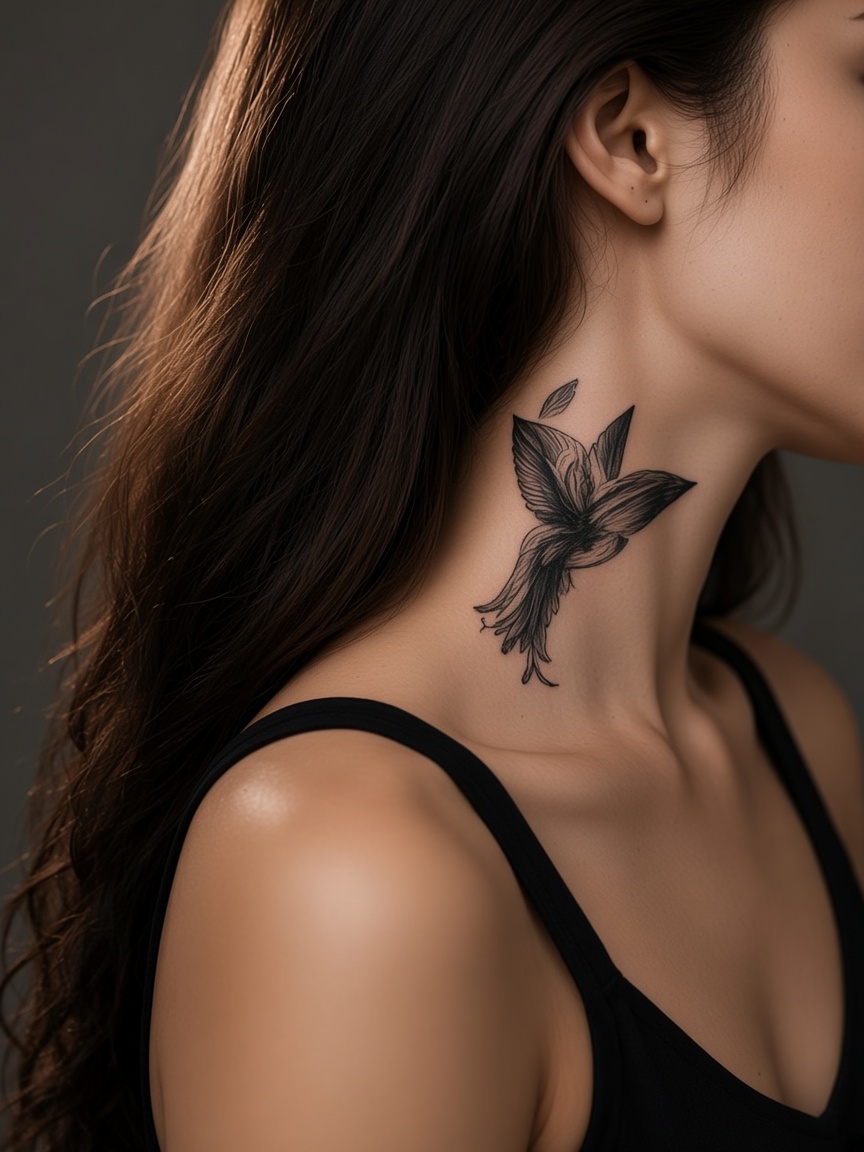
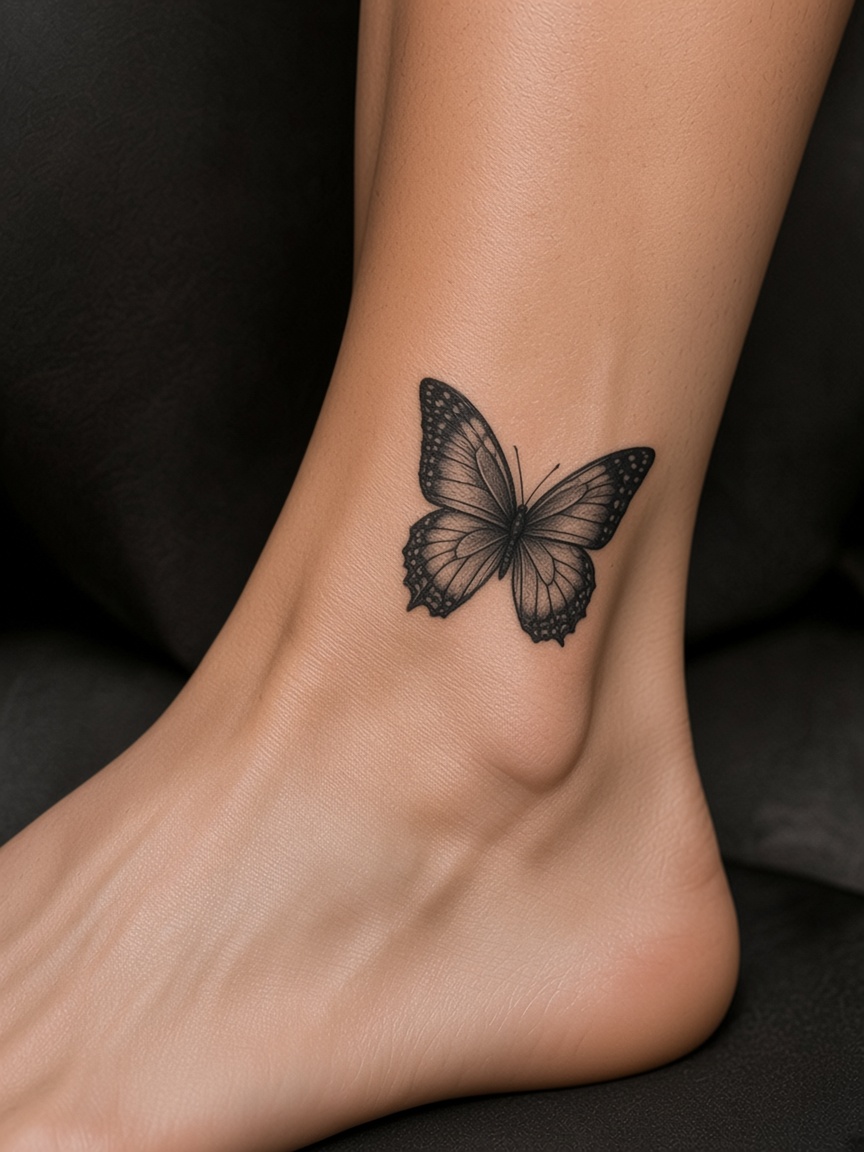
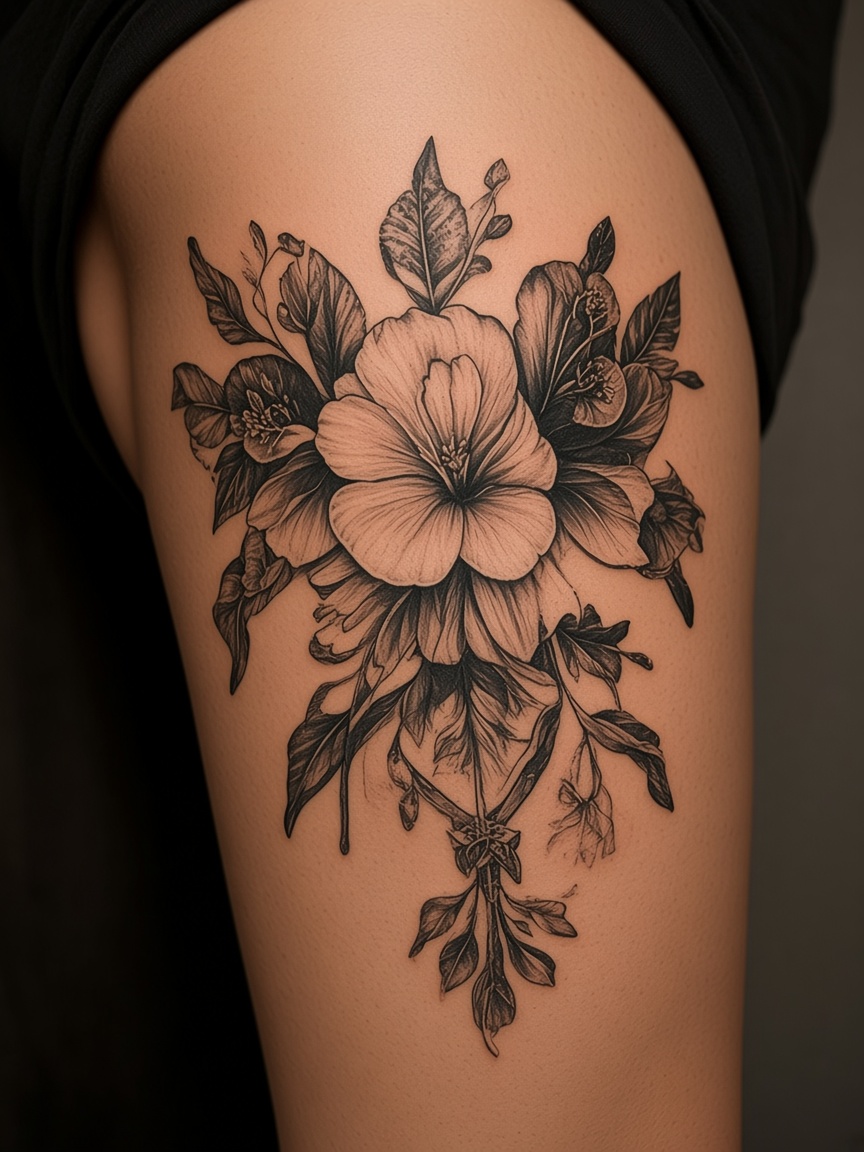
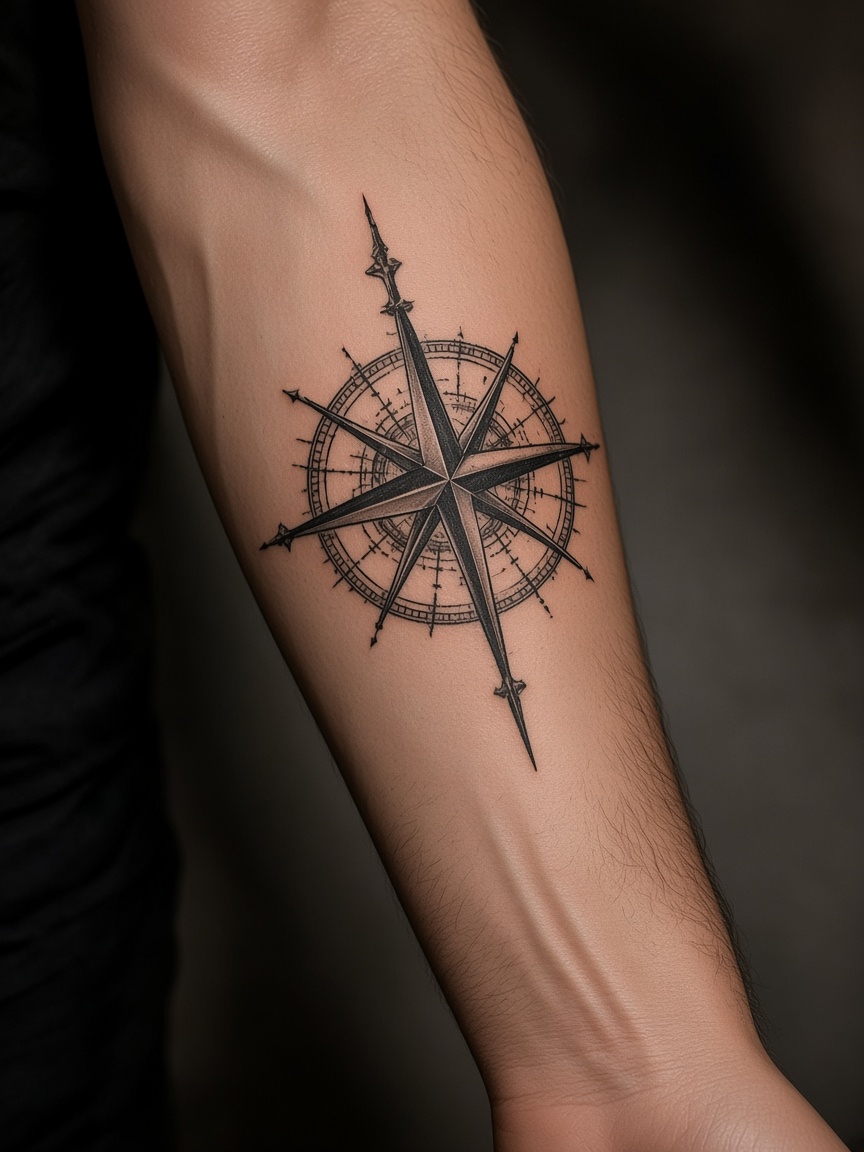
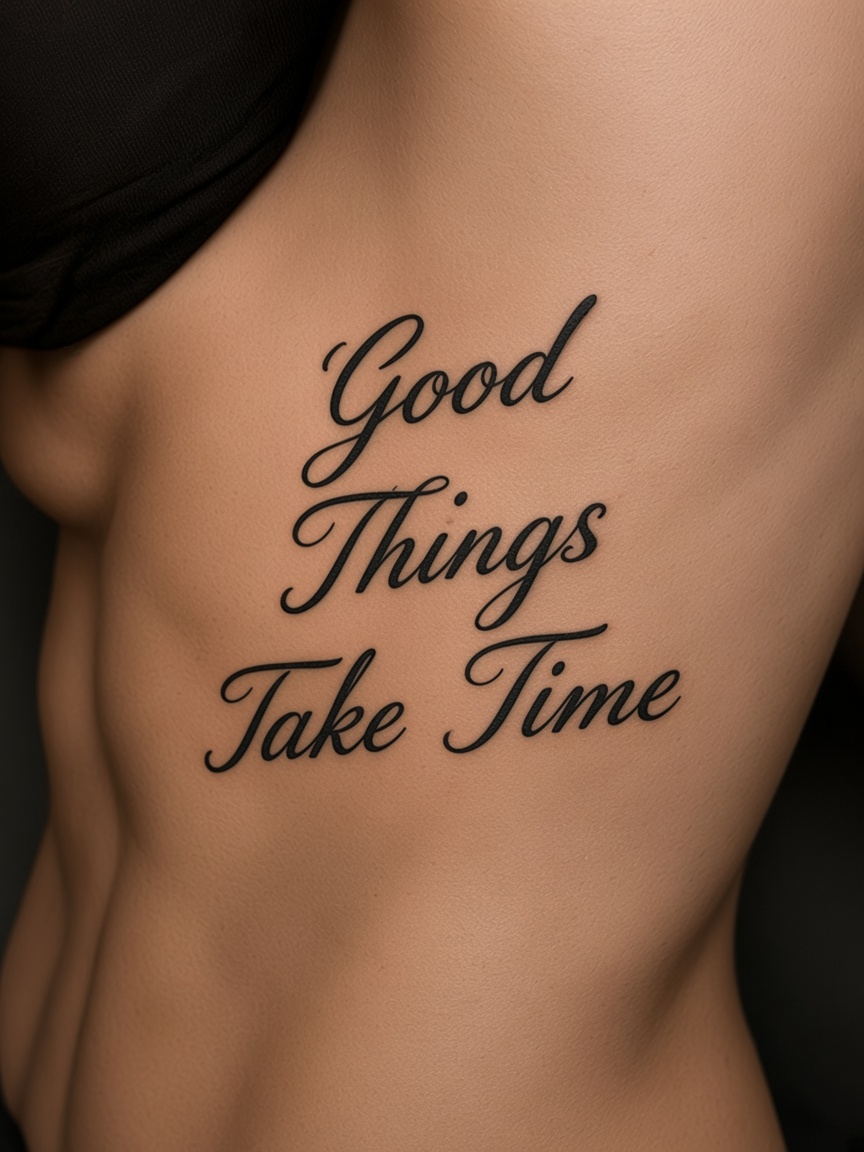
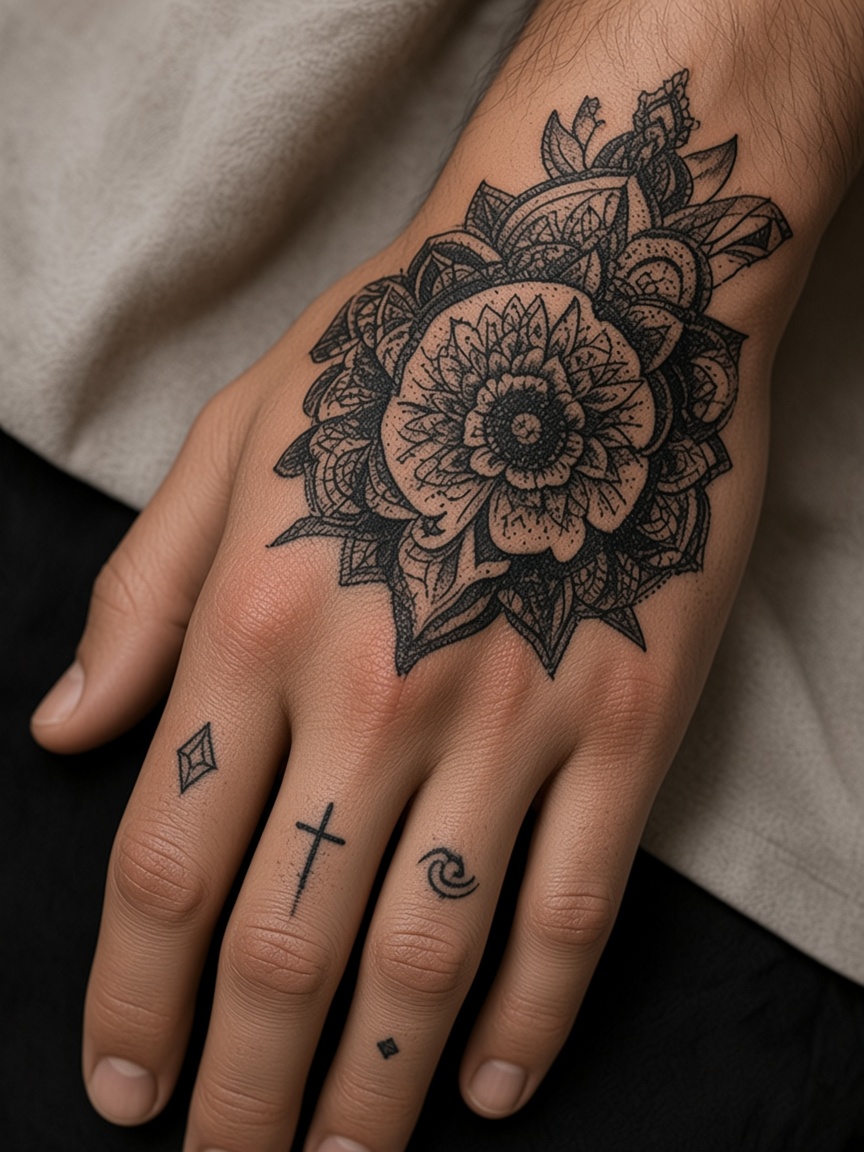
Try any style, any placement
Test templates on any destination cluster—whether you need alignment previews for arms, legs, back, chest, or neck. Drag the design on the photo in this browser. Cloud generation, if you use it, spends credits.
Upload Your Photo →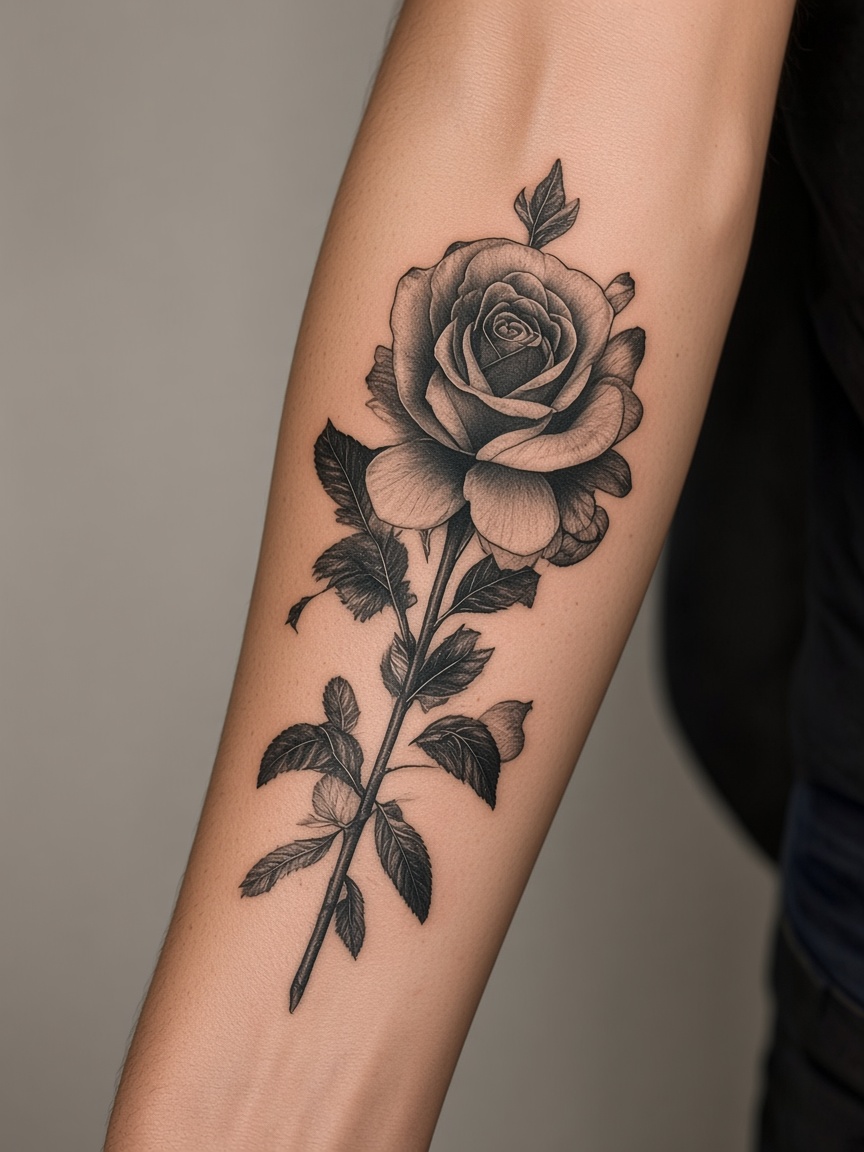
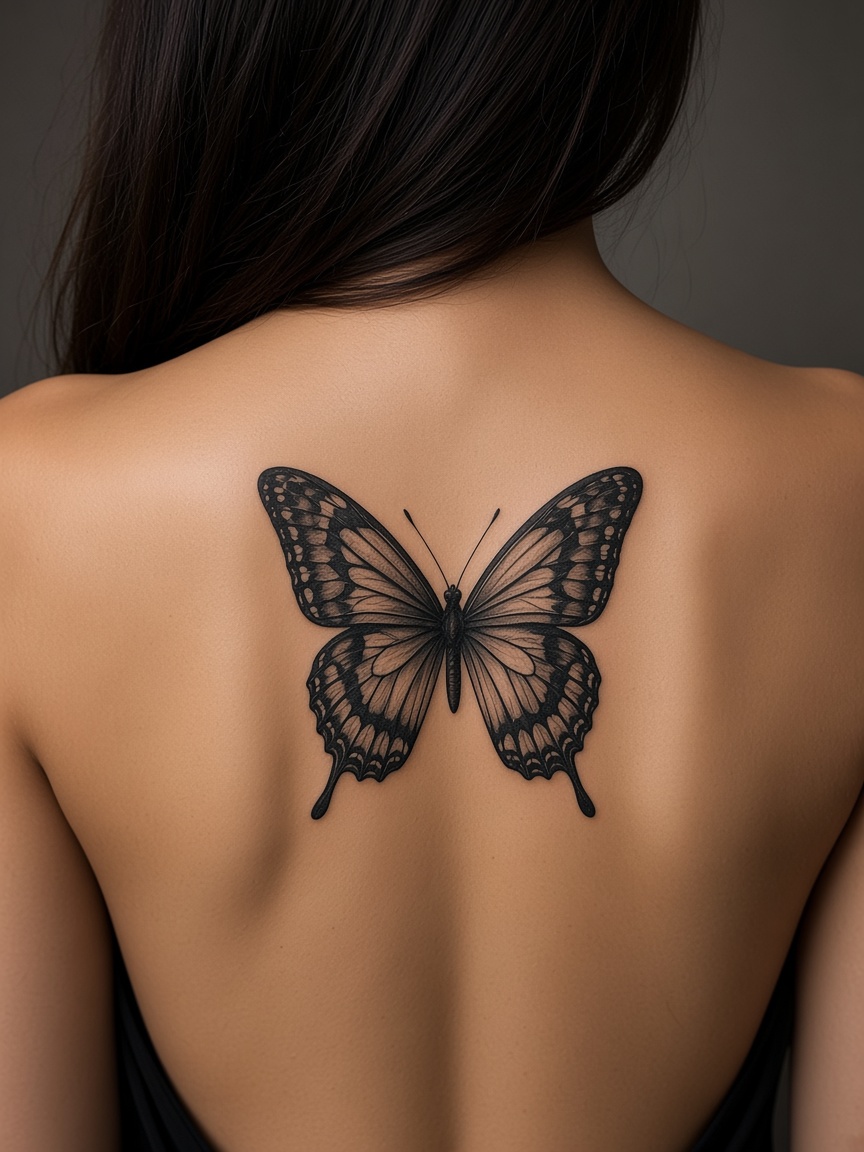
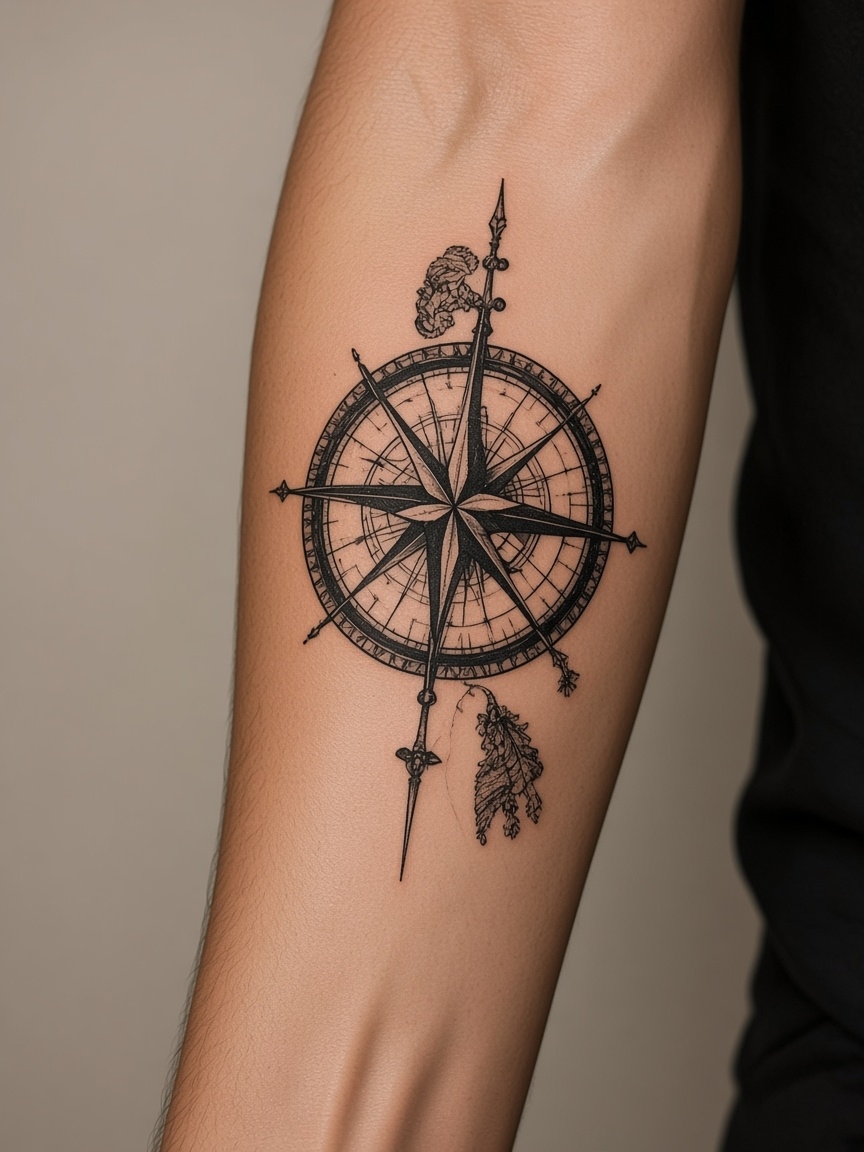
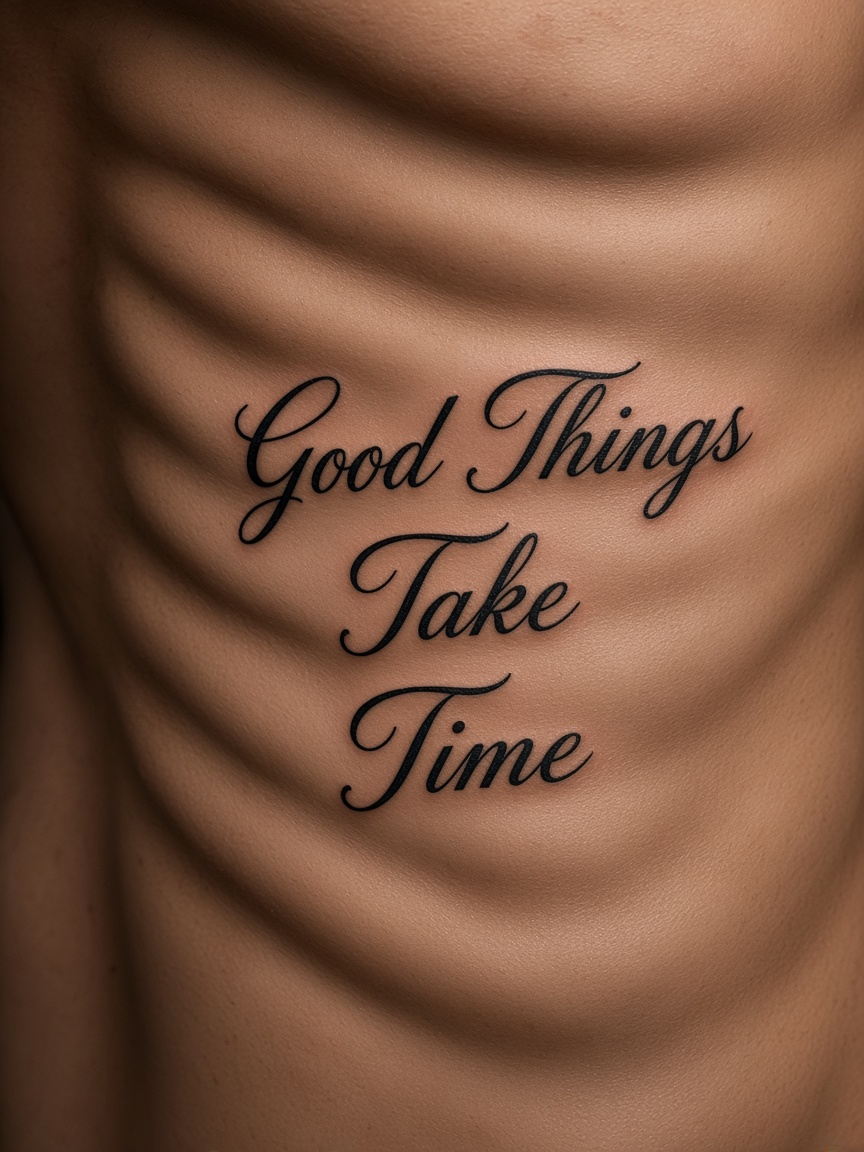
How it works
部位清楚、光線夠的照片比較好對。
調大小、角度和透明度,比較不同位置。
這是討論用的預覽,不是已經刺上的結果,也不是轉印稿。
用來確認大小和位置看起來順不順。
上傳之後就不是看別人的示範圖。
只是移動和縮放的話,這個步驟不扣點。
最大 12 MB。背景透明的 PNG 疊上去比較乾淨。
如果在這裡再生成新圖案,才會使用點數。
位置預覽在瀏覽器進行。只有啟動雲端生成時,結果才會進帳號。
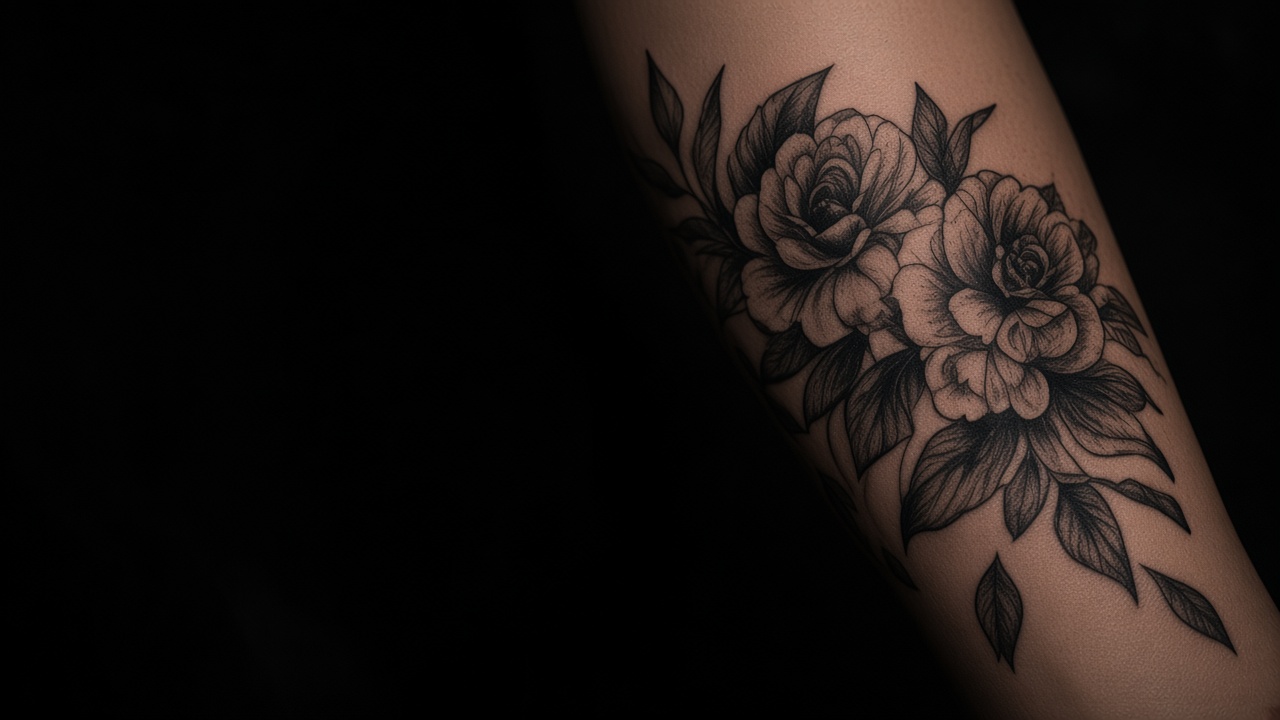
Preview
Customize
Be Confident
Upload your photo and see how it looks with AI. No commitment, just possibilities.
Try On a Tattoo Now →